

 regolith-linux
Two keyboard layouts, but shortcuts with symbols only work on the default one
Bug
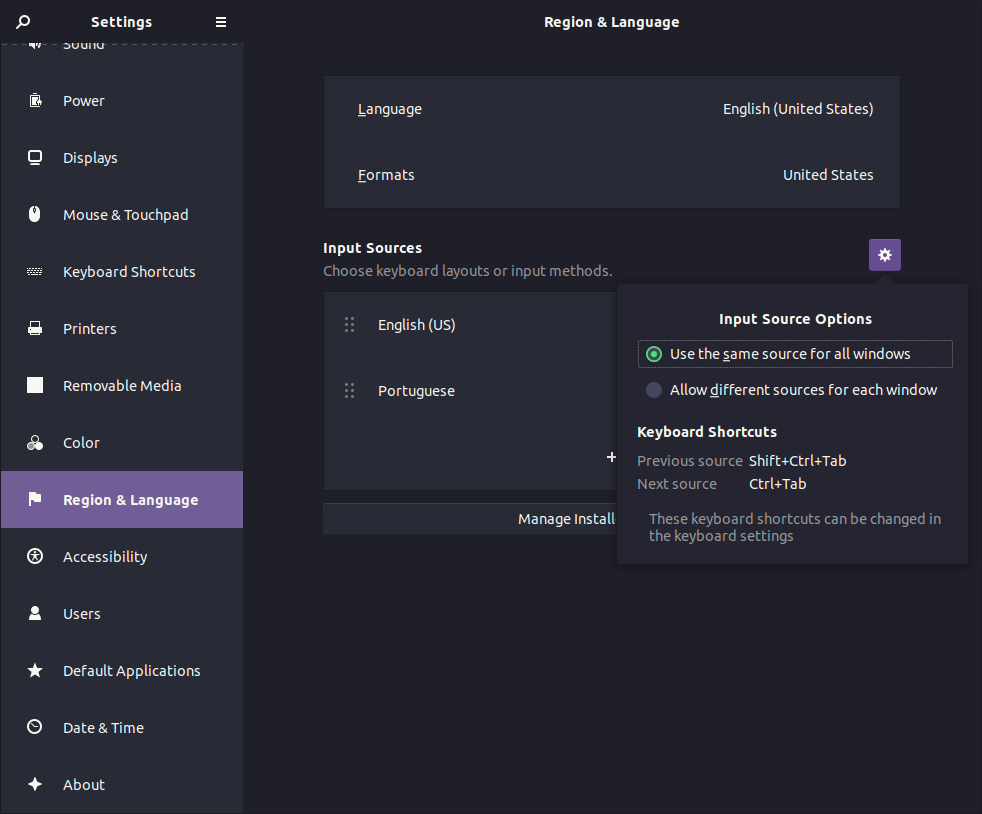
I use two keyboard layouts, pt & us, but to use keybindings with symbols, I have to call them always as if my current keyboard layout was "us", which is the default one. The default is also to use the same source/layout on all windows.
To Reproduce
For instance, take the keybinding $mod + Shift + ?, if I press the "?" in the pt layout, which corresponds to "_" in the the us layout, nothing happens. The shortcut will only work, regardless of active keyboard layout, it I press the keys corresponding to the US layout (default one).
Expected behavior
Shortcuts should work with the selected/active keyboard layout, not with the default one.
Screenshots
Just to show you the keyboard layout setup
Configuration file(s)
I have not changed the default configuration files (yet).
Installation Details
- Regolith Install Type: PPA
- Regolith Version: 1.5.2
- PPA url: ppa:regolith-linux/release
- Host OS (for PPA): Ubuntu 20.10

This may be due to two competing configuration systems; gnome/gsettings and i3. I do not have a solution for you at this time unfortunately @digital-tinta

Hello, I also have to alternate regularly between a UK keyboard at home, and a FR one at work. Any updates on having Regolith play nice with either one that is selected at the moment ? Cheers !
