
vscode-java
 vscode-java copied to clipboard
 redhat-developer
Avoid need of restart of Visual Studio Code when updating java.home
It would be nice to not have to restart Visual Studio Code when changing Java Home
Environment
- Operating System:
- JDK version:
- Visual Studio Code version:
- Java extension version:
Steps To Reproduce
- File -> Preferences -> Settings -> Java -> Home -> Edit in settings.json 2.provide a different value to java.home
- save
Current Result
a notification is provided asking to restart
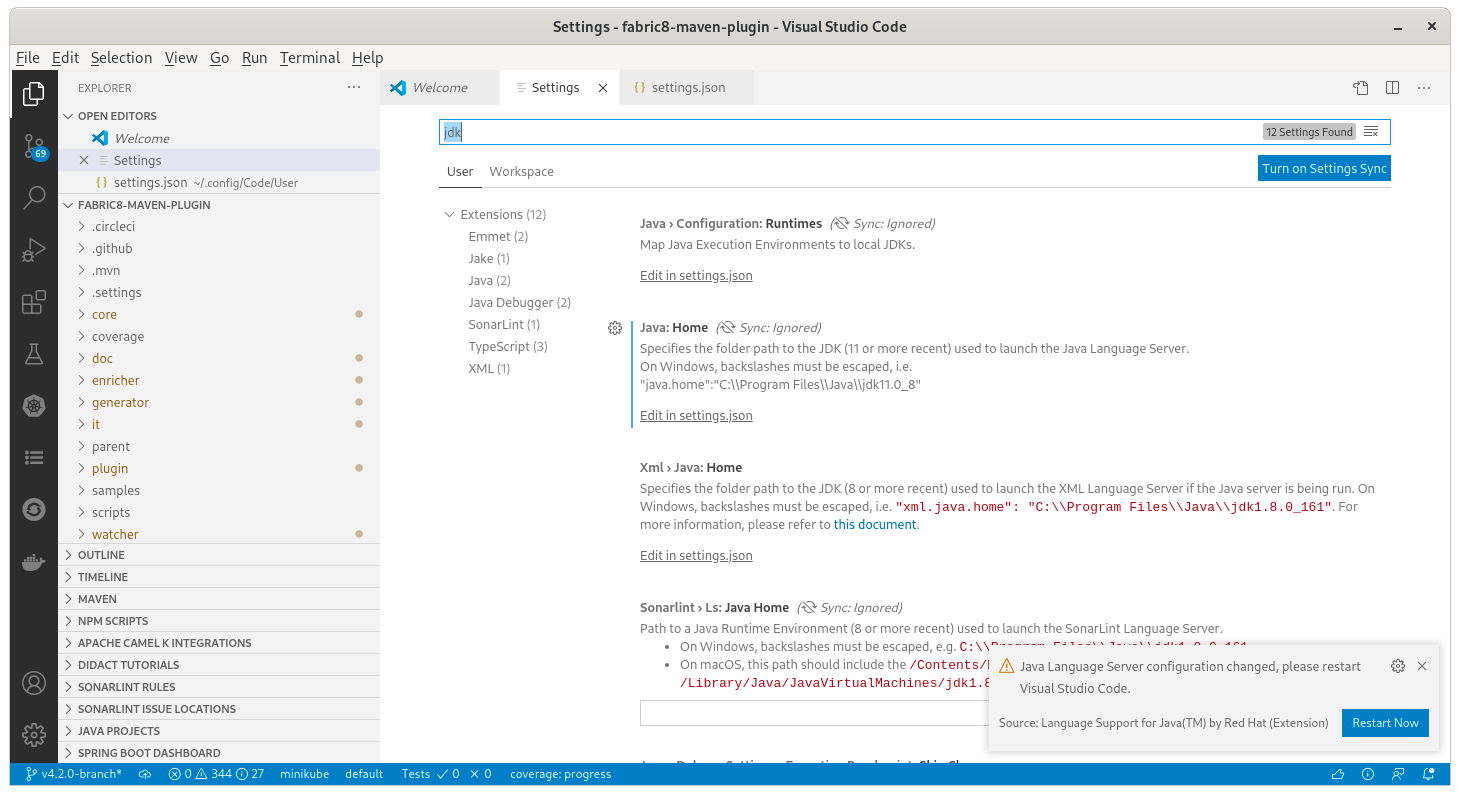
Expected Result
new java home is used without restart of Visual Studio code
Additional Informations
cc @orpiske

I can't remember which one does it, but some extension does restart its language server after changing some config. So it's doable. Need to evaluate the impacts on other extensions depending on vscode-java

We certainly do this with crashes of the language server so it makes sense.
Is the the java.home only being modified to change the project JDK ? There is a better way to do this. If compatible JDKs are defined in the settings, then it should be possible to just update the project's build configuration and switch without ever restarting.

changes in the runtimes configuration don't require a reload and are updated on-the-fly on impacted projects.
The issue is java.home used to launch jdt.ls
This has come up again as a request so perhaps we should prioritize it in the future. Not only for the Java home location, but even for things like the vmargs settings (eg. lombok configuration).
Note that with the embedded JRE, java.home is deprecated and the new property is java.jdt.ls.java.home.