
vscode-java
 vscode-java copied to clipboard
 redhat-developer
Code Navigation doesn't work with gradle project
When using a gradle project the code navigation does not work at all. Not with cmd + click and not with F12. It says 'no Definition found for 'name of class'
This works with a maven project and j11 but not gradle and j8.
I have a multi module gradle project and it has a big build.gradle file.
Environment
- Operating System: Mac 10.14.6
- JDK version: openjdk version "1.8.0_242"
- Visual Studio Code version: 1.41.1
- Java extension version: 0.55.1

It actually doesn't matter what java version I have. even with 11 with a gradle project it doesn't work

https://github.com/jabedhasan21/java-hello-world-with-gradle
This is a simple project I just found on internet. I have installed the whole java extention pack and none of them work. ( dependencies, debugger and the redhat) Also just the redhat alone doesn't work.
@Afshinzkh could you try the following:
- close VS Code
- run
$ ./gradlew wrapper
$ ./gradlew --version
$ code .
Do you mean the code navigation for external dependencies? I suffer from that bug, too - e.g. can't jump to the spring boot code behind a class. But the internal code navigation works fine for me. Tried several different gradle versions back to 4.10.

Is this issue fixed? I am facing similar issues trying to get the configuration right.
I am using: Win10 VSCode 1.74.3 - 97dec172d3256f8ca4bfb2143f3f76b503ca0534 - x64 gradle 8.0.2 Groovy: 3.0.13


I will try to create a simple project to show you my problem the next few days. Thx for responding
my test project: https://github.com/Genlight/javaTest
for the local jar dependency you can use any downloaded file you want.
What i like to have is an entry beneath 'Dependencies' which lists my local jar.
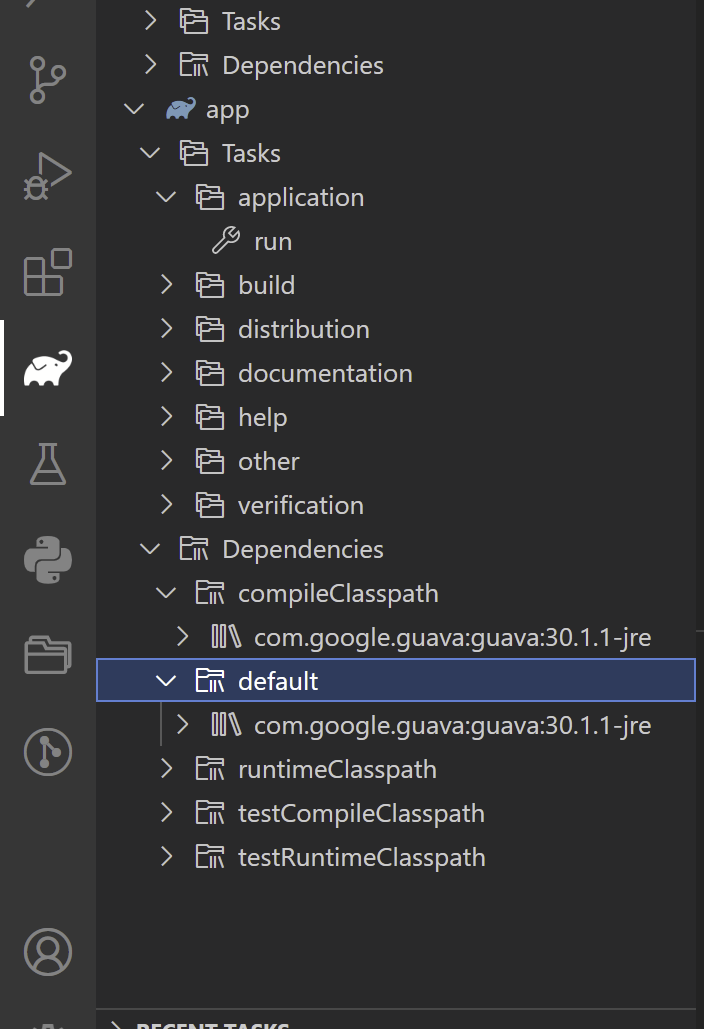
Having the same issue
It can atleast find classes in other files in the same project at first, but once configuration finishes, it becomes unable to find any classes at all, unless the file containing the class is open.
