

 realthunder
Reference direction selection on part design pattern not working correctly/at all
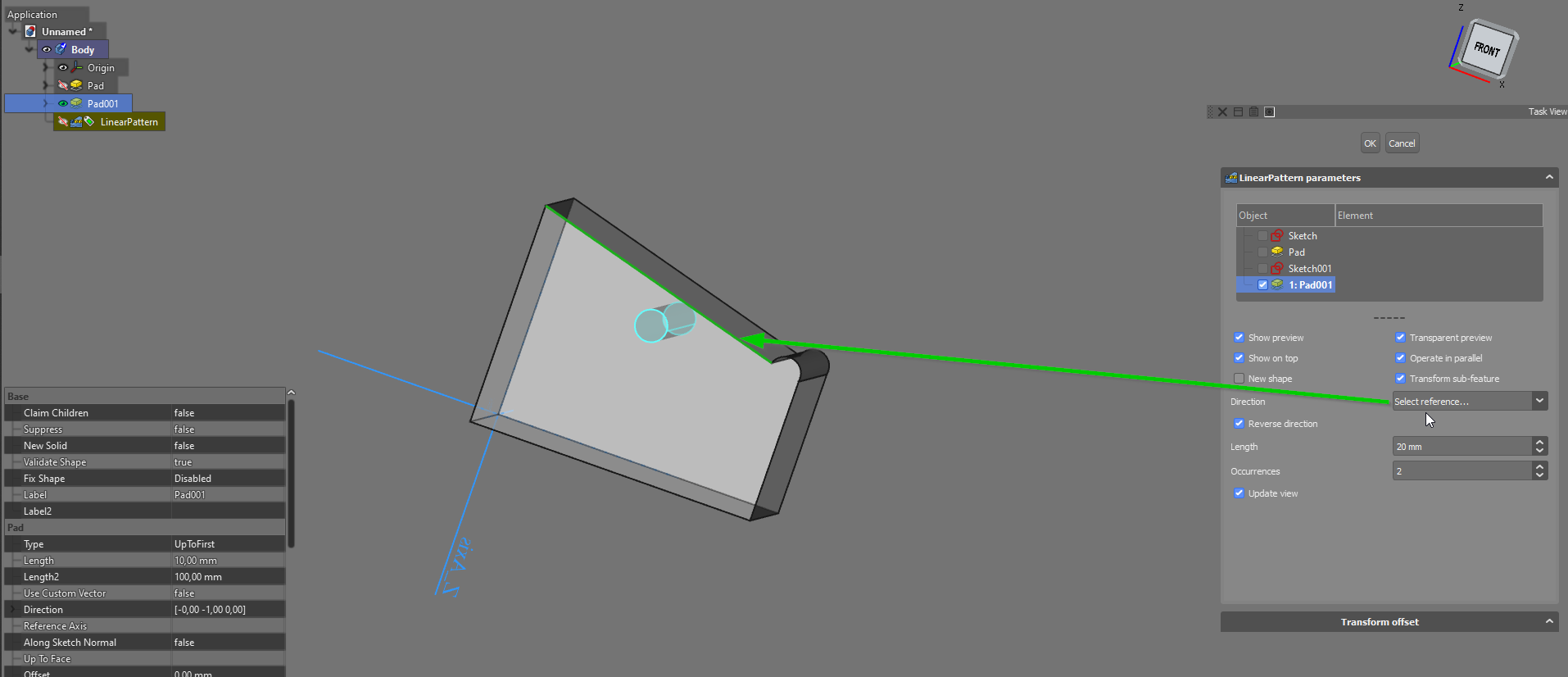
In Linear pattern the reference direction selection is not working, when selecting either a line or a face, it just doesn't work:
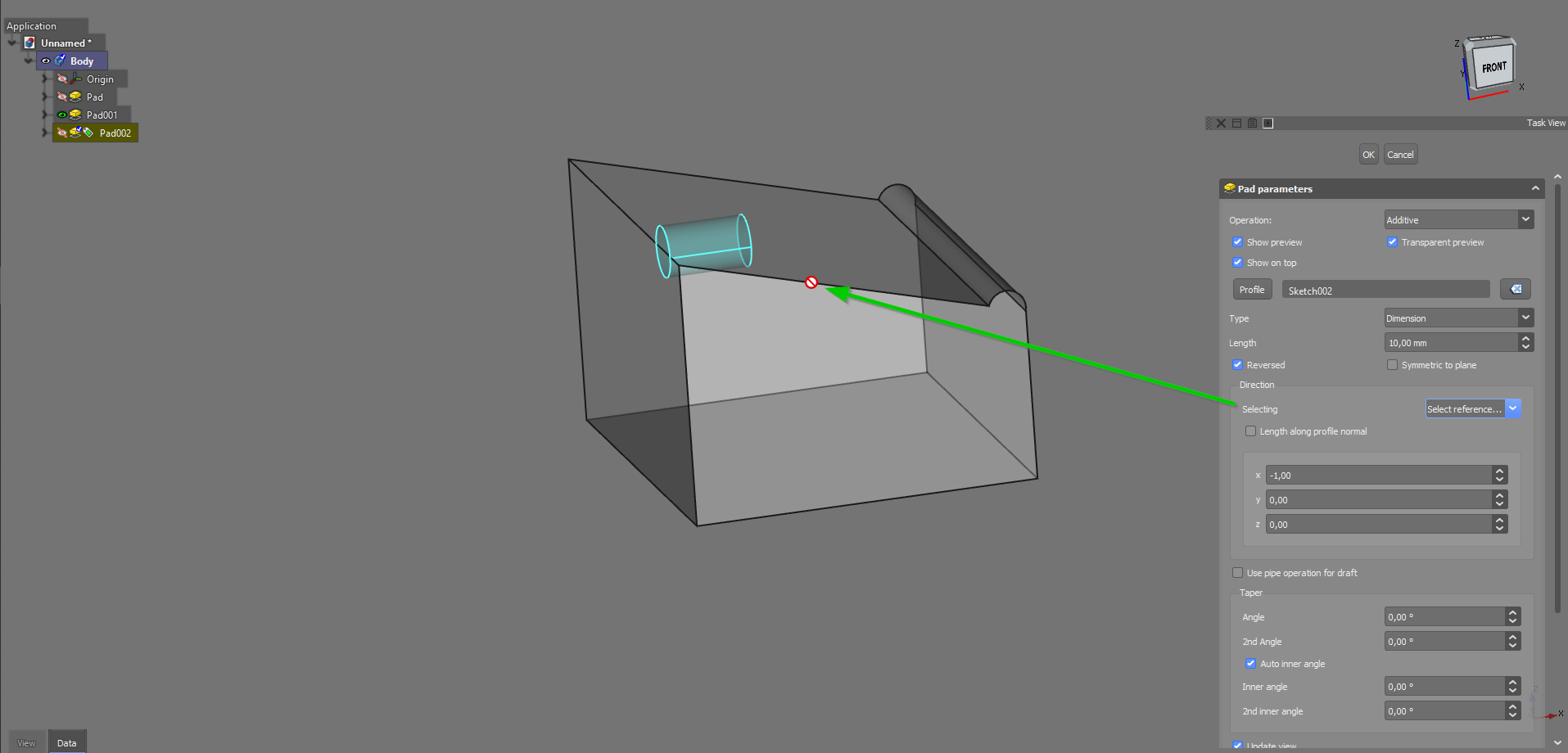
In pad the direction selection won't allow lines to be selected:
OS: Windows 10 Version 2009 Word size of FreeCAD: 64-bit Version: 2023.131.26244 +5365 (Git) Build type: Release Branch: LinkDaily Hash: 73c4ca254c5de8849d104973482e98399fb24863 Python version: 3.10.8 Qt version: 5.15.4 Coin version: 4.0.1 OCC version: 7.6.3 Locale: Finnish/Finland (fi_FI)

I'm encountering this problem as well. The Linear Pattern tool won't accept any selection when you choose "select reference". Whether it's a Datum Line, a sketch element, anything -- it only accepts selection of Base X/Y/Z axis. If I manually go into the Properties window after creating the Linear Pattern to change the Direction property to use eg. a datum line, then recompute fails with the error "No direction reference specified".
It's very simple to reproduce:
- Create a blank document, create a PartDesign Body
- Create a Datum Line at any particular angle you choose
- Create a sketch on the XY plane containing a circle
- Select the sketch and create a LinearPattern of it
- Attempt to select a direction other than the Base X/Y/Z axis.
There's only one crazy workaround I've found. If you've done an operation with a sketch (such as padded it), and create a pattern from the resulting object, then three more options appear: "Horizontal sketch axis", "Vertical sketch axis", and "Normal sketch axis". By creating a sketch on a plane with a rotated coordinate system, you can thereby convince the linear pattern to apply to a sketch axis that is not one of the base axes.
Version 2024.123.0 Revision 14555 Windows 10 build 19045 64-bit
