
react-awesome-slider
 react-awesome-slider copied to clipboard
 rcaferati
with Caption not working
I have the next code, but not working withCaption.
import { Fragment } from 'react'
import { Container } from 'reactstrap'
import AwesomeSlider from 'react-awesome-slider'
import withCaption from 'react-awesome-slider/dist/captioned';
import AnimationStyles from 'react-awesome-slider/src/styled/open-animation/open-animation.scss'
import withAutoplay from 'react-awesome-slider/dist/autoplay'
import { HomeIcon } from '../components/icons'


const AutoPlaySlider = withAutoplay(withCaption(AwesomeSlider))

export default () => {
  return (
    <Fragment>
      <div className="keep-main">
        <Container>
          <div className="keep-title">
            <div className="keep-text">
              Tú pones la casa, <br />
              nosotros la música
            </div>
            <div>
              <HomeIcon width="100" height="100" />
            </div>
          </div>
          <div className="keep-slider">
            <AutoPlaySlider
              animation="openAnimation"
              cssModule={[AnimationStyles]}
              play={true}
              cancelOnInteraction={false}
              interval={3000}
              bullets={false}
              organicArrows={false}
            >
              <div data-src="/static/images/ocesaapp/0/ocesa_app_bg.jpg" />
              <div data-src="/static/images/ocesaapp/1/ocesa_app_bg.jpg" />
              <div data-src="/static/images/ocesaapp/2/ocesa_app_bg.jpg" />
            </AutoPlaySlider>
          </div>
          <div className="keep-tabs"></div>
        </Container>
      </div>
      <style jsx global>{`
        @import 'styles/variables';
        @import 'styles/mixins';
        .keep-main {
          padding-top: 5em;
          background-color: #1a1a1a;
          min-height: 100vh;
        }

        .keep-title {
          display: flex;
          justify-content: flex-start;
          align-items: flex-end;
          flex-flow: row wrap;
          color: $white;

          .keep-text {
            font-family: Nunito;
            font-size: 2.5em;
            @include media-breakpoint-down(sm) {
              font-size: 2em;
            }
          }
        }

        .keep-slider {
          margin-top: 5em;
        }
      `}</style>
    </Fragment>
  )
}


Same here, it looks like something was missed in the deploy. it's looking for captioned in the dist directory but it isn't there
@rcaferati if you've got a moment can you take a look. pulling the source code to see if i can reproduce locally

I am implement caption the next form with custom css:
import { Fragment, useState, useEffect } from 'react'
import AwesomeSlider from 'react-awesome-slider'
import withAutoplay from 'react-awesome-slider/dist/autoplay'
import AnimationStyles from 'react-awesome-slider/src/styled/open-animation/open-animation.scss'
import CaptionedStyles from 'react-awesome-slider/src/hoc/captioned-images/styles.scss'

import CaptionedStyles from 'react-awesome-slider/src/hoc/captioned-images/styles.scss'
const AutoPlaySlider = withAutoplay(AwesomeSlider)
const KeepInHome = () => {
const [sliderEvents, setSliderEvents] = useState([])

useEffect(() => {
//fetch data
setSliderEvents(data)
},[])
return (
<AutoPlaySlider
          className="keep-slider-container"
          animation="openAnimation"
          cssModule={[AnimationStyles, CaptionedStyles]}
          play
          cancelOnInteraction={false}
          interval={3000}
          bullets={false}
          organicArrows={false}
          mobileTouch
        >
          {sliderEvents.map((item, i) => {
            return (
              <div key={i} data-src={item.rectangleImageUrl} className="img-content">
                <div className="img-inner">
                  <div className="img-item">
                    <div className="item-title">{item.name}</div>
                    <div className="item-venue">{item.venueName}</div>
                    <div className="keep-links-container">{renderLinks(item)}</div>
                  </div>
                </div>
              </div>
            )
          })}
        </AutoPlaySlider>
)
}
Not seeing captioned.js in the dist folder on my end either. captioned.css is there.


Hi, I had the same problem and solved it by building by myself the repo and copying the files from that build
git clone https://github.com/rcaferati/react-awesome-slider/
yarn install
// if you want you can use npm
yarn build
Then copy the files in <fork path>/dist and paste them in <project path>/node_modules/react-awesome-slider/dist.
And now it should work :)
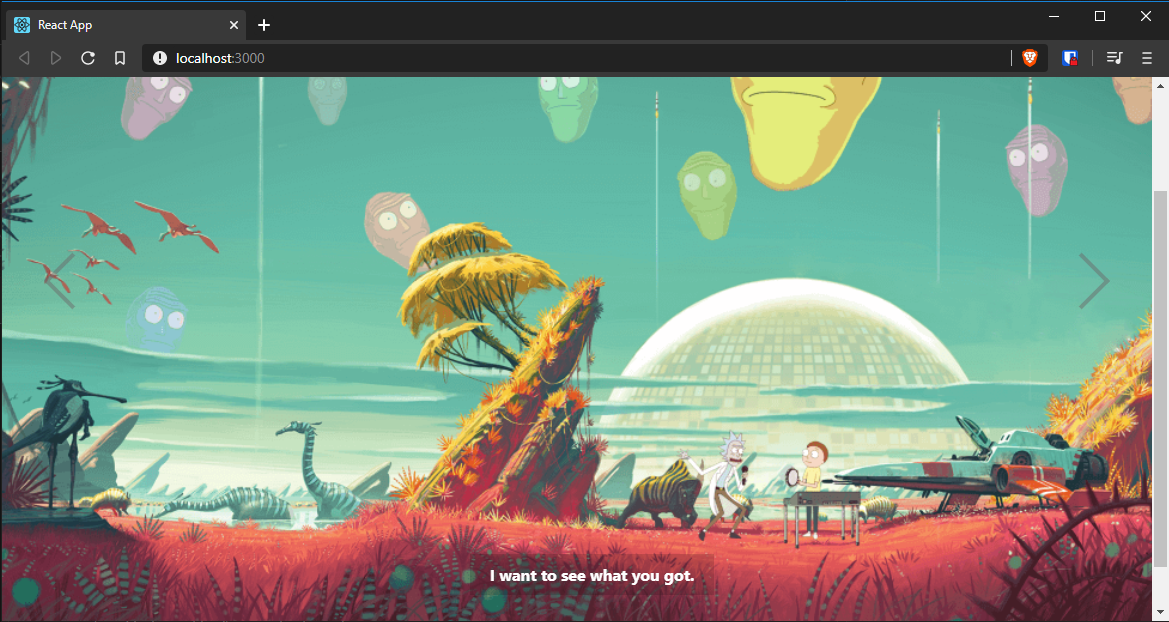


Ran in to the same issue. I ended up implementing my own caption scheme by using the "onTransitionEnd" event. You can get the currentIndex from the slider reference passed to the event function.


Caption implementation is available but it's only in the example because(I guess) repo owner didn't want this package to be large(assuming that not everyone would want to use slider with captions). Tl;dr; captioned.js component can be found here :)

@trolit but in each new installation I have to add captioned.js file in the dist, since I dont push node modules to my repo in github.. any solution for this? :(
@Tharuja Not React expert 😄 but I had the same problem where I wanted to make more modifications to the slider and at the same time store changes done to that file in repo and I've decided to simply move it to ./src/pages and then in component I've used import MyImport from './myfile.scss'; so you could give a try to use captioned component that way :)