

 raycast
Following the "create your first extension" docs doesn't work
Raycast version: 1.38.2
Steps To Reproduce
- I follow the instructions here: https://developers.raycast.com/basics/create-your-first-extension
- I run
npm install - I run
npm run dev - The launcher opens automatically:
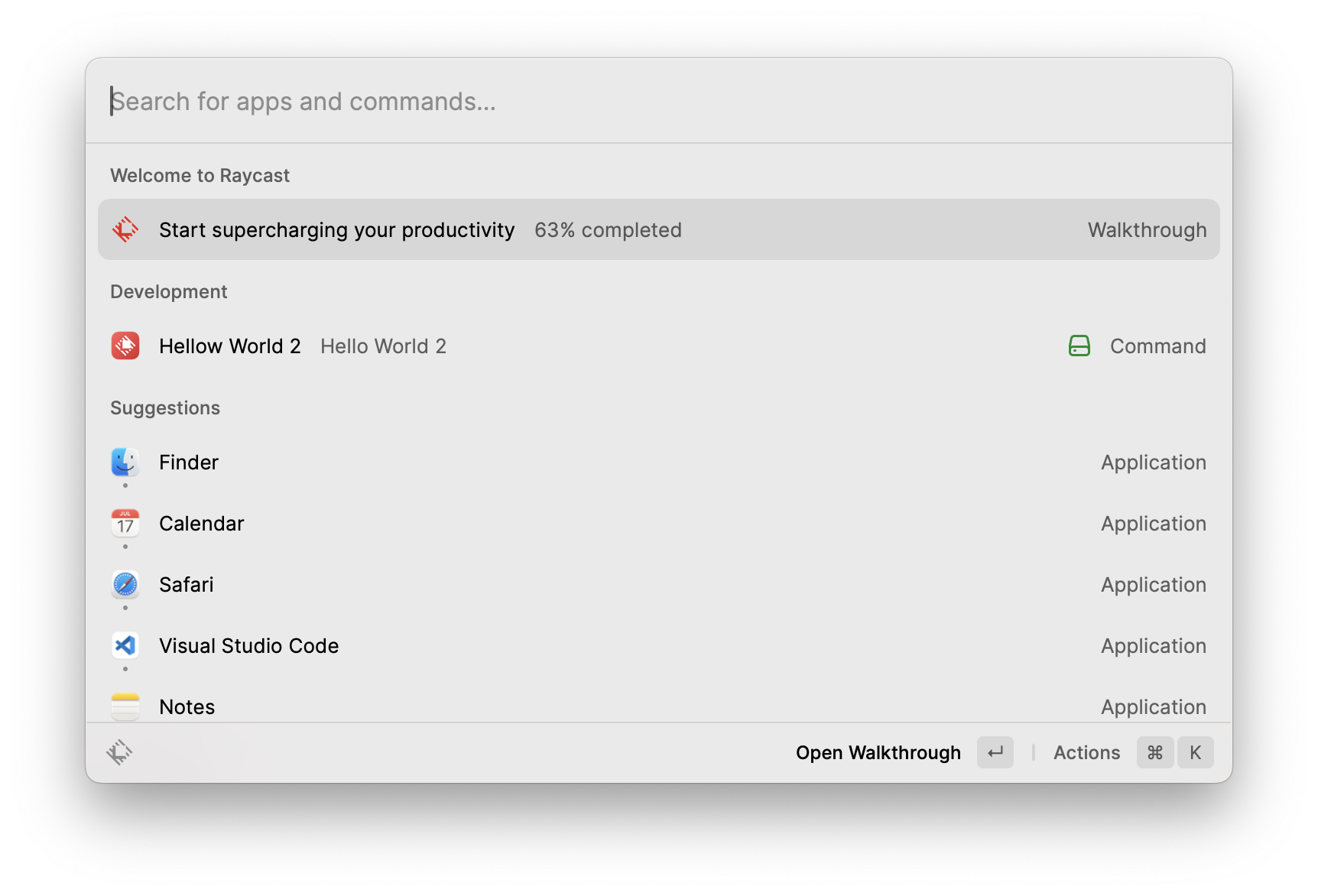
- But when I launch it I get this:
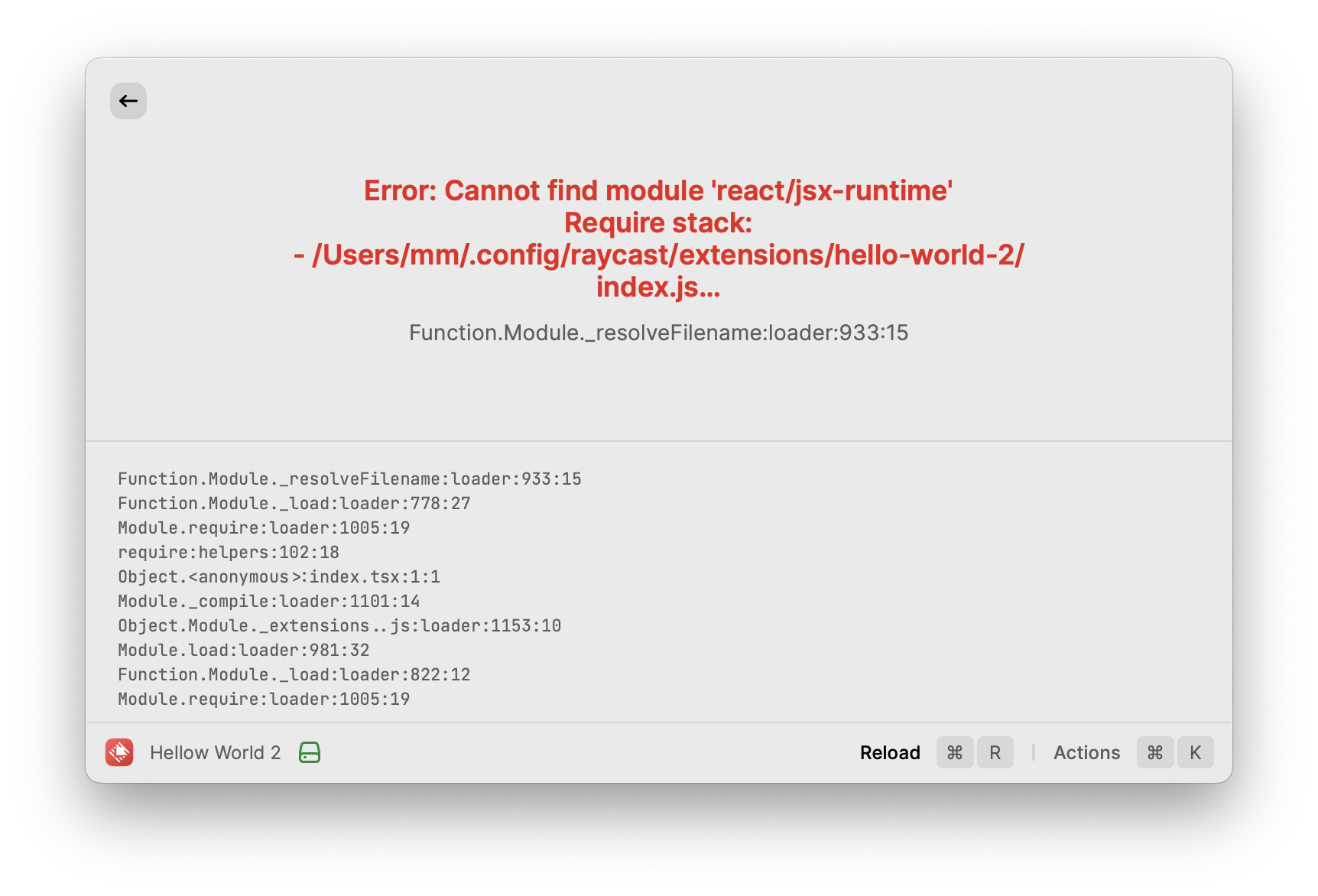
I tried this twice and I get the same bug. However, the hello world app did work before I ran the dev command. So it seems like it stopped working after I ran the dev command.
I would update the Raycast version, but I'm having trouble with that.

Here are a few ideas you might be able to try:
Here's a video on what i did - https://youtu.be/uYrY43JoqIg - (22 seconds - no sound)
Some things to try
- Is the "Detail" template selected in the options? (first option when creating)
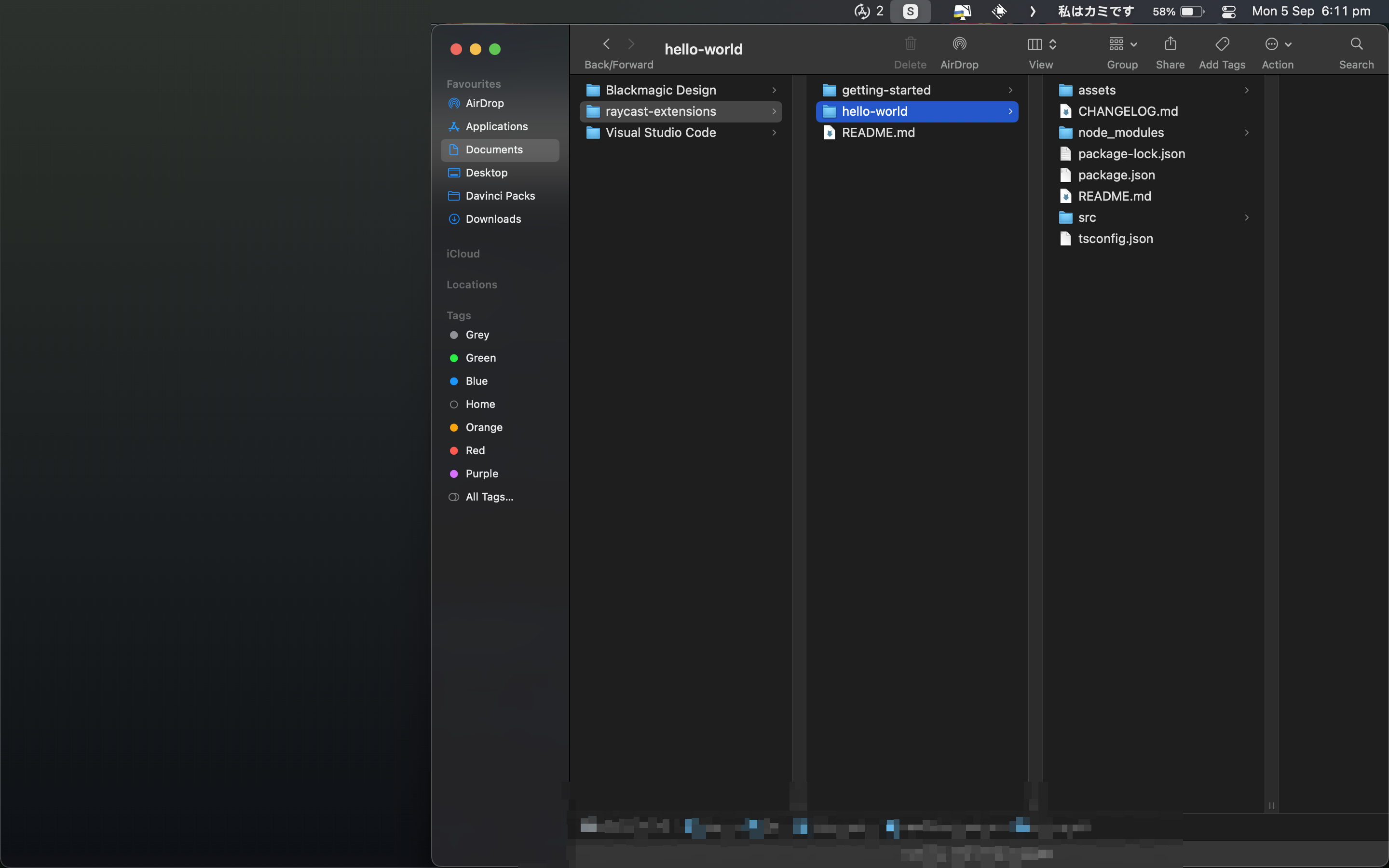
- Is it under the 'Raycast_extetions' folder - this is a pre-created folder made by Raycast when first starting, i recommend placing it somewhere you know, i put mine in 'documents' as can be seen in the below image.
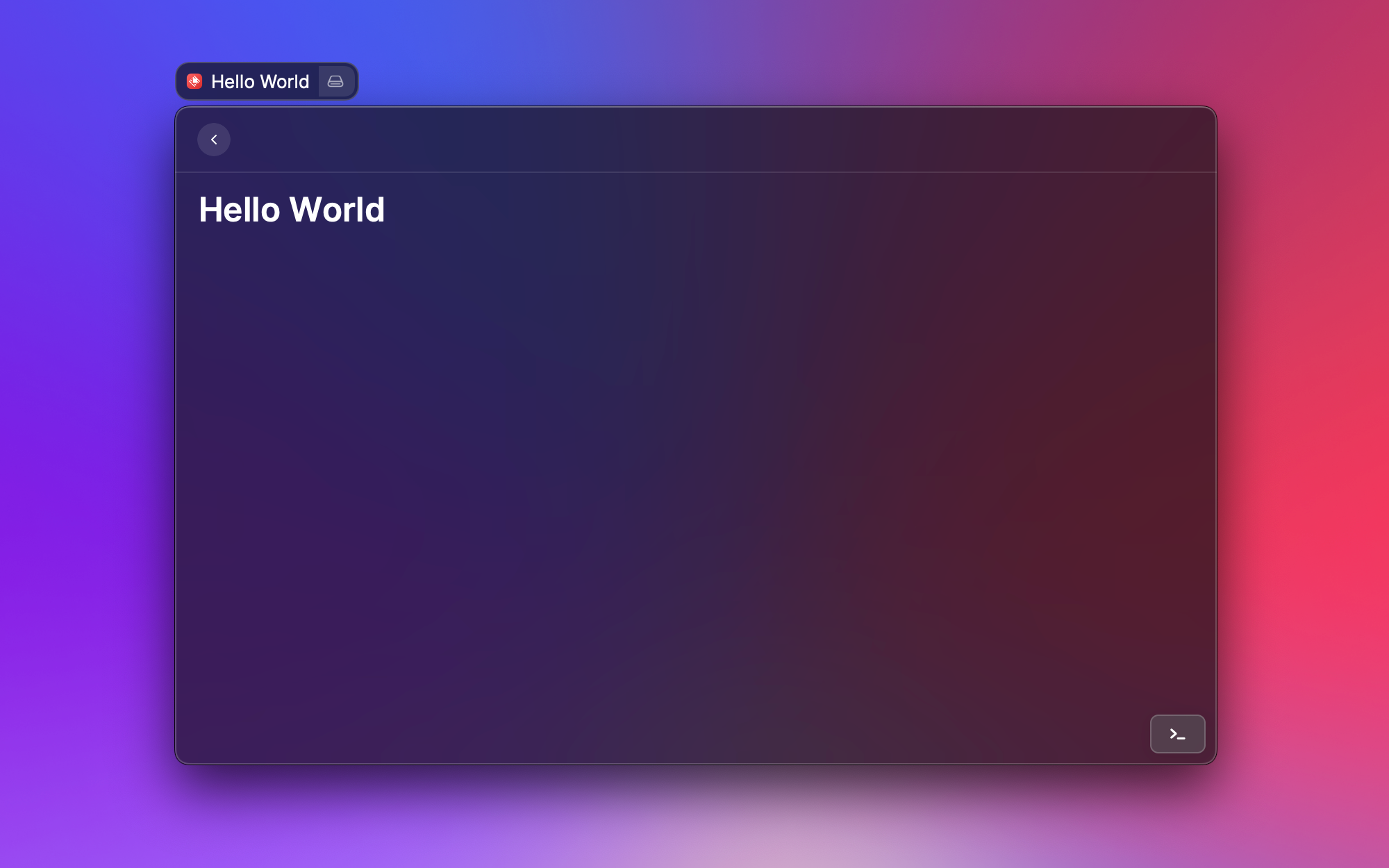
- To run the 'npm install && npm run dev' command it requires another app / software, I downloaded the required one from 'https://nodejs.org/en/download/' after that the command works by itself. The idea is that the command should look like this:

I'm very familiar with nodejs development. Maybe I'm doing something dumb and don't realize it, but I can't think of what it might be. Maybe there's something unique about my environment.
Video of exactly what I'm doing.
What version of Raycast are you using? I'm on 1.38.2
I'm really baffled that a basic template doesn't work.
After trying and failing to update the app, I'm less surprised that the template doesn't work (video here). I submitted a bug report for this as well. One basic issue on its own isn't a big deal. You're a new company moving fast. But I can't even update to see if the problem I'm having was already fixed.
Another hypothesis. Maybe it's because I'm on an m1 mac? Maybe it's because I have a separate admin account that I login to when I make system changes?
Instead of opening in code on the dropdown menu. Press, 'start development' (Command B). I had problems trying to use it via Visual Studio Code.
I'm also on an M1 Mac, but am on a private profile instead of an admin one.
If that doesn't help I'll try think of other options.
The problem is solved in v1.39.2
I had to uninstall the app and install it again from the website because updating from within the app wasn't working for me. I didn't have to re-add any extensions.