

 randy3k
Adaptive theme is changing color only on reapply
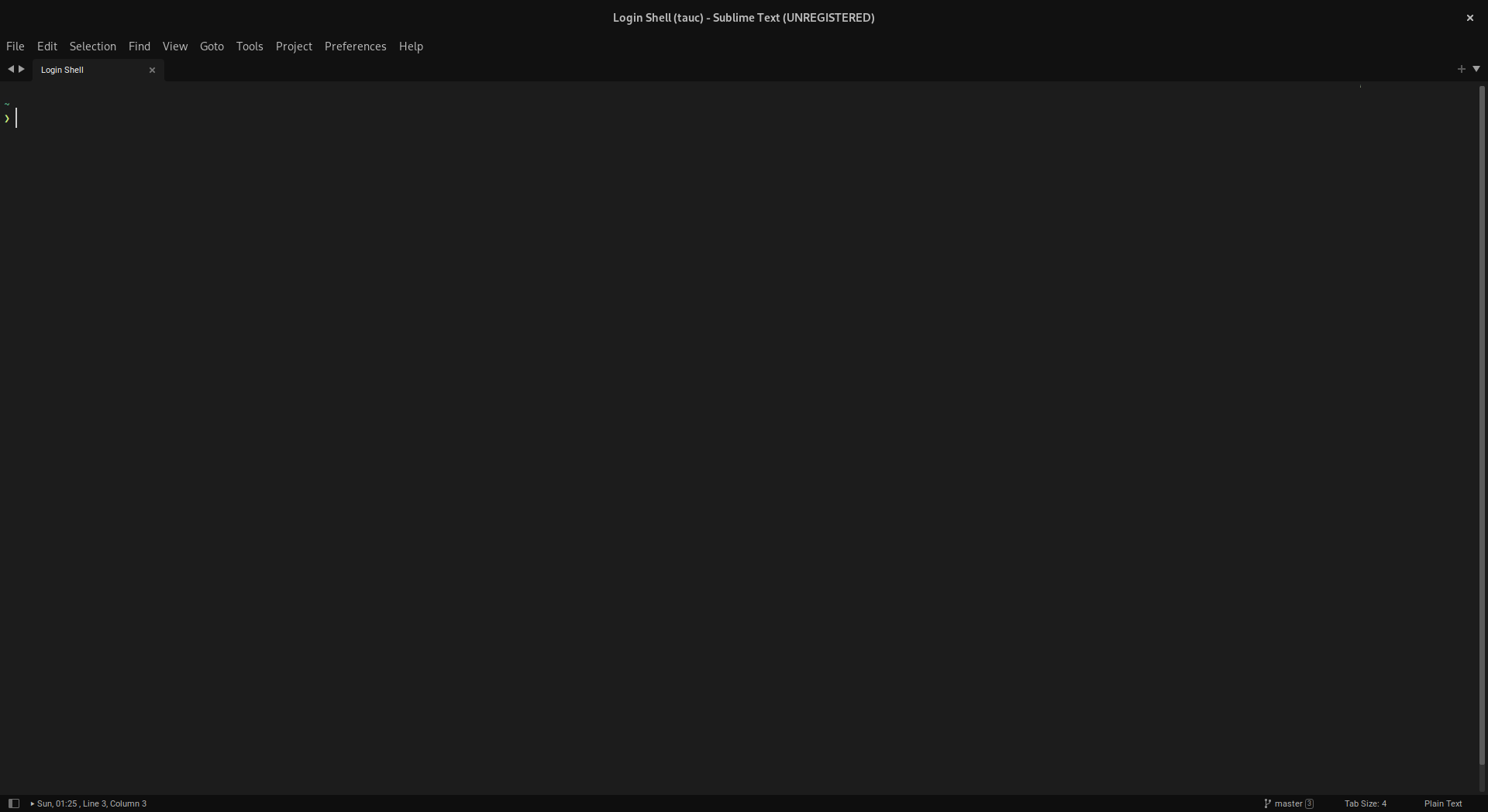
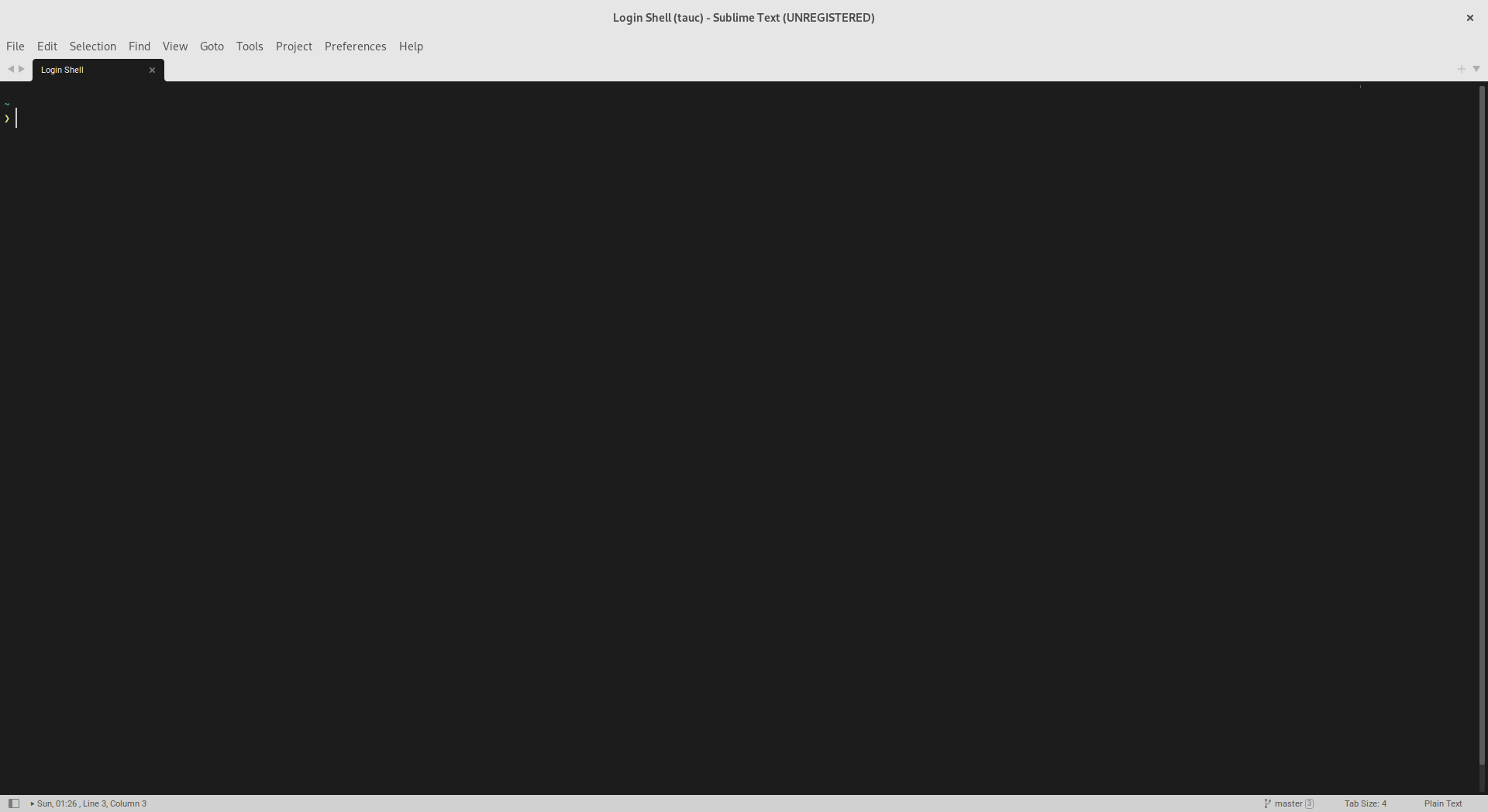
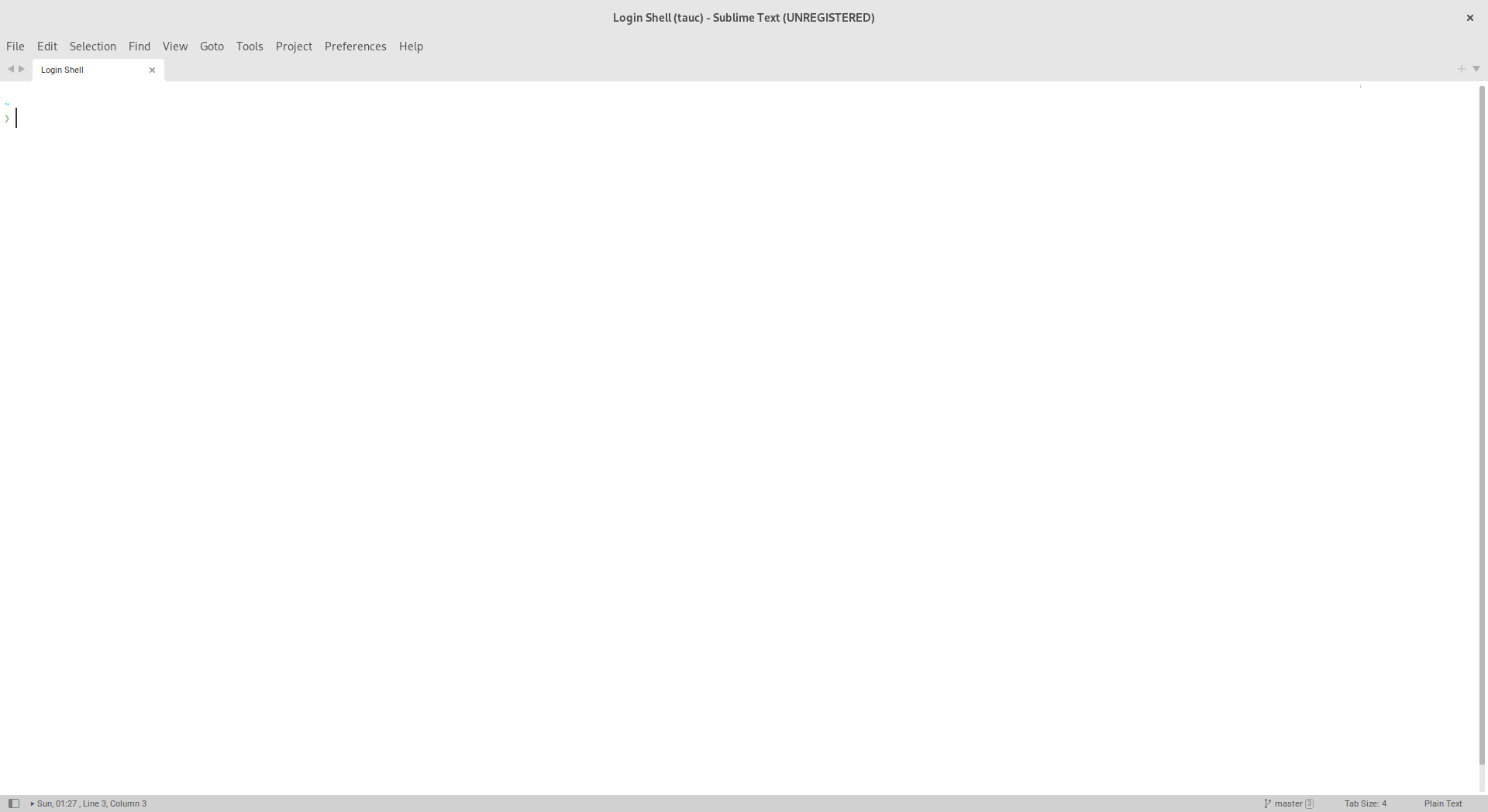
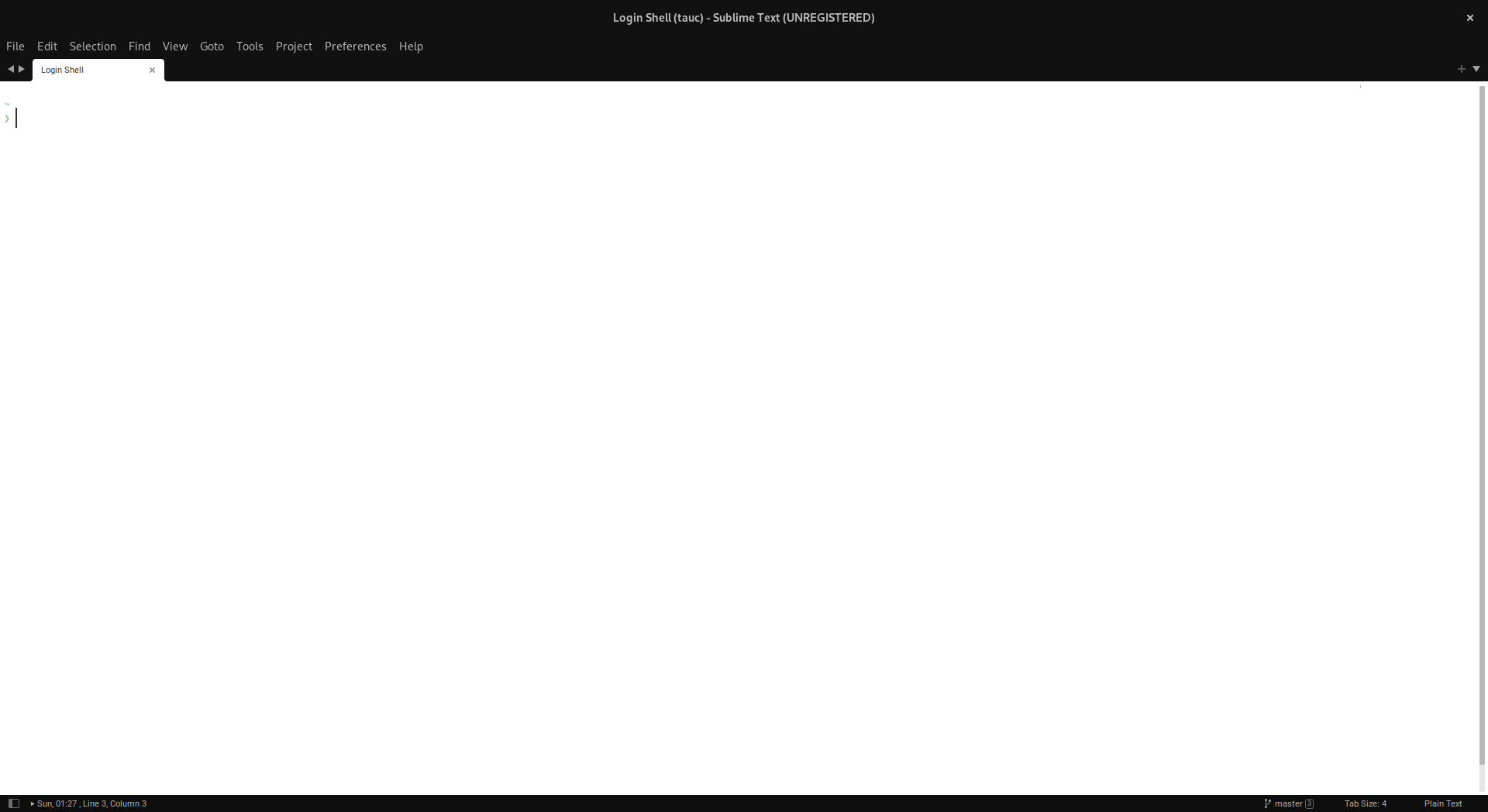
If you select adaptive theme and toggle OS style between dark/light, Sublime Text will follow this change, however Terminus not until you reselect (for example, with up|down arrows) and reapply Adaptive theme in Terminus Utilities: Select Theme
Screenshots
| Before style changing | After style changing |
|---|---|
 |
 |
 |
 |
OS: openSUSE Tumbleweed, GNOME 42.2, Sublime Text 4 (Build 4126)

I can confirm this behaviour. I mapped keybindings to actully switch between themes. Hope it gets resolved soon.

It is unfortunately no easy fix for now due to the lack of API. Let's keep it open.

Can you tap into ST's state regarding theme? Something like checking which theme ST is on every 30s or so?
@randy3k As I see, there is a function can be used for this, however it works starts from Sublime Text 4: https://www.sublimetext.com/docs/api_reference.html#sublime.ui_info
-
system.style -
theme.style
>>> sublime.ui_info() # light
{'color_scheme': {'palette': {'accent': '#183691', 'background': '#ffffff', 'bluish': '#183691', 'cyanish': '#0086b3', 'foreground': '#333333', 'greenish': '#63a35c', 'orangish': '#df5000', 'pinkish': '#990073', 'purplish': '#795da3', 'redish': '#f93232', 'yellowish': '#75715e'}, 'resolved_value': 'Packages/Github Color Theme/GitHub.tmTheme', 'value': 'auto'}, 'system': {'style': 'light'}, 'theme': {'resolved_value': 'Adaptive.sublime-theme', 'style': 'light', 'value': 'Adaptive.sublime-theme'}}
>>> sublime.ui_info() #dark
{'color_scheme': {'palette': {'accent': '#49e0fd', 'background': '#1c1c1c', 'bluish': '#49e0fd', 'cyanish': '#2be98a', 'foreground': '#cccccc', 'greenish': '#b0ec38', 'orangish': '#fd971f', 'pinkish': '#f92672', 'purplish': '#ae81ff', 'redish': '#e62a19', 'yellowish': '#e6db74'}, 'resolved_value': 'Packages/Monokai++/themes/Monokai++.tmTheme', 'value': 'auto'}, 'system': {'style': 'dark'}, 'theme': {'resolved_value': 'Adaptive.sublime-theme', 'style': 'dark', 'value': 'Adaptive.sublime-theme'}}
NB: I've used Ctrl+` console for this execution
I'm using the following to reapply the theme in case someone else finds it helpful:
{
        "keys": ["ctrl+alt+t"],
        "command": "terminus_open",
        "args": {
            "title": "Terminal",
            "post_window_hooks": [
                ["carry_file_to_pane", {"direction": "down"}],
                ["terminus_select_theme", {"theme": "user"}],
                ["terminus_select_theme", {"theme": "adaptive"}]
            ],

        }
    },
