
AutoWrap

AutoWrap copied to clipboard
 randy3k
[Bug] Python PEP8 Autoformat conflict
1. Summary
AutoWrap don't work for me, if I enable Python PEP8 Autoformat package.
2. Expected behavior
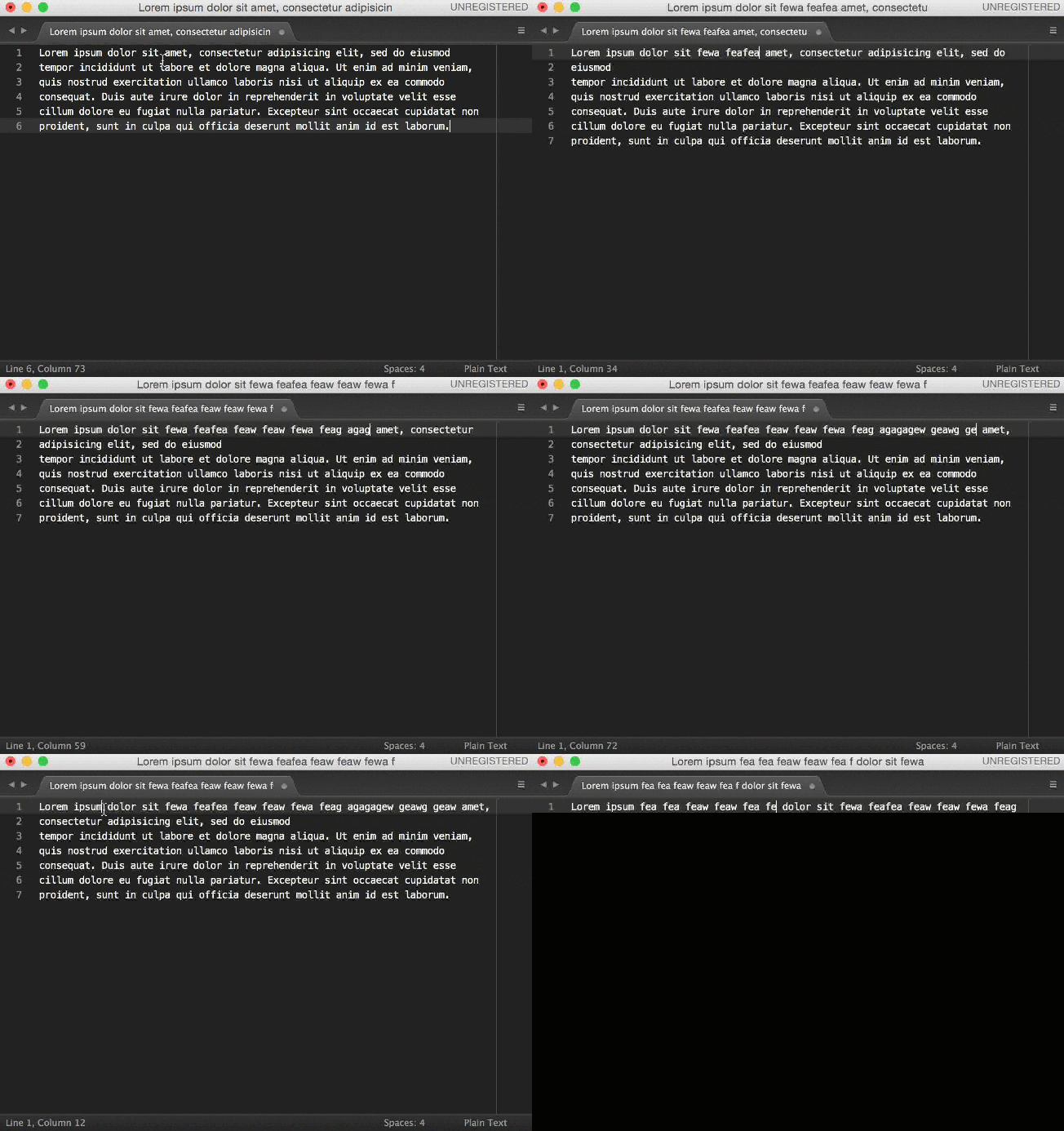
3. Actual behavior
Words don't wrap to new line if Python PEP8 Autoformat enable.
4. Settings
I use PythonImproved syntax for Python files. My User\PythonImproved.sublime-settings file:
{
    "auto_wrap": true,
    "auto_wrap_width" : 80,
    "auto_wrap_break_long_word" : true,
    "extensions":
    [
        "py"
    ],
    "translate_tabs_to_spaces": true
}
5. Steps to reproduce
I reproduce the problem in a version of Sublime Text without plugins and user settings.
I want to wrap docstrings in py files. I open any py file → I write long docstring → I get actual behavior. I disable Python PEP8 Autoformat → I restart Sublime Text → I reopen Python file → I get expected behavior.
6. Environment
Operating system and version: Windows 10 Enterprise LTSB 64-bit EN Sublime Text: Build 3126
Thanks.
