

 rancher
UI 2.6.x 'events' view is confusing and 'hidden' by default
Setup
- Rancher version: Rancher 2.6.x vs Rancher 2.5.x
- Browser type & version: OS X ( Version 12.2.1 (21D62)) Google Chrome (Version 101.0.4951.41 (Official Build) (arm64))
Describe the bug
Rancher 2.6 UI does not display 'events' fully and easy to 'find' as it was in Rancher 2.5.x. The main screen does not have a 'shown' 'search' box as 2.5.x To Reproduce
Bring up Rancher 2.6 and compare to Rancher 2.5 the 'events' page it is 'different' and lacking 'functionality' as Rancher 2.5 when first shown. Result
Expected Result
Rancher 2.6 'events' should have the same function of visibility and 'search' functions on the 'main' screen' Screenshots
[1] Rancher 2.5 'events'

[2] Rancher 2.6 'events'

- Search for 'events' to make it the same as Rancher 2.5 'view' of 'events'

- The 'events' are shown

By 'default' 'events' are 'hidden' under 'core' by default. You need to 'click' to exapnd.

Additional context
Detailed Description
Rancher 2.6 'events' should be the same as Rancher 2.5 or 'easy' to 'find'. It is 'hidden' under a 'search' icon. Context
It is very confusing in 2.6 to get a quick look at your events page. This is very helpful to 'operators' to get a birds -eye view of the environment very quickly.

This came about from a slack conversation regarding the missing feature set on the Events table. There was confusion given that the events table on the cluster dashboard page is meant to provide a summary (and therefore load quickly) whilst the normal events table contains the full set of list features (search, all rows, etc).
I don't think we should update the event list on the dashboard page to match the full list, however I do think we should make it clear that if the user needs more functionality they can get to the other list. Suggestions (only)
- Rename the summary list as
Events Summary - Add a button / link that takes user to the full list (
All EventsorEvents, etc). Where this goes or how this looks I'm not quite sure.

We should add the "Events" page under the Cluster top-level navigation item in the menu.
We should add a link to "All Events" at the top right of the events table on the cluster dashboard.

@kwwii does this have any design associated or shall we just have a quick sync on monday?

I validated this ticket and sending back to the developer with few observations :
Rancher Version : v2.7-62f7959c652898c525b9c9fed49b96d73935c7a1-head
Observation 1 : Left Nav: Events : Displayed number is NOT correct, its NOT matching with actual number of Events at the bottom.
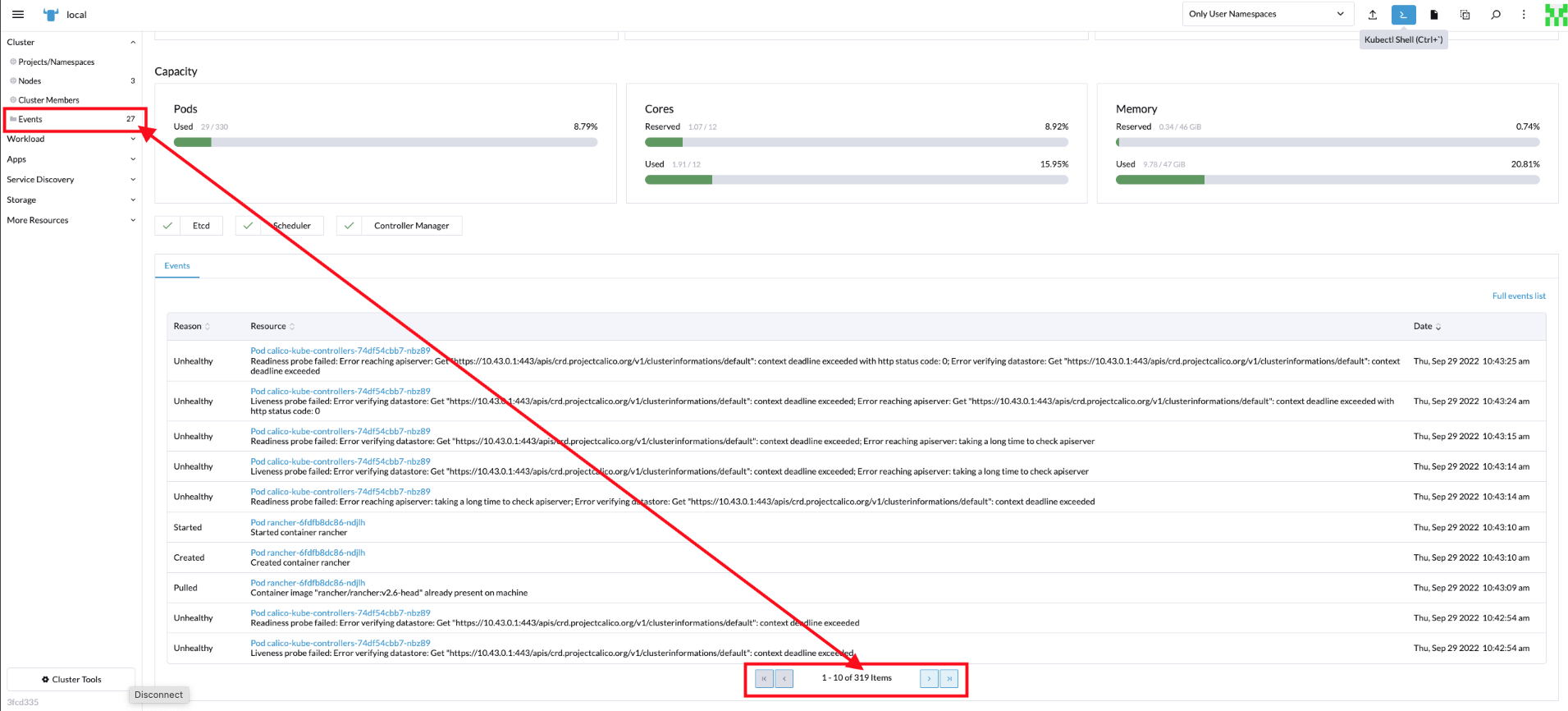
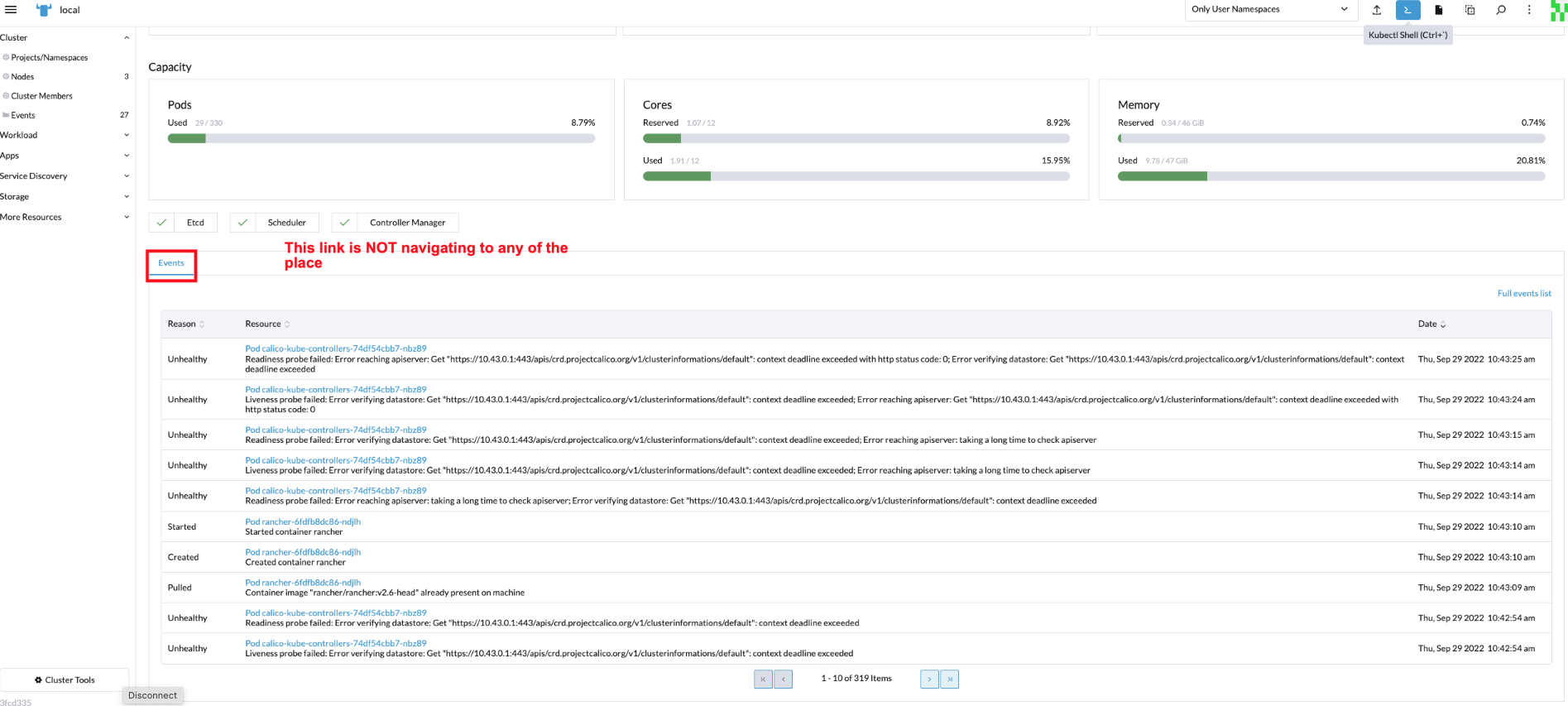
Observation 2 : 'Events' Link at the bottom window pane is NOT navigating to any of the place. It stays at the same place.
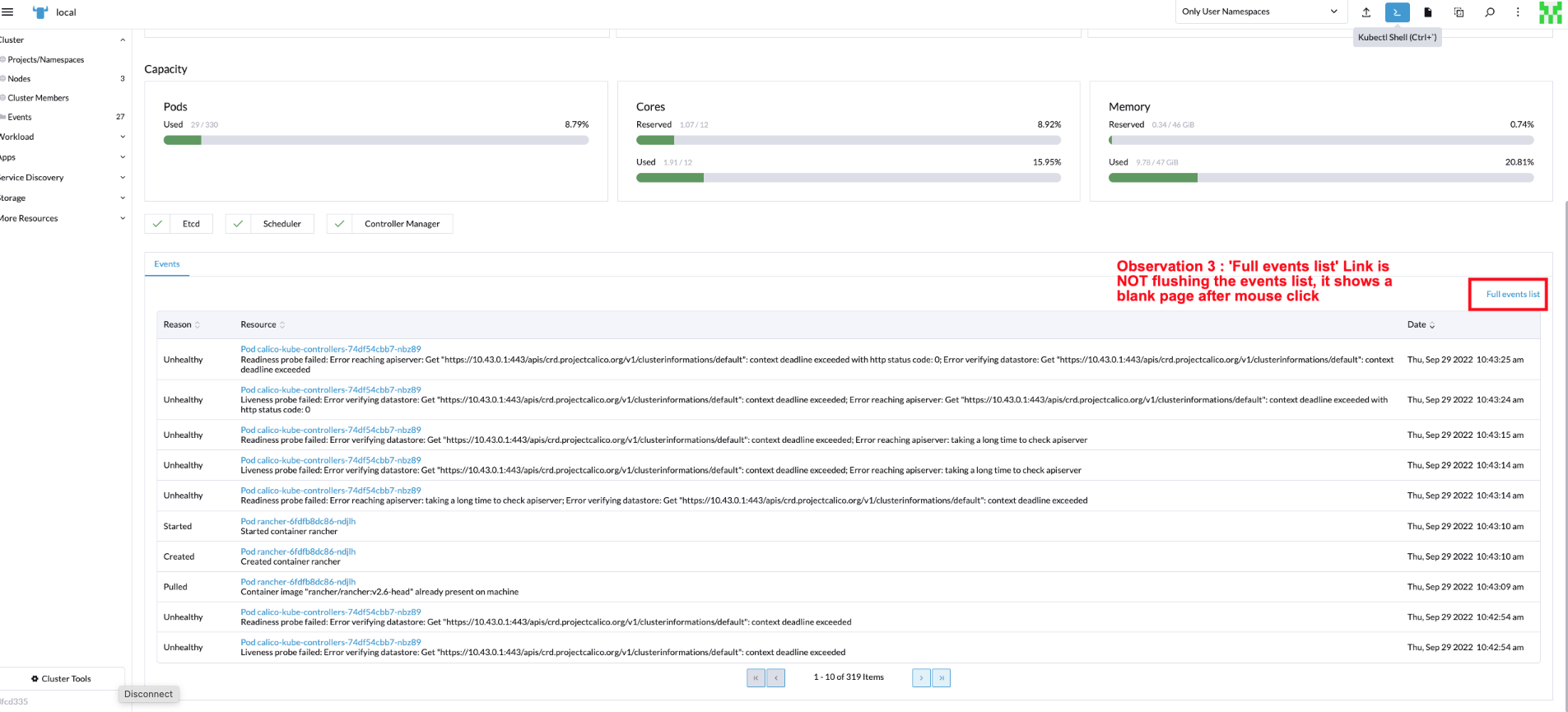
Observation 3 : 'Full events list' Link is NOT flushing the events list, it shows a blank page
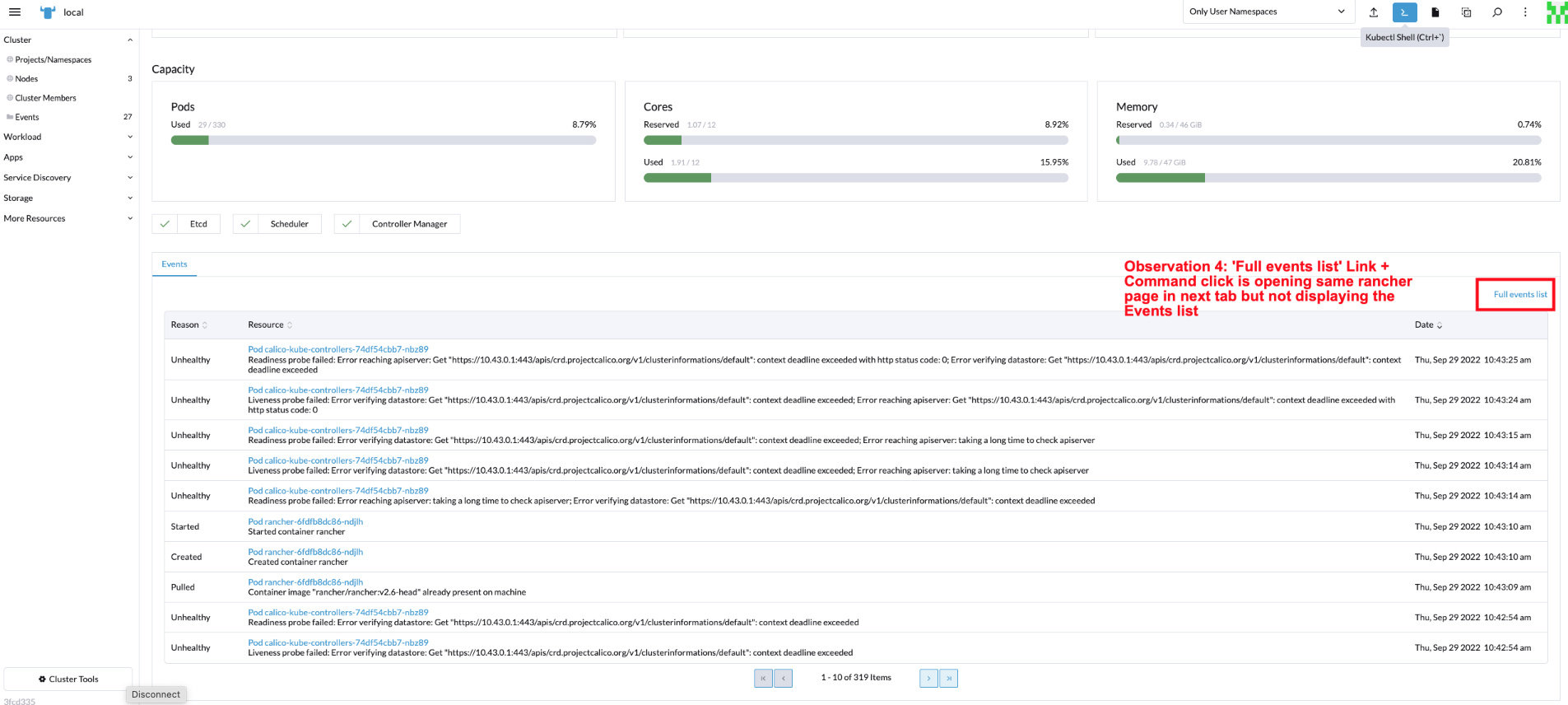
Observation 4: 'Full events list' Link + Command click is opening same rancher page in next tab but not displaying the Events list

@dasarinaidu , commenting on your observations: 1) Couldn't reproduce this. All numbers matched for me.
This is a tab navigation and, since it's the only on present on that area, it doesn't "do" anything as it's the only "tab" route there.
- and 4)
Not sure I understand what you meant by flushing but the link was broken. Now it's fixed and should take you to the
eventsresource list view. Thanks for noticing that 🙏
All the callouts were fixed and I am closing the ticket. Rancher version : v2.7-a3502cdeee5ff9f956947974196893b7bf9696d6-head
