
Natraj Yegnaraman



Natraj Yegnaraman
I am unable to reproduce this behaviour in Chrome 58.0.3029.110 and Dynamics 365 8.2.1.185
Did you reload the CRM page after installing or updating the extension?
Cannot repro. I can see the forms are both in classic and Unified Interface. 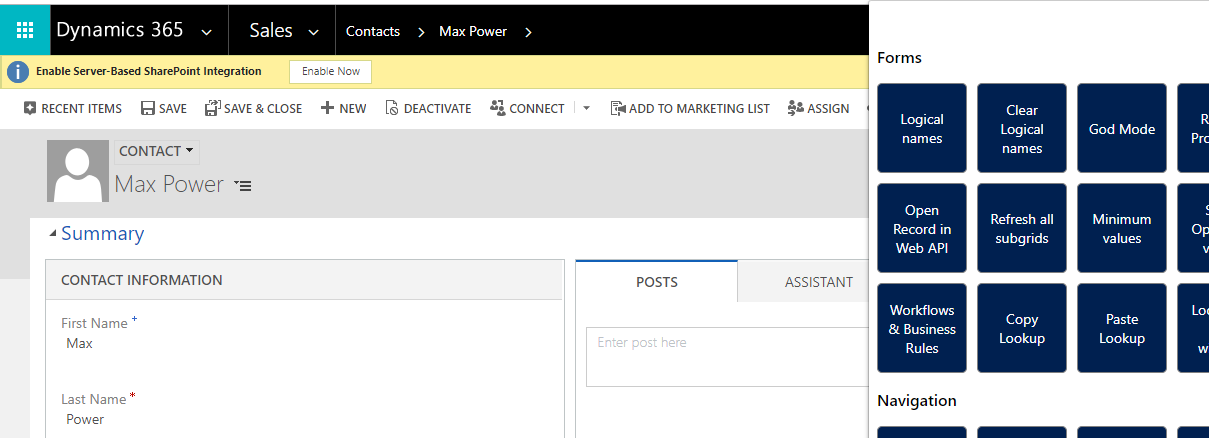 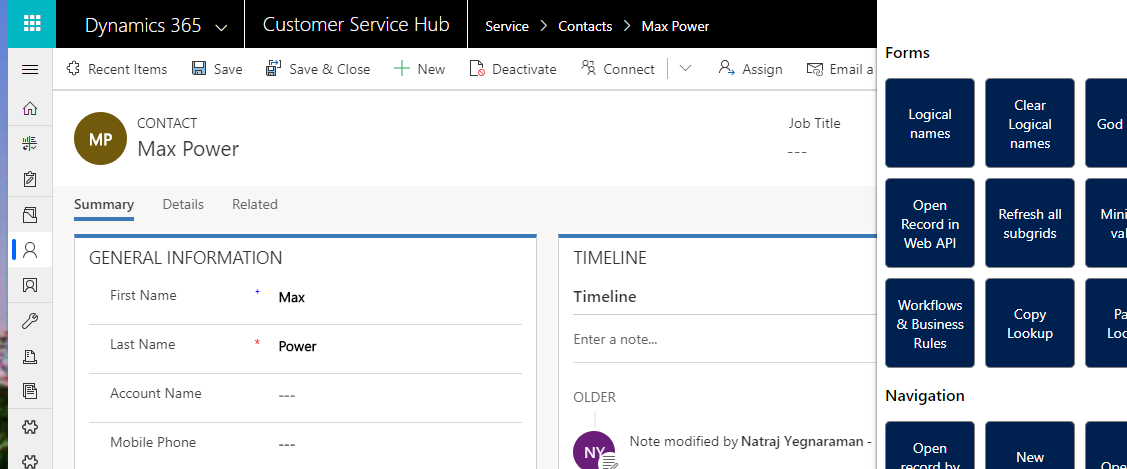
I am using Dynamics 365 online on v9.1. Are you using onprem?
Ran this is OnPrem 8.1. Still can see the forms area, when I open a form. So, I am not sure what the issue is.
The disabling part is due to the fix for #8. I basically try to the detect if "ribbonactions.js" is present in the page, to indicate that it is crm. Probably...
@enzoporcasi - Pushed out new release over the weekend. Please check with v3.6.0. It should retrieve more than 5000 users. There is no search yet though.
Regarding button highlighting - It is a known issue due to resolution difference across multiple monitors. I don't know how to fix this. Refer https://productforums.google.com/forum/#!topic/chrome/tyzywUJfkQI I will look into the...
@bellisco - A JavaScript file is injected into the page so that you can perform actions in the context of the page. Maybe marketing form is complaining about this. I...
@bellisco - When do you see this? Just by opening the Marketing form record Designer tab?