r-lib
r-lib
systemfonts not installing on Linux Mint (Ubuntu 20.04)
I am having difficulty installing systemfonts on Linux Ubuntu 20.04, using R 4.2.1. Here is the error message from the attempted installation. Any ideas on how to fix greatly appreciated because devtools (important for many tasks) is not working without this package.
Cheers.
> install.packages('systemfonts')

Installing package into ‘/home/brant/R/x86_64-pc-linux-gnu-library/4.2’
(as ‘lib’ is unspecified)
trying URL 'https://cloud.r-project.org/src/contrib/systemfonts_1.0.4.tar.gz'
Content type 'application/x-gzip' length 81757 bytes (79 KB)
==================================================
downloaded 79 KB

* installing *source* package ‘systemfonts’ ...
** package ‘systemfonts’ successfully unpacked and MD5 sums checked
** using staged installation
Found pkg-config cflags and libs!
Using PKG_CFLAGS=
Using PKG_LIBS=-L/home/brant/anaconda3/envs/rstudio/lib -lfontconfig -lfreetype
** libs
rm -f systemfonts.so caches.o cpp11.o dev_metrics.o font_matching.o font_registry.o ft_cache.o string_shape.o font_metrics.o font_fallback.o string_metrics.o emoji.o cache_store.o init.o unix/FontManagerLinux.o
g++ -std=gnu++11 -I"/usr/share/R/include" -DNDEBUG  -I'/home/brant/R/x86_64-pc-linux-gnu-library/4.2/cpp11/include'    -fpic  -g -O2 -fdebug-prefix-map=/build/r-base-asoVQd/r-base-4.2.1=. -fstack-protector-strong -Wformat -Werror=format-security -Wdate-time -D_FORTIFY_SOURCE=2  -c caches.cpp -o caches.o
In file included from caches.h:7:0,
                 from caches.cpp:1:
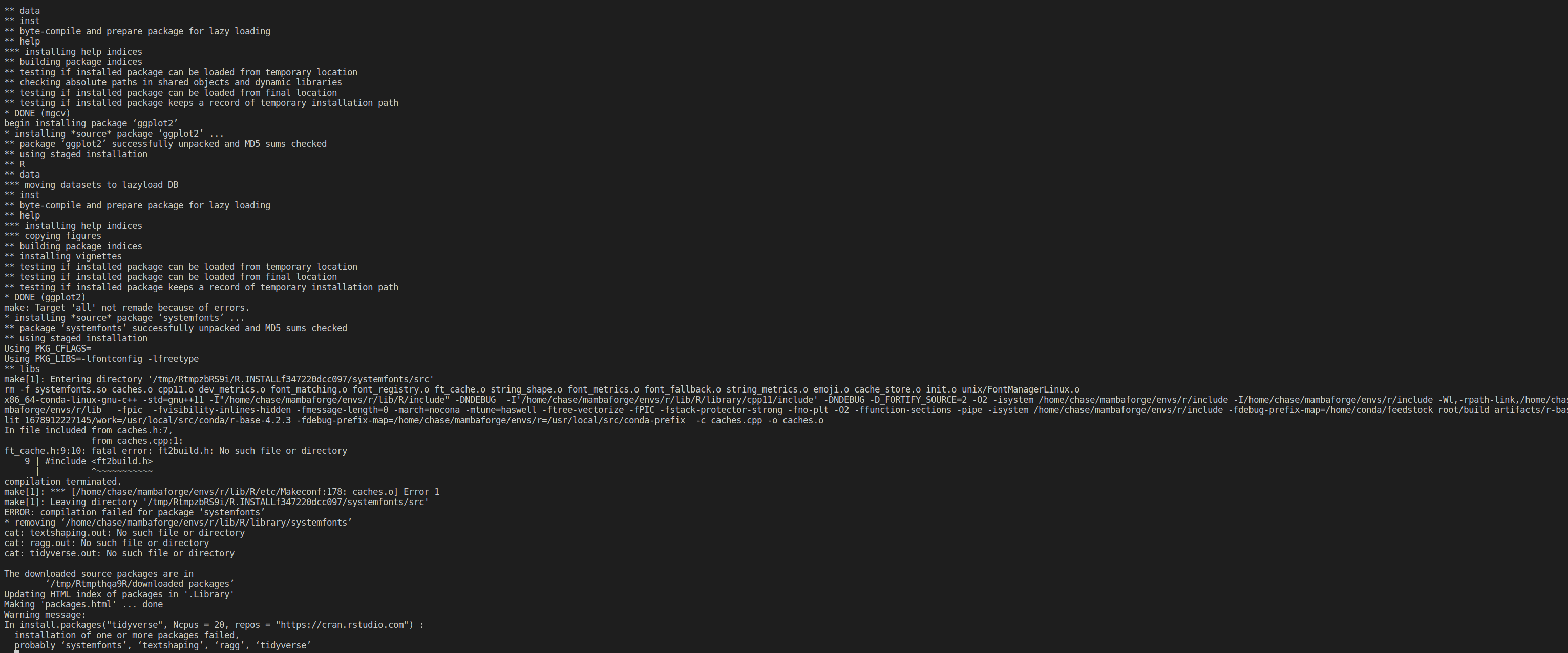
ft_cache.h:9:22: fatal error: ft2build.h: No such file or directory
compilation terminated.
make: *** [/usr/lib/R/etc/Makeconf:177: caches.o] Error 1
ERROR: compilation failed for package ‘systemfonts’
* removing ‘/home/brant/R/x86_64-pc-linux-gnu-library/4.2/systemfonts’
Warning in install.packages :
  installation of package ‘systemfonts’ had non-zero exit status

The downloaded source packages are in
	‘/tmp/RtmpdEX74j/downloaded_packages’
I also tried installing directly from Github using an old version of devtools that I copied into my current R directory.
> devtools::install_github('r-lib/systemfonts')

Downloading GitHub repo r-lib/systemfonts@HEAD
Error: Failed to install 'systemfonts' from GitHub:
  Multiple results for CXX14FLAGS found, something is wrong.FALSE
I also checked and I do have freetype2 installed and the ft2build.h file on my computer. It is found in a few locations including:
/home/brant/anaconda3/envs/rstudio/include/freetype2/ft2build.h

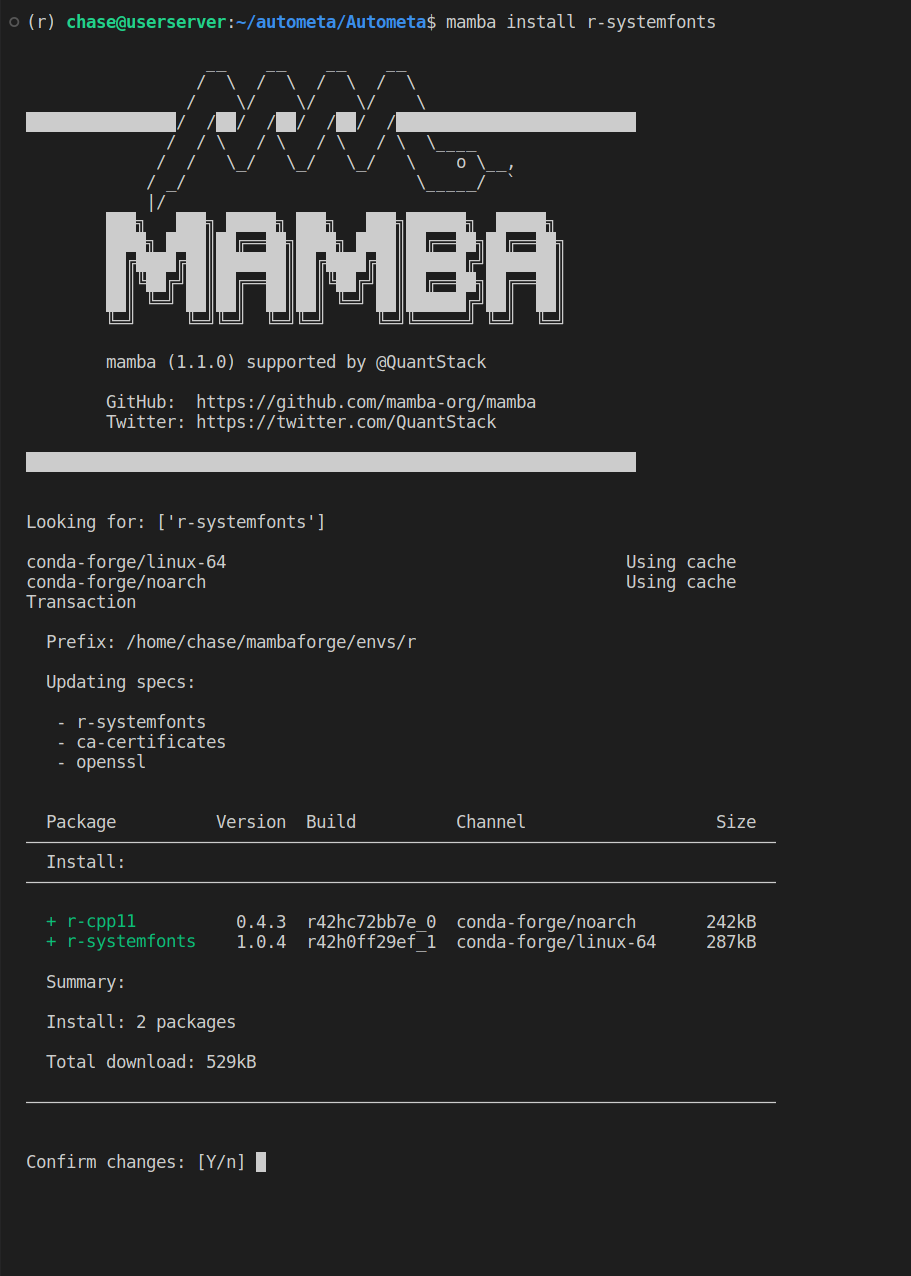
It appears you are using Conda? I have very little experience with that whole chain as it always appears to mess everything up, but have you tried conda install r-systemfonts?

Hi there. I have tried everything over many weeks, have uninstalled anaconda, and still have not resolved this issue and would appreciate help.
Here is the most recent attempt to install systemfonts:
> install.packages('systemfonts')
Installing package into ‘/home/brant/R/x86_64-pc-linux-gnu-library/4.2’
(as ‘lib’ is unspecified)
trying URL 'https://cloud.r-project.org/src/contrib/systemfonts_1.0.4.tar.gz'
Content type 'application/x-gzip' length 81757 bytes (79 KB)
==================================================
downloaded 79 KB

* installing *source* package ‘systemfonts’ ...
** package ‘systemfonts’ successfully unpacked and MD5 sums checked
** using staged installation
Found pkg-config cflags and libs!
Using PKG_CFLAGS=
Using PKG_LIBS=-L/home/user1/anaconda3/envs/rstudio/lib -lfontconfig -lfreetype
** libs
rm -f systemfonts.so caches.o cpp11.o dev_metrics.o font_matching.o font_registry.o ft_cache.o string_shape.o font_metrics.o font_fallback.o string_metrics.o emoji.o cache_store.o init.o unix/FontManagerLinux.o
g++ -std=gnu++11 -I"/usr/share/R/include" -DNDEBUG  -I'/home/user1/R/x86_64-pc-linux-gnu-library/4.2/cpp11/include'    -fpic  -g -O2 -fdebug-prefix-map=/build/r-base-zYgbYq/r-base-4.2.1=. -fstack-protector-strong -Wformat -Werror=format-security -Wdate-time -D_FORTIFY_SOURCE=2  -c caches.cpp -o caches.o
In file included from caches.h:7,
                 from caches.cpp:1:
ft_cache.h:9:10: fatal error: ft2build.h: No such file or directory
    9 | #include <ft2build.h>
      |          ^~~~~~~~~~~~
compilation terminated.
make: *** [/usr/lib/R/etc/Makeconf:177: caches.o] Error 1
ERROR: compilation failed for package ‘systemfonts’
* removing ‘/home/user1/R/x86_64-pc-linux-gnu-library/4.2/systemfonts’
Warning in install.packages :
  installation of package ‘systemfonts’ had non-zero exit status

The downloaded source packages are in
	‘/tmp/RtmpXHMuaf/downloaded_packages’
The problems seems to be that it is looking for freetype in the incorrect location /home/user1/anaconda3/envs/rstudio/ which no longer even exists on my computer. I have no idea how to change/fix this so that it looks for freetype in the correct location which is /usr/include/freetype2.
Any ideas how to fix this?
Appreciated.
@thomasp85, for me conda install resolved the same error message @canuckafar was getting