

 qvacua
Display scroll bar in window
I can't seem to find any documentation on enabling a vertical/horizontal scroll bar to use the pointer (click and dragging on the scroll bar) instead of scrolling with a trackpad/mousewheel.
Is there a way to display a scroll bar in VimR?


More reasons for scroll bars
I want to note that scroll bars are useful for more reasons than using the pointer to scroll through the document, the reason given in the first comment. Scroll bars also provide these advantages:
- They provide visual feedback on where you are in a document. In this way it provides the same information as Vim’s percentage label (e.g.
35%), but in a more directly interpretable way. - They provide visual feedback on how long the current document is. This can help me recognize whether I am in the right file, and how hard I should flick the scroll wheel or trackpad to reach a certain position in the document.
How scroll bars should work
For an example of how a Vim/Neovim GUI can display scroll bars, see how MacVim does it:
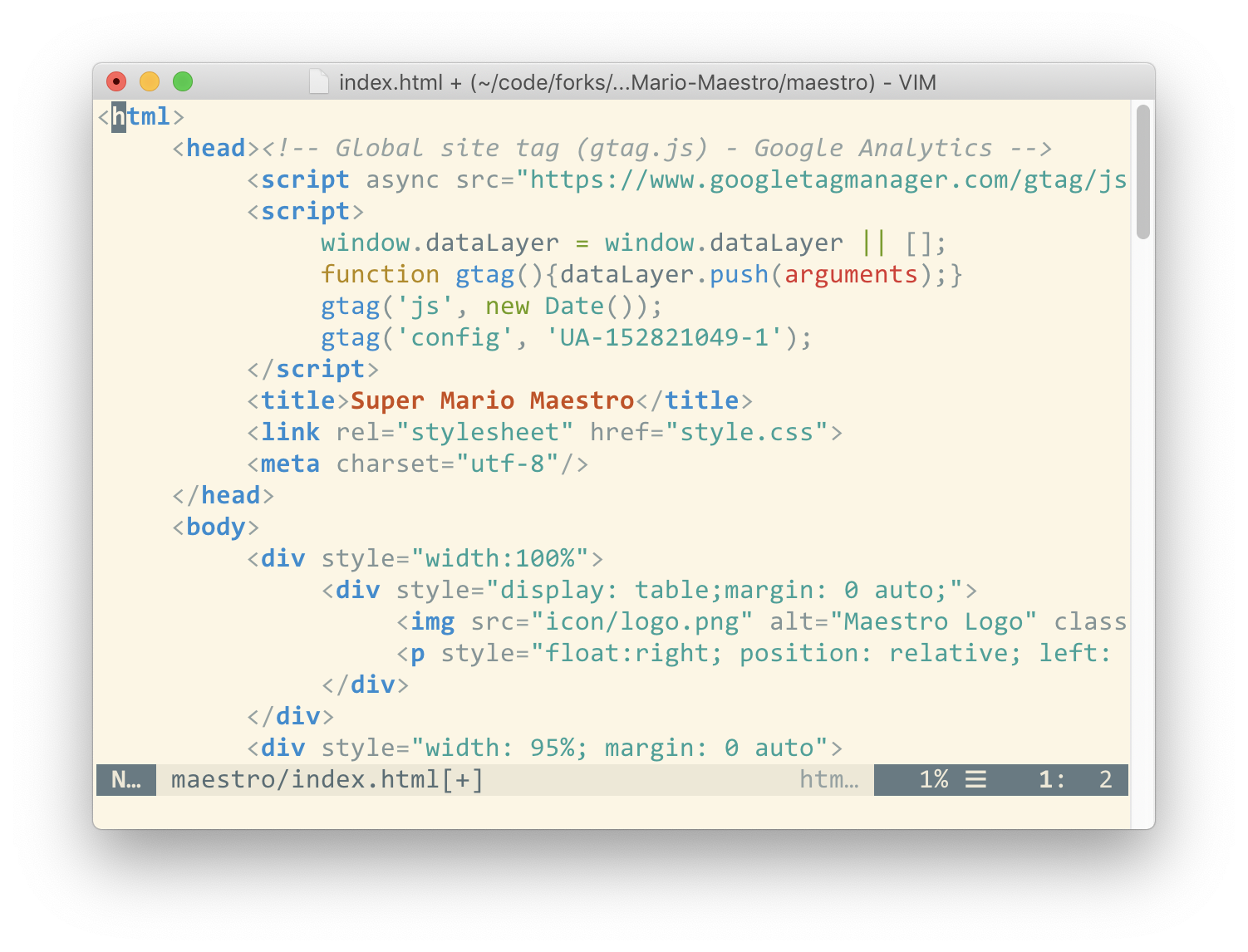
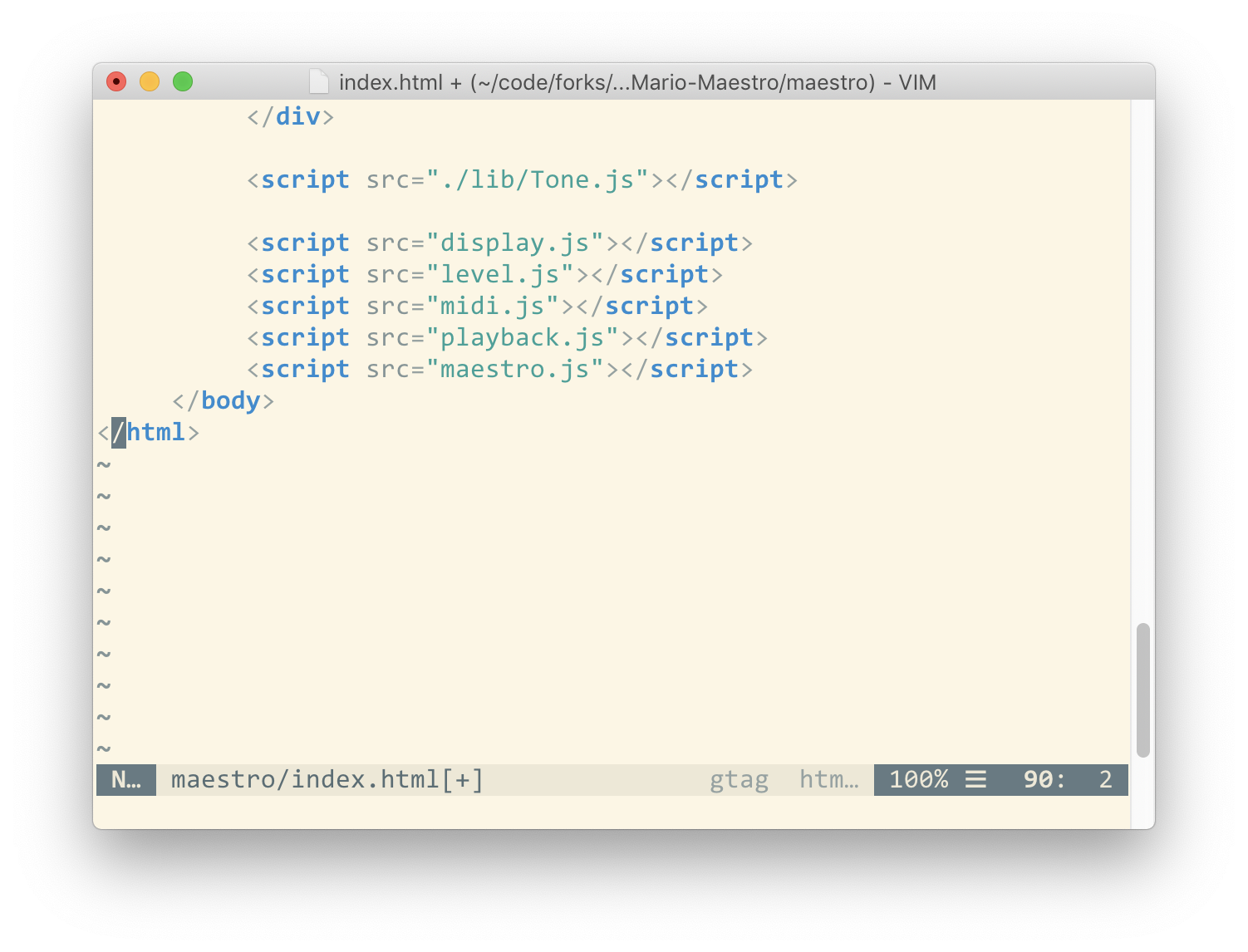
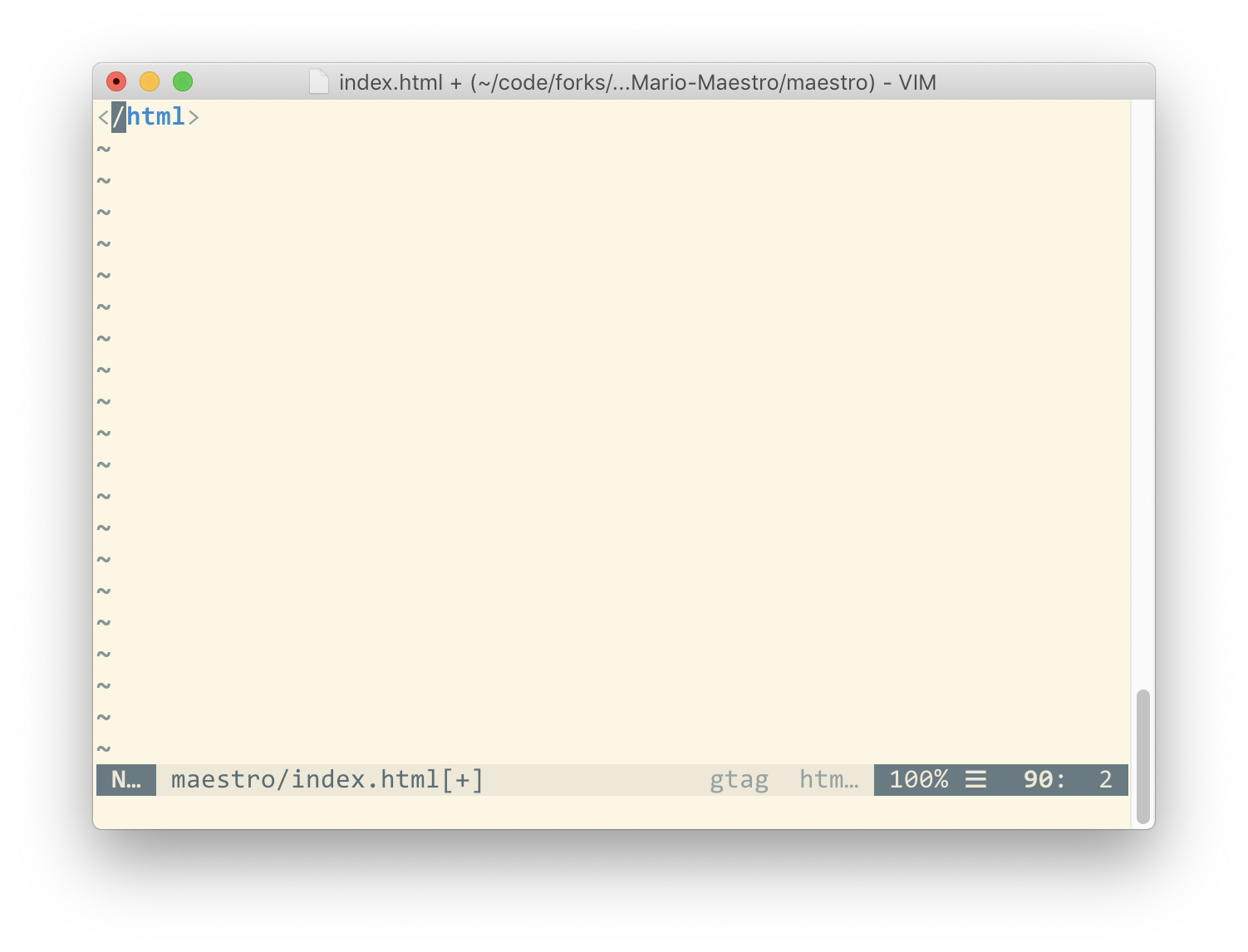
When calculating the length of the document for the purposes of the scroll bar, MacVim includes the distance you can scroll below the last line as part of the document length. I think this is a good way of accounting for the ability to scroll below the last line.
