

 quasarframework
A scroll bar is added even when the website content fits the screen size
Describe the bug
QPage is assigned a default min-height which leads to an unnecessary scroll bar even when the page content fits onto the screen.
To reproduce Steps to reproduce the behavior:
- Create a new Quasar project using the command
quasar create <project-name> - Run the project on a dev server using the command
quasar dev - Now, although the default quasar project content fits on the screen, an unnecessary scroll bar is present on the right side
Expected behavior
If the QPage content fits on the screen, no scroll bar should be present on the screen.
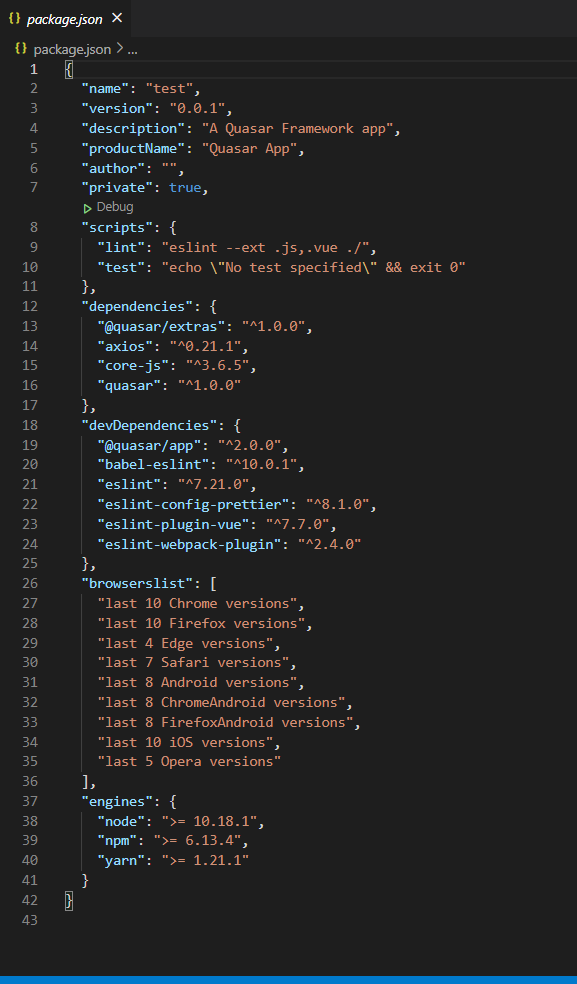
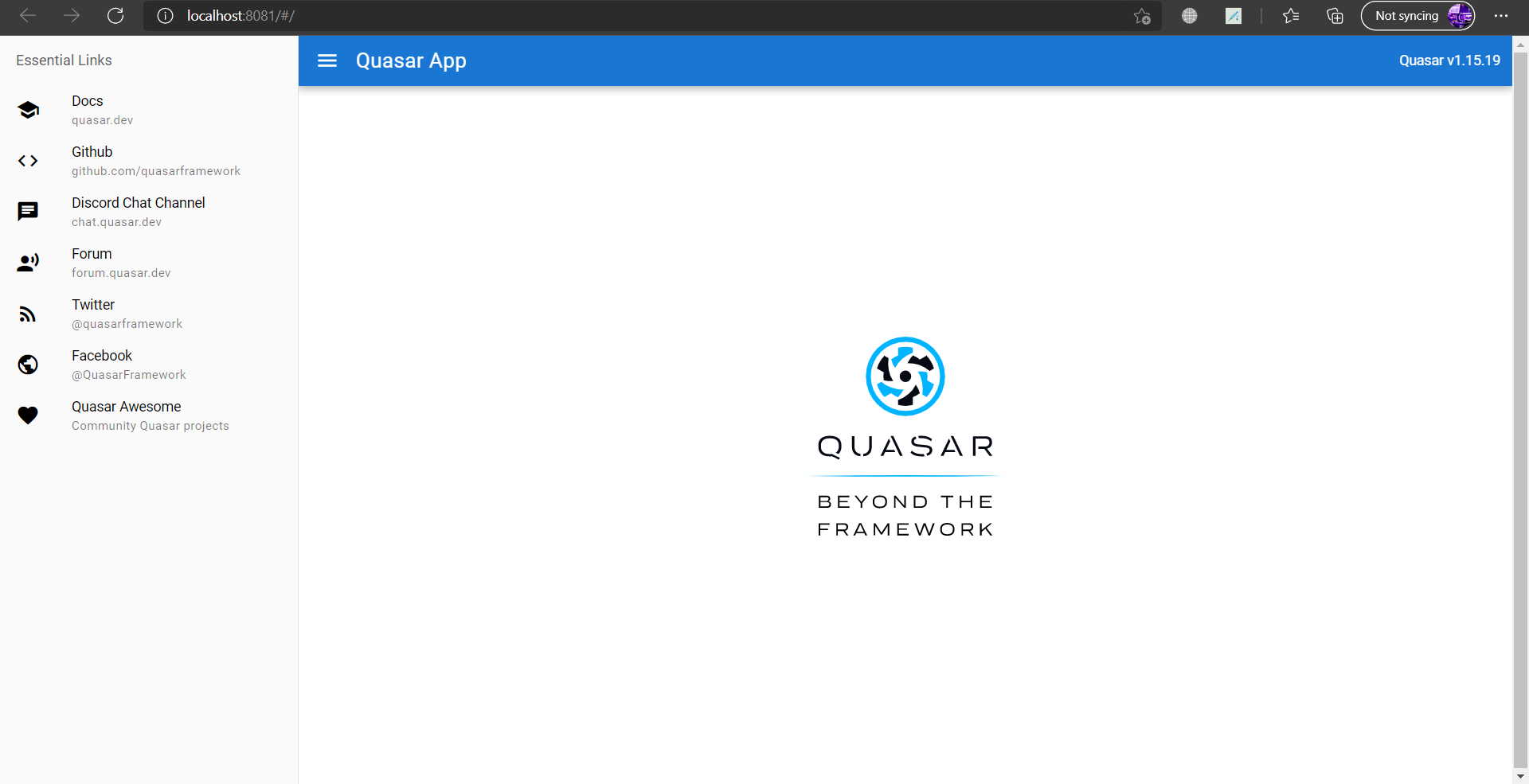

@kashyapjagwani Someone just had this issue, but we had to have them make a CodePen to reproduce it. Then we found they had added q-gutter-sm to the QPage, which added negative offsets (thereby raising the page). If this is not the case with your code, please create a CodePen with the issue so we can look at it.


I had the same issue today just creating the default project and running it on Chrome 91.0.4472.114 and Edge 91.0.864.54.
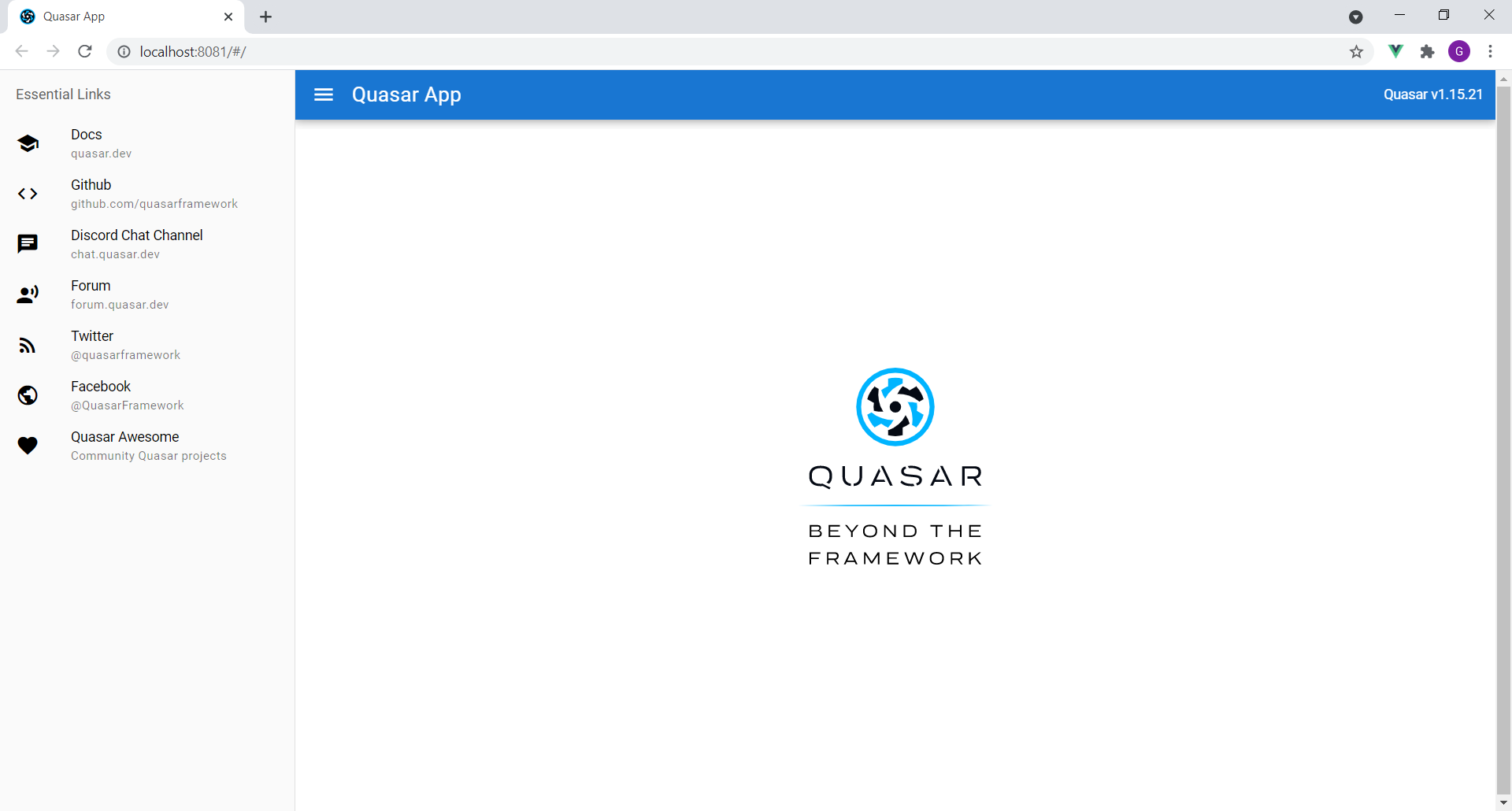

@gilbertorempto Try it in incognito mode just to make sure its not one of your extensions.
Considering it's happening on both it may be an issue with the chromium engine.
However, that being said, I am not seeing it on Linux:
Hi,
Sorry to necro. I've been having this too, on a brand-new project (just playing around with Quasar).
After having a little bit of a play around, for me, the thing that's causing it is having a card which uses any of the "q-mt-xs|sm|md|lg|xl" classes, inside of a QPage.
Not too sure if it's exclusively the card, or if it's just any child of a q-page which uses the q-margin utility classes.
So something like:
Notice the scroll bar:
What is looks like in the DOM:
Removing the margin on the card, and instead putting a padding on the q-page instead, resolves it:
What it looks like in the DOM after:
Layout:
Unsure why that causes such weirdness like this, but it does.
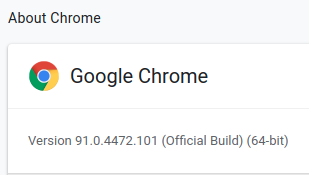
Obligatory browser version:
Obligatory package.json
