

 quasarframework
Add way to trigger autogrow on a window resize
I am currently using a textarea QInput with autogrow enabled inside a table and when I resize the page the autogrow isn't triggered, leaving the table cell the wrong height compared to expected.
To see what I mean I created this pen here https://codepen.io/SerenityCode/pen/XWawrJK I've used a black background for the textarea to make it easy to see the height it is currently set to.
When you make your window size smaller the height of the textarea remains the same until you change the value in the textarea where it then resizes correctly, i.e. add a letter a to the start of the text. If you then maximise your window after triggering the large vertical size of the textarea remains until the textarea value is changed again.
Describe the solution you'd like I would like there to either be a way to trigger autogrow on the resize or for it to automatically be triggered when the table is resized.
Describe alternatives you've considered I haven't tried any alternatives to overcome this yet - I am unfortunately quite new to vue so my ability to create workarounds is limited right now.
Additional context
Here are some screenshots of the problem:
Initial State:

After Resize:

After adding an 'a' to the textarea:
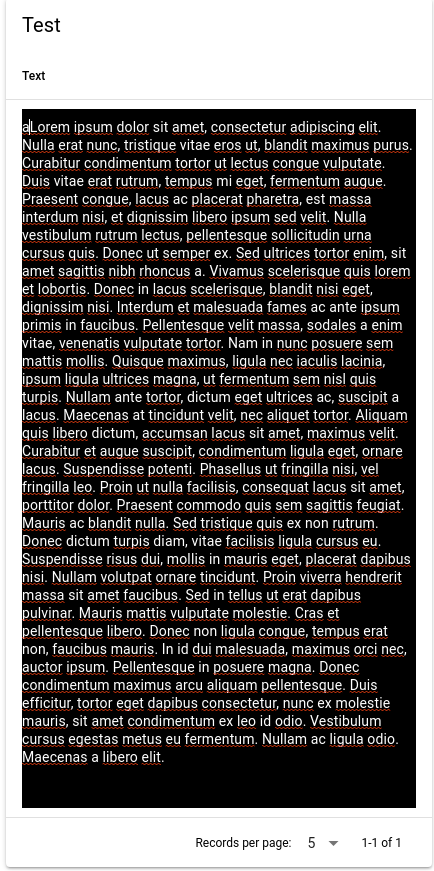
After maximising the page again:

After adding another 'a':


