

 pyvista
Cannot clip a volume
Describe the bug, what's wrong, and what you expect:
If there is an add_volume() method that returns a vtkVolume, I expect to be able to add a boxWidget on it and clip it as desired.
To Reproduce
# Where vol is a 3d numpy array
test = p.add_volume(vol, cmap=cf)
p.add_mesh_clip_box(test, color='white')
Error:
/opt/anaconda3/envs/viz/lib/python3.8/site-packages/pyvista/plotting/widgets.py in add_mesh_clip_box(self, mesh, invert, rotation_enabled, widget_color, outline_translation, **kwargs)
    134
    135         """
--> 136         name = kwargs.get('name', mesh.memory_address)
    137         rng = mesh.get_data_range(kwargs.get('scalars', None))
    138         kwargs.setdefault('clim', kwargs.pop('rng', rng))

AttributeError: 'vtkmodules.vtkRenderingCore.vtkVolume' object has no attribute 'memory_address'
System Information:
--------------------------------------------------------------------------------
  Date: Thu Jan 14 19:35:11 2021 CET

                OS : Darwin
            CPU(s) : 8
           Machine : x86_64
      Architecture : 64bit
               RAM : 16.0 GB
       Environment : Jupyter
        GPU Vendor : NVIDIA Corporation
      GPU Renderer : NVIDIA GeForce GT 650M OpenGL Engine
       GPU Version : 4.1 NVIDIA-12.0.23 355.11.10.50.10.103

  Python 3.8.5 (default, Sep  4 2020, 02:22:02)  [Clang 10.0.0 ]

           pyvista : 0.27.3
               vtk : 9.0.0
             numpy : 1.19.2
           imageio : 2.9.0
           appdirs : 1.4.4
            scooby : 0.5.6
            meshio : 4.3.5
        matplotlib : 3.3.1
             PyQt5 : 5.12.3
           IPython : 7.19.0
          colorcet : 1.0.0
     ipyvtk_simple : 0.1.3
             scipy : 1.5.2
        itkwidgets : 0.32.0
              tqdm : 4.50.2
--------------------------------------------------------------------------------

That vtkVolume object is an actor and invalid to pass to add_mesh_clip_box. add_mesh_clip_box accepts PyVista mesh types, so you would need to do:
# Where vol is a 3d numpy array
mesh = pv.wrap(vol)
p.add_volume(mesh, cmap=cf)
p.add_mesh_clip_box(mesh, color='white')

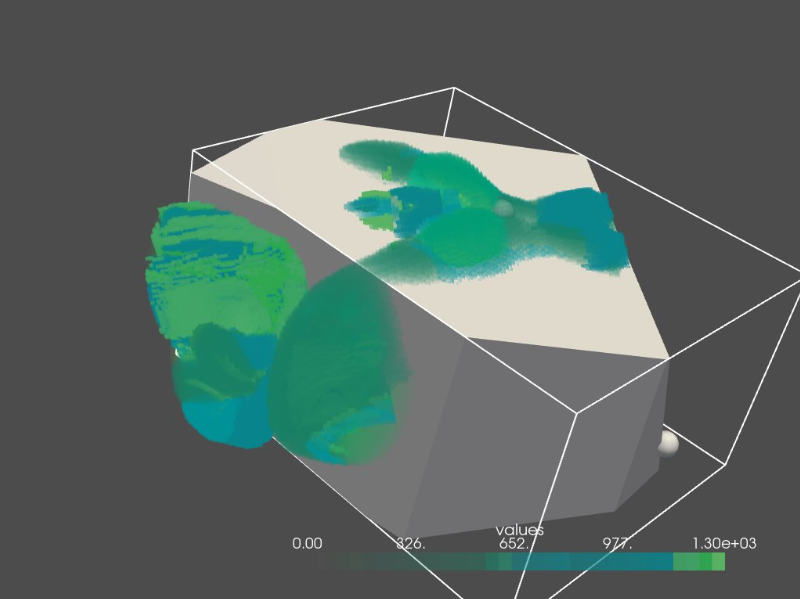
That's not what should happen when you clip a volume and for some reason, the code you suggest is utterly slow and the result is weird with a box on top of the volume (see screenshot): some clipping does not work and this box mesh should not appear.
This is what I can do in Paraview. It uses the box widget. It should be possible to use the same widget in pyvista but I could not find the method.
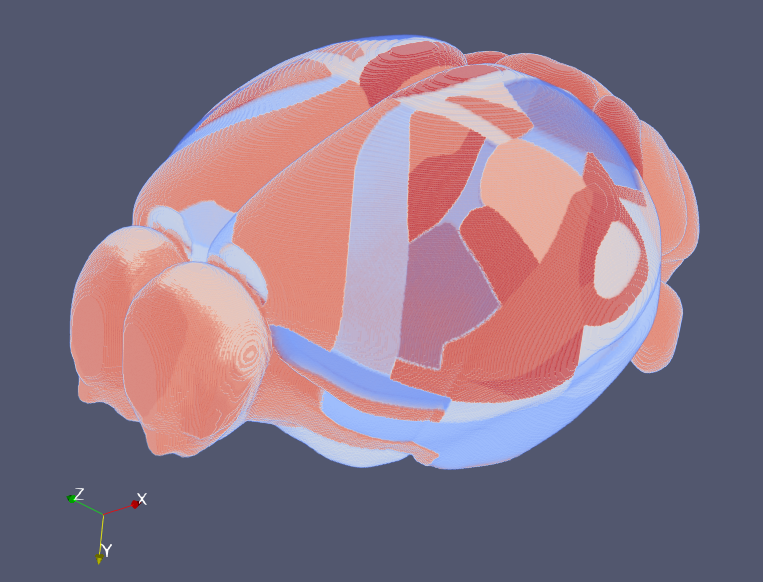
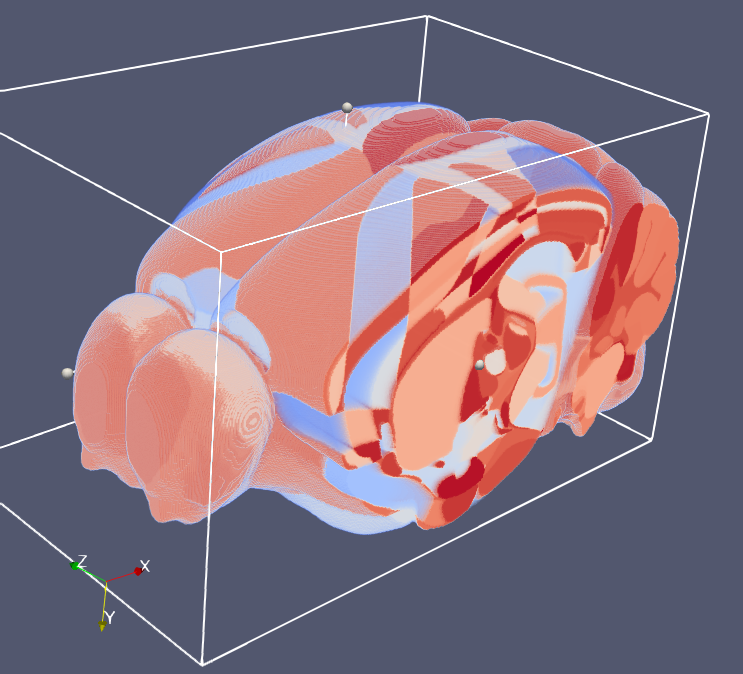
This is not currently supported add_mesh_clip_box is a wrapper around add_mesh. We could add an add_volume equivalent but it would have to use a different clipping backend for the volumetric data so this is not a trivial change.
I think there would need to be a large discussion on the naming of this API though to avoid having all these widget helpers have both an add_mesh and an add_volume version.
FYI, we have Plotter.add_volume_clip_plane now which allows clipping by one plane. This could be easily extended to support many planes from a box widget like add_mesh_clip_box
See https://docs.pyvista.org/api/plotting/_autosummary/pyvista.plotter.add_volume_clip_plane#pyvista.Plotter.add_volume_clip_plane