

 pyrevitlabs
I have intalled pyRevit 4.8.10.22040, when I have starting Revit it's not loading. It is giving error as shown in the below snap. Please advice
Describe the bug Replace these lines with your description. Be as specific as possible and list steps to reproduce the issue. If you have any suggestions for the solution please list that as well.
If you have installed pyRevit, and the installation completed with no errors but pyRevit doesn't load, please run the command below in terminal. This should fix the issue on your machine, however, please continue filing the issue with instructions below.
pyrevit attach master 277 --installed
To Reproduce Steps to reproduce the behavior:
- Go to '...'
- Click on '....'
- Scroll down to '....'
- See error
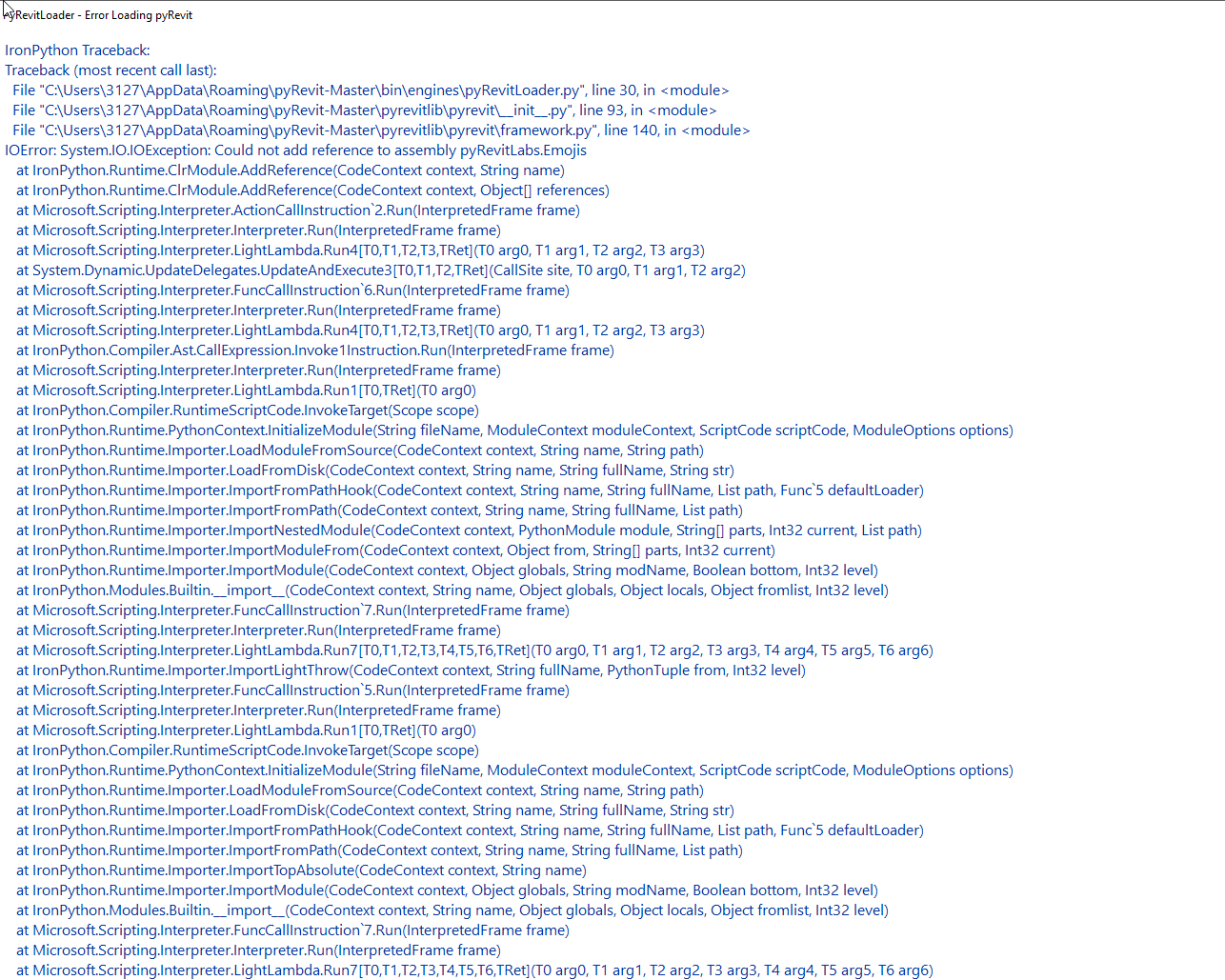
Expected behavior A clear and concise description of what you expected to happen.
Screenshots If applicable, add screenshots to help explain your problem.
Desktop (please complete the following information):
- OS: [e.g. iOS]
- pyRevit Version [e.g. 22]
- pyRevit Environment: Open a command prompt and run the command below. Replace these lines with the results. Take a look at this markdown guide and wrap the command results in ``` when pasting here for correct formatting.
pyrevit env
Additional context
Add any other context about the problem here.
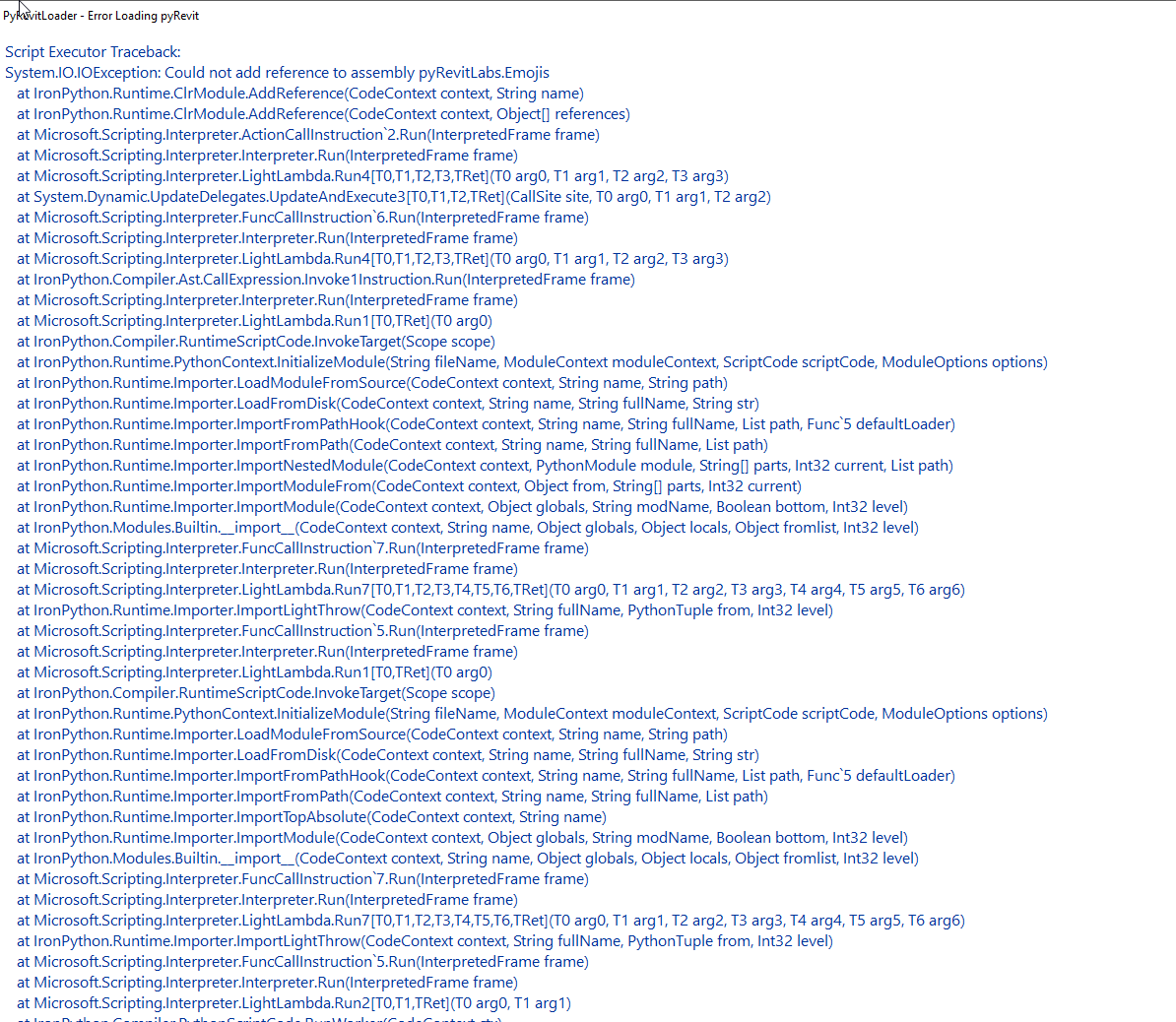

Hi there I have exactly the same issue, I urgently need to get Pyrevit working with Revit 2023 if possible!


For Revit 2023 you need a more updated version. see: https://github.com/eirannejad/pyRevit/issues/1561#issuecomment-1181847323

