

 pygfx
pygfx
Colorspace and gamma correction
Closes #329.
It was observed in #329 that the colors are washed out compared to e.g. Matplotlib and Vispy. After some research it appears that this is due to the srgb colorspace texture of the final step. Most examples in wgpu upstream use srgb, but I guess this convention does not hold for our ecosystem? I'm not sure what's right here, but I agree that the colors look "washed out", and that without srgb things look more vibrant.
It was observed that the colors still don't match that of Matplotlib. In fact, Matplotlib applies some conversion, as e.g. an input "#33333" does not appear as such on screen. The color transform applied by Matplotlib is close to a gamma correction with gamma=0.82. Close but not exactly.
This PR turns off srgb by default, but keeps an option to enable it. It also adds a gamma_correction property to the renderer. This way, things look more similar by default, and can be made pretty close to MPL if you want.
With gamma set to 1.0, the colors are exactly as they are as input (except for some weird begavior for specific colors, see https://github.com/pygfx/pygfx/issues/329#issuecomment-1256086717).
Side note: the wgpu funtion get_preferred_format was implemented just recently in wgpu-native, and wgpu-py returns a hardcoded value at the moment. We'd need to review this pygfx code when we do the next wgpu-py update.
With srgb (before this PR):
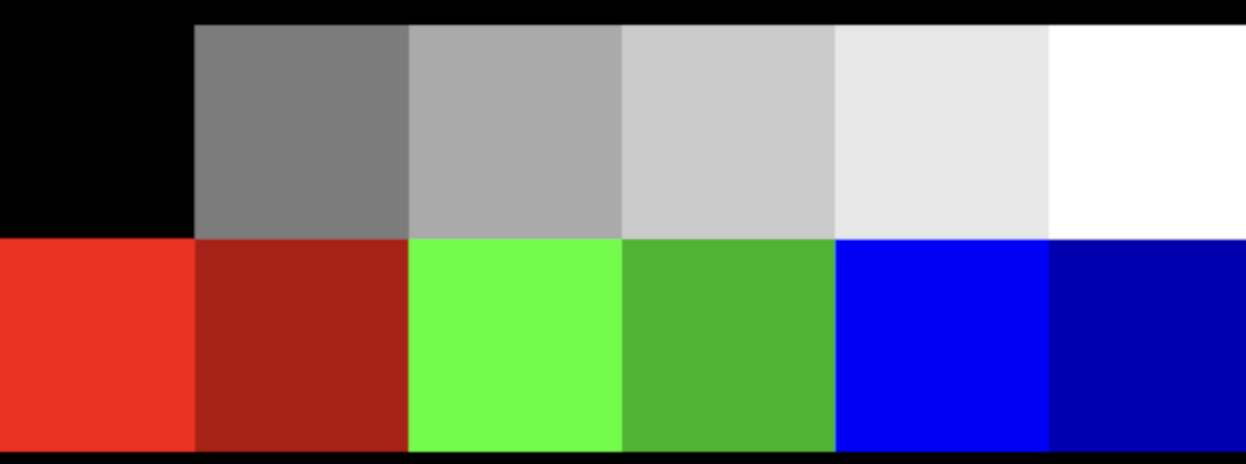
Without srgb:
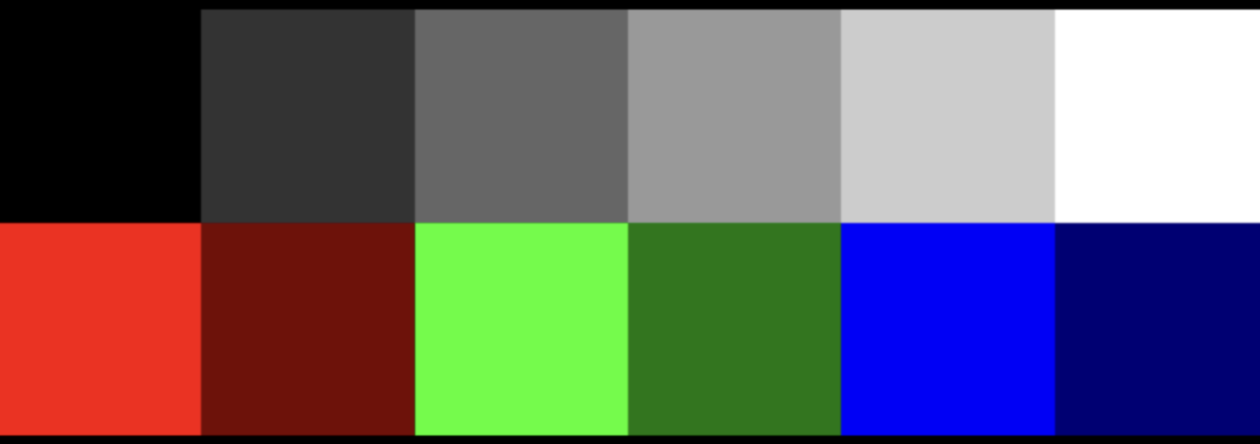
Gamma 0.5:
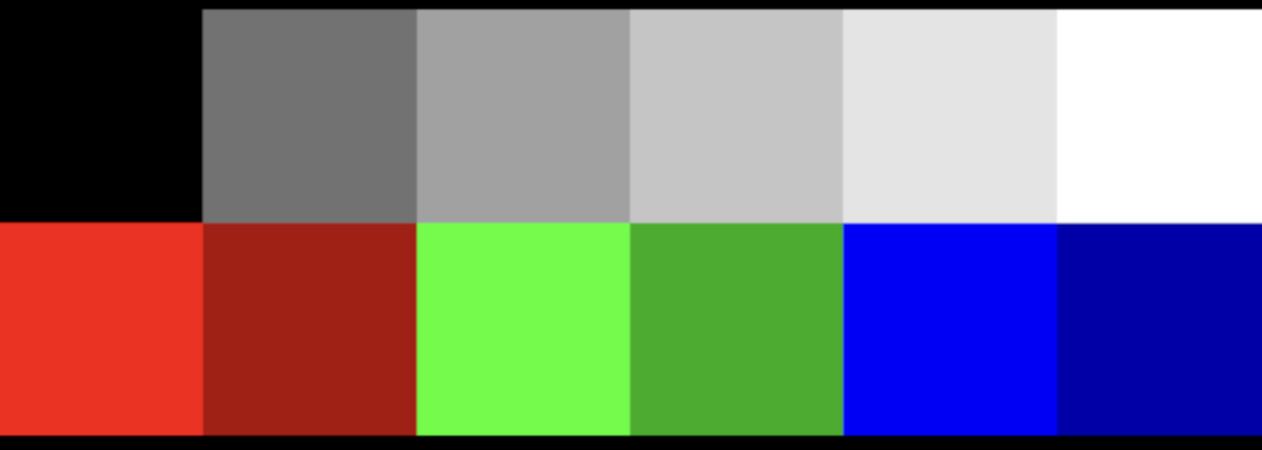
Gamma 1.5:
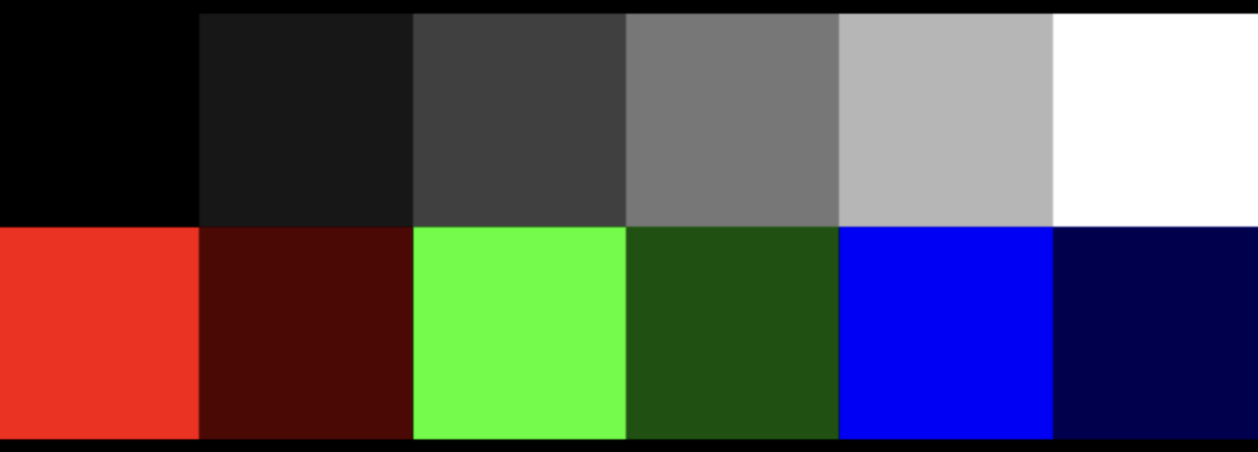
MPL:
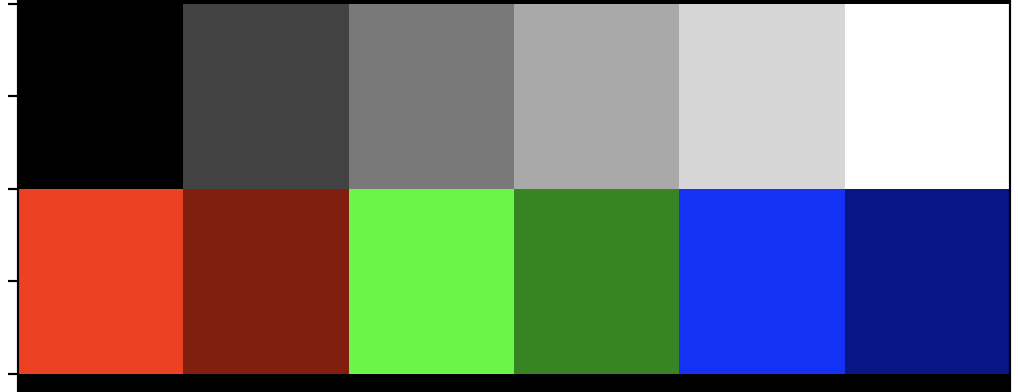

Perhaps @rougier has an idea of what Matplotlib does here. Nico, short story is that we observe that MPL applies a color transform to the final/total image, which seems to be close to a gamma correction. I could not find an answer using Google, perhaps you know more?
Most examples in wgpu upstream use srgb, but I guess this convention does not hold for our ecosystem?
This leaves me wondering if those wgpu upstream examples also have washed out colors/images?

This thread from UE4 seems to indicate the bit resolution of image textures also influences the outcome?
https://forums.unrealengine.com/t/problems-with-srgb-and-washed-out-textures/129683
There's also this article which suggests we would need to do something in our shaders: http://filmicworlds.com/blog/linear-space-lighting-i-e-gamma/
The "ideal" gamma (for human perception) is supposed to be 2.2 and I think this the one used with sRGB on OpenGL. The output on #329 is really washed out. Depending on the format of the image, it may come with an embedded color profile that is applied by matplotlib/vispy but not pygfx. To test, you can make a new image out of the two displayed image (e.g. screnshot)and render them in pygfx.

This is ready for review. Some examples may need their image updated, and I spotted something that I need to clean up. Otherwise this is ready from my end. I updated the first post to reflect the current state. I also wrote up my current understanding on the matter: https://almarklein.org/gamma.html (draft).
One question for @panxinmiao, in the lights PR, the lights have both a color and an intensity. I presume that the color is in sRGB and the intensity is a scale factor to be applied in the physiscal color space (i.e. it represents the intensity in terms of number of photons). Would you agree?
You can read about three.js handling here: https://threejs.org/docs/index.html?q=color#manual/en/introduction/Color-management, specifically the section "Roles of color spaces"
You can read about three.js handling here: https://threejs.org/docs/index.html?q=color#manual/en/introduction/Color-management
Interesting. Looks like the user is responsible for providing a color in physical colorspace:
Colors supplied to three.js — from color pickers, textures, 3D models, and other sources — each have an associated color space. Those not already in the Linear-sRGB working color space must be converted, and textures be given the correct texture.encoding assignment.
Similarly, colors on materials, lights etc. are in physical colorspace. They do a little trick though: values provided as hex and css are assumed srgb and converted automatically.
color.setHex( 0x808080 );
console.log( color.r ); // → 0.214041140
console.log( color.getHex() ); // → 0x808080
I'm not sure what to think of this yet. As with some other aspects of ThreeJS, I'm not sure whether this design was intentional or the result of a series of design decisions over the course of its history 🤔
I do wonder if we can really do without a flag on Texture. I guess that means we only support texture that provide sRGB values (not-physical) for now?
Good point. Technically one can always convert any colorspace to the colorspace that pygfx expects. Or use a flag on the texture to indicate how the content should be interpreted.
Maybe we need to checkout some more how other render engines do this.
Maybe we need to checkout some more how other render engines do this.
Three.js: texture has a flag Unreal: texture has a flag Unity: texture has a flag Godot: texture has a flag Babylon.js: texture has a flag
One question for @panxinmiao, in the lights PR, the lights have both a color and an intensity. I presume that the color is in sRGB and the intensity is a scale factor to be applied in the physiscal color space (i.e. it represents the intensity in terms of number of photons). Would you agree?
Er, I'd like to talk about my point of view.
My idea is that in order to get physically correct calculations, all colors read by shader programs are assumed to be in linear space, including reading from srgb textures with automatic conversion, and reading directly from non-srgb textures.
Note that this is only related to the encoding of the texture itself, but not the original image, because the program cannot know whether the data of the original image is srgb space or linear space. For programs, there is no difference, only digitals (although most color maps should be in the srgb space, because designers and artists work in srgb space, through the display screen). When loading materials from images, you should know whether they are in linear space or srgb space, and make reasonable settings, rather than being determined by the engine. I checked some GLTF model loader codes. After loading image textures, they are set to srgb space by default, because most texture maps are indeed in srgb space
The same is true for the basic color in other cases. The shader program assumes that the color received is the color in the linear space. How this "color in the linear space" comes from is determined by the user.
(In this sense, the current values in pygfx Color class are assumed to be in linear space.)
In fact, for basic rendering, as long as the input and output are in the same color space, the impact in linear space or srgb space is not significant, or even can be ignored. Only in physics based rendering, you need to pay attention to the problem of color space.
Back to the question of "light", our current light color value is really in linear space. Theoretically, it is not completely correct if users use the color value in the srgb space to set the light (very likely, because users also work through the display screen or take some colors from the web palette).
But I don't think it's critical, because the lighting effect of the final scene is not only determined by the light color, but also related to many other factors (light intensity, distance, attenuation, shader implementation logic, engine implementation logic, etc. In order to get artist friendly effects, our code even directly multiplies the light color by PI for correction). No one can directly set a very accurate light color value to get the desired scene lighting effect. They must make adjustments to the rendering results.
Therefore, I think it is more important for the engine to have a set of self consistent and complete logic, without worrying about whether the rendering result is completely consistent with that of some other software.
Of course, it would be better if we could extend the Color class to have more perfect color space management functions.
I think that all color space conversion should be completed in the user layer or the CPU, without the concern of the GPU or shader.

Let me explain how the current state of this PR works. In the shader, the color of the fragment, which can come from multiple sources, is first determined. This color is assumed to be sRGB and converted to linear space, then follow the light calculations. Some examples:
- A basic mesh with a uniform color: sRGB color comes in as a uniform of the material.
- Phong Mesh with map: color is sampled from the texture using texcoords.
- Image: color is sampled from the texture (geometry.grid is interpreted as color).
- CT data: value is sampled from the texture (geometry.grid is interpreted as data), and put through a colormap.
My point is that in all cases we come to a point in the shader where we have the fragment's "base color". This is the point where (in this PR) we move to linear space. Also see how a texture can contain data in one case and color in another. But this works fine, no intervention needed. In fact, the user does not have to mark textures as linear or srgb. All goes automatically, as long as your colors are sRGB.
So I propose that in PyGfx we expect all colors to be sRGB. This results in an easier API (not having to mark color textures as srgb). As far as I know there are no disadvantages (except for when your color is physical/linear, I'll address below).
I checked some GLTF model loader codes. After loading image textures, they are set to srgb space by default, because most texture maps are indeed in srgb space
Indeed, the glTF spec dictates that all colors are sRGB :)
Sometimes you may have colors in physical/linear space though. We need a solution for that. My current thought is a flag on a texture, which can be considered "auto" by default, but can be set to prevent the gamma correction step. Similarly, a method on the Color class to convert linear colors to srgb would be nice (which you seem to suggest as well).
In fact, for basic rendering, as long as the input and output are in the same color space, the impact in linear space or srgb space is not significant, or even can be ignored. Only in physics based rendering, you need to pay attention to the problem of color space.
I agree that physics based rendering is practically impossible if you don't use physical colors. However, blending and antialiasing also benefit from treating colors the right way. And the effects are also visible with Phong shading :)
Back to the question of "light", our current light color value is really in linear space.
Well, we can say that the light color is sRGB and convert to linear in the shader, and have happy artists and correct results :)
But I don't think it's critical, because the lighting effect of the final scene is not only determined by the light color [...]
That's a reassuring thought.
our code even directly multiplies the light color by PI for correction
Any idea where that PI comes from? I wonder if its still necessary once we've set things up correctly all the way.
I think the engine assumes that the input color space and output color space (rather than letting the user decide) may cause some more complex problems.
For example, some visualizations of "scientific calculation and data statistics" are related to data by color values.
Also, for ordinary users, although they may work in the srgb space, they may not be aware of this. For example, they plan to turn red (255, 0, 0) into "semi red". Many people will set the color to (128, 0, 0) - this is usually the correct practice in most use cases. In the srgb space, its display effect is exactly the "semi red" that users see, but in the linear space, this color is not half the brightness of the previous color(physically), and the resulting calculation may not be what users expect.
This is especially true for lights. In PBR rendering, users may expect to change the color of a light (255, 255, 255) to (128, 128, 128) to reduce its brightness by half. In the color palette on the display (in the srgb space), it does become half (in line with users' expectations), but our program processes it in the "so-called correct" way (conversion from srgb to linear space), and assumed that the user knows this (in fact, the user does not know it), which makes the results inconsistent with the user's expectations.
Of course, for experienced users who understand the principle behind this, all this is not a problem, but they will pay attention to the problem of color space and have the ability to set it reasonably.
Indeed, the glTF spec dictates that all colors are sRGB :)
Some pre baked lightmaps or HDR maps may be in linear space.
Any idea where that PI comes from? I wonder if its still necessary once we've set things up correctly all the way.
This is from three.js. I think the possible reason is related to this function in the shader:
    fn BRDF_Lambert(diffuse_color: vec3<f32>) -> vec3<f32> {
        return 0.3183098861837907 * diffuse_color;  //  1/pi = 0.3183098861837907
    }
As I replied earlier, different from the color of objects, the color of light is a "somewhat abstract" attribute, which is related to the physical properties of optics, but it cannot be fully expressed by simply using "color".
No one can tell clearly what the result is for a light with a specific color value (we choose from the palette) to illuminate the scene. This depends on many factors, including how you understand the "color value" of the light (which to some extent determines the rendering logic) However, in general, users may tend to think that "a light with half the color" will also have "half the effect of illuminating the scene".
The way that lights work with gamma, srgb etc. is a complex topic. No matter how we design our API, it's going to cause pain points in one way or another. We can only try to make the API:
- As clear and consistent as possible.
- Make it work (for beginners) without having to know about gamma for most use-cases.
- Document where things are different than users might expect.
Also, for ordinary users, although they may work in the srgb space, they may not be aware of this. For example, they plan to turn red (255, 0, 0) into "semi red". Many people will set the color to (128, 0, 0) - this is usually the correct practice in most use cases. In the srgb space, its display effect is exactly the "semi red" that users see, but in the linear space, this color is not half the brightness of the previous color(physically), and the resulting calculation may not be what users expect.
I agree. There will always be usecases where it's different than the what the user expects. This is true if we interpret colors as srgb but also if we interpreted as physical color. There's no real solution here. But I'm convinced that going for srgb will result in less confusion overall.
Indeed, the glTF spec dictates that all colors are sRGB :)
Some pre baked lightmaps or HDR maps may be in linear space.
But these would violate the spec, right? Anyway, that's fine, we offer a way to set a texture to linear now. If one writes a gltf reader, you could explicitly set the colorspace on all textures that you create.
As I replied earlier, different from the color of objects, the color of light is a "somewhat abstract" attribute, which is related to the physical properties of optics, but it cannot be fully expressed by simply using "color". [...] However, in general, users may tend to think that "a light with half the color" will also have "half the effect of illuminating the scene".
Yeah, I suppose the visual output would also depend on camera properties etc. I saw that all lights have a color and an intensity. Would you agree that the color should be used to set the "tone" of a light and that the intensity can be used to scale it? Then we can make the color sRGB (easy to pick e.g. from a palette) and the intensity a factor that is applied in physical colorspace. This behavior can also be documented easily, which should make it pretty clear what to do.
Merging this 🚀 - the remaining points relate to light sources, and we can implement and discuss in #324
