
galgebra

galgebra copied to clipboard
 pygae
pygae
Document the release procedure
This is motivated by the fact that I have to refresh my memory every time I make a release.

- Never make a release directly and always make a release candidate version first, to test and ensure that the CI is still working properly for publishing to PyPI
- review https://github.com/pygae/galgebra/blob/master/.circleci/config.yml : particularly, check all dependencies (as indicated by
requires) ofpublishhasfilters.tags.onlyset to/^v.*$/ - check https://app.circleci.com/settings/project/github/pygae/galgebra/environment-variables for
PYPI_HOST,PYPI_USERNAME,PYPI_PASSWORDand ensure the credentials are up-to-date - check https://pypi.org/project/galgebra/#history for the last release
- submit a PR to bump the version in https://github.com/pygae/galgebra/commits/master/galgebra/_version.py , note that there's no
vas prefix, it should be something like0.5.0rc1and the PR branch should be like0.5.0rc1-releaseand the commit log should be likeBump version to 0.5.0rc1, the PR title should be likeRelease 0.5.0rc1(add[ci skip]if you know the CI will pass and wish to skip the CI) - Add something like the following to the top of https://github.com/pygae/galgebra/blob/master/doc/changelog.rst and check the doc build at a URL like https://galgebra--404.org.readthedocs.build/en/404/changelog.html with
404replaced by the PR id
- :release:`0.4.5 <2019.12.31>`
- Once the PR is merged, create a release: tag version:
v0.5.0rc1(REMEMBER the prefixv), title same, changelogSee [Changelog](https://galgebra.readthedocs.io/en/latest/changelog.html).and checkThis is a pre-releaseif it's a release candidate only - check https://github.com/pygae/galgebra/releases to see if the release is created.
- check https://app.circleci.com/pipelines/github/pygae/galgebra to see if a CI with the tag is triggered:

- CI succeeded like

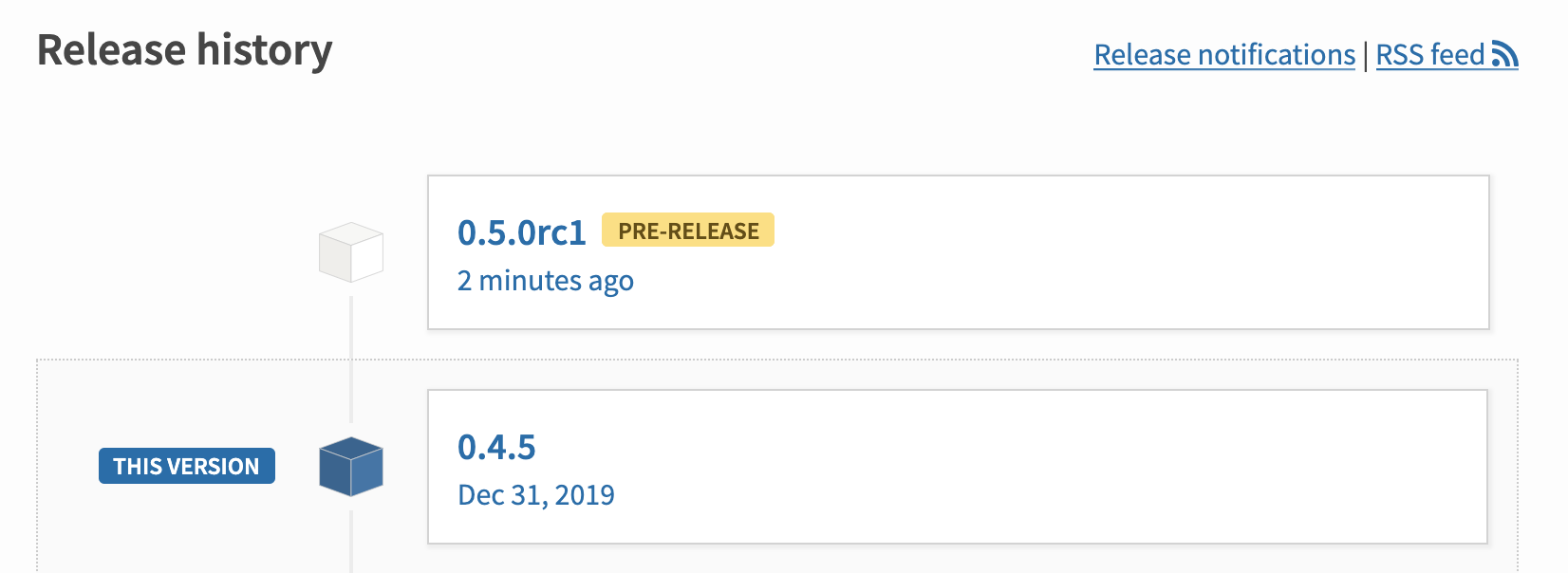
- check https://pypi.org/project/galgebra/#history to see if the release is published like
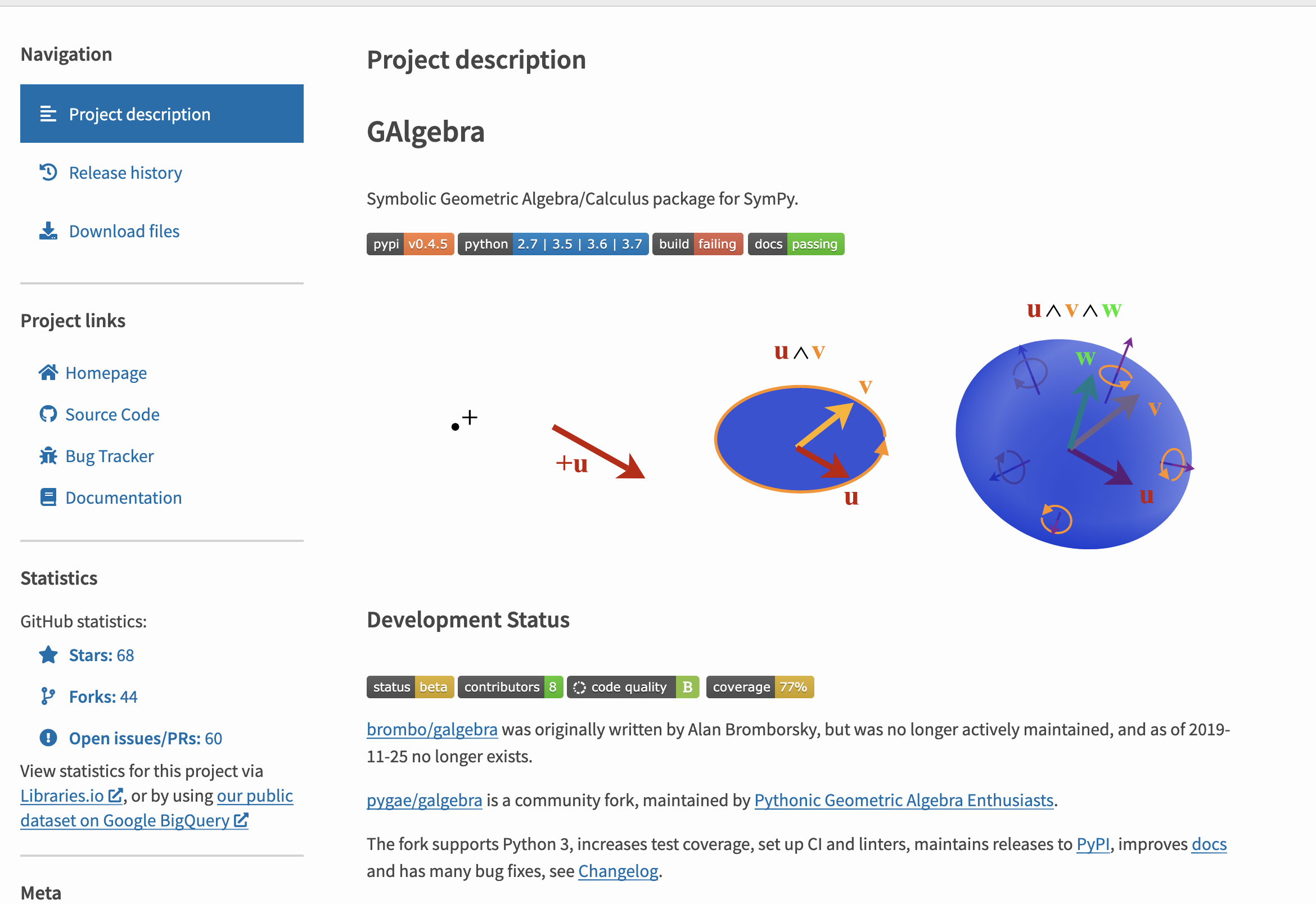
- check the URL like https://pypi.org/project/galgebra/0.5.0rc1/ to see if README is rendered correctly

Could have a new section on the GAlgebra main doc for developers and gather some existing documents like maintaining notebook tests and place them altogether since I prefer to have the doc in a central place and version control it under the same git repo, Github Wiki is too limited and it usually ends up porting to the main doc in most open source projects I know of.