

 pybricks
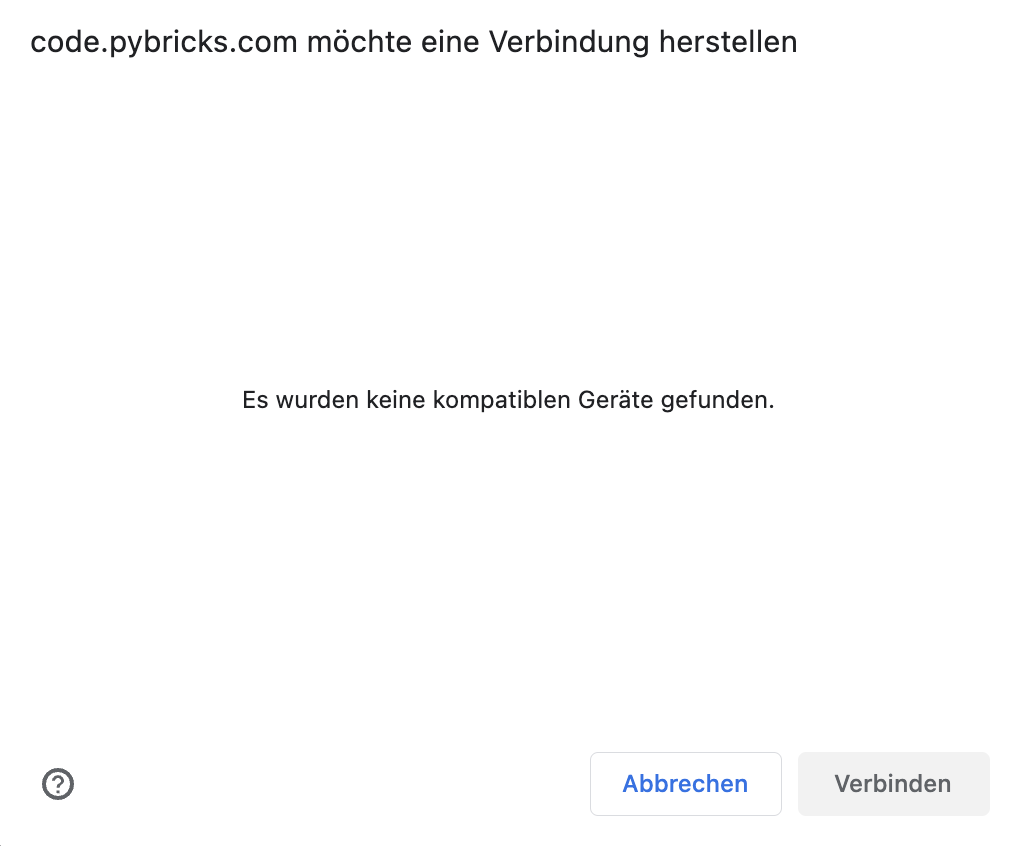
No compatible device found
Hi there, I'm trying to fix a 88016 Hub with your procedure (update-loop-issue) on Chrome but fail to even connect the hub properly. Also tried the firmware restore but it always says: "No compatible device found" when I want to connect. Working on a MacBookPro and in my system information I find the hub (LEGO Technic Large Hub in FS Mode) connected to usb. What am I doing wrong? Any suggestions? Best regards!

For firmware restore, make sure to follow the steps in the video to put the hub in update mode. Which step does not work?
For the update-loop fix, make sure that no apps are currently using the hub. If you see that the hub is connected in system settings, please try disconnecting it there. If the USB connection is already in use, the web app can't find/open it.

Wow, thank you for the quick answer! In both routines the selection of the device is the problem, the hub is not shown.
My system settings just show me what is connected, it's not used or adressed. Actually that should be the information the routine is somehow to access, aint it?
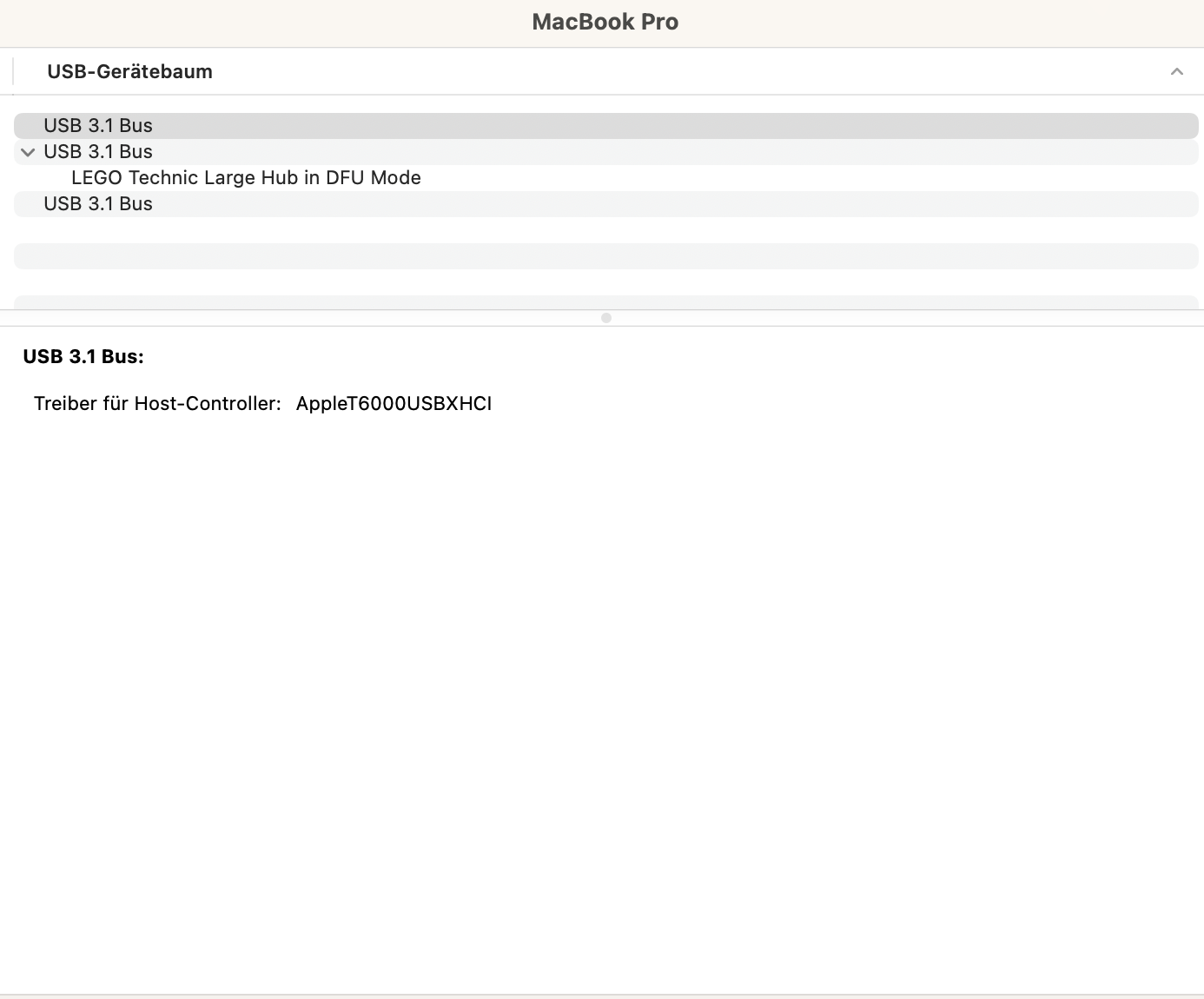
Can you click on the "LEGO Technic Large Hub in DFU Mode" on that screen and take another screenshot so we can see the vendor and product ID?

Sure ... both morst recent versions:
macOS 13.2.1
Google Chrome 112.0.5615.137
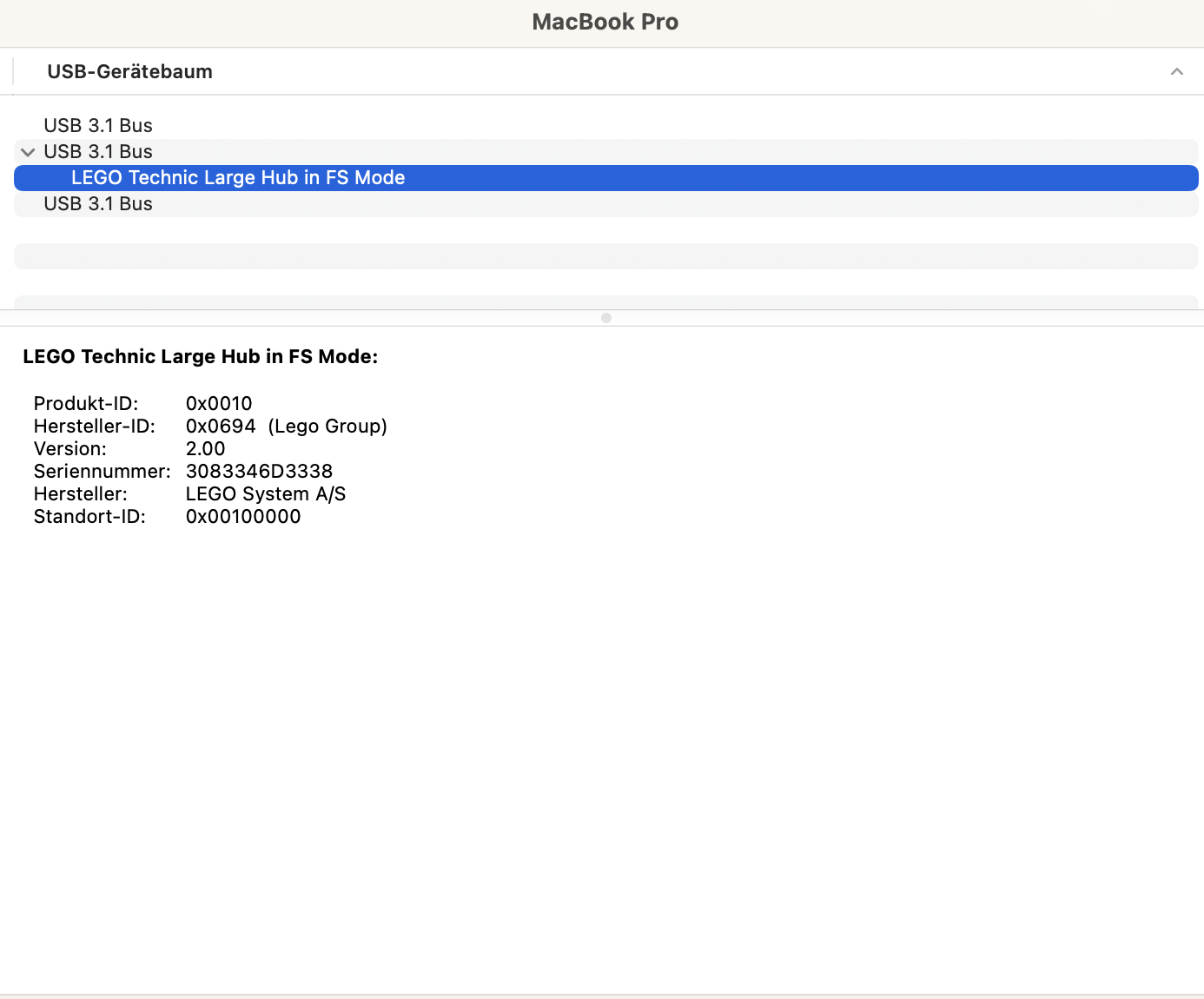
First, I had an issue with the cable, seems I picked a non-USB-2.0 – but then the Hub didn't show in the system mount neither. As it does show now, I assume the second cable was ok. I also was a bit afraid that the hub is completely inaccessible because of the incomplete update-process; but when trying to restore the firmware the LED is at east working as described in your routine, blinking pink-green-blue-off.
The hub should be fine. Even a partial update can always be done again. :slightly_smiling_face:
But in your case, it sounds like the update hasn't even started yet. If you turn the hub off and on again, you probably just go back to the standard firmware.
Did you say elsewhere that this happens on your Windows computer too?
But just to be completely sure:
- If you see the Technic Large Hub in FS Mode, this method can be used.
- If you see the Technic Large Hub in DFU Mode, then you can use Pybricks Code recovery or installation.
If you double check the mode in your settings, does it still not work?
Hub switches automatically on when connecting via usb ... and off after a while. But doesn't work properly, no sounds, no visuals, just the white light on and a then blinking shortly when switching off.
With your routines I can "create" both modes, FS and DFU in the system's USB tree but cannot access the device in chrome. I think it narrows down to that and I know that's not your field, right? But in case you're still willing to help, find the screenshot of chrome's device log attached. You can always see my plugging in and out of the logitech receiver when replacing it with the hub, but nothing from the hub. (I'm, using a small adapter for having a normal USB-Port on the MacBook, but as the hub shows in system's USB-tree, I think physical connection shouldn't be part of the problem.)

It's interesting that the pid and vid fields are none, which could explain why the app is not seeing them.
Hub switches automatically on when connecting via usb ... and off after a while. But doesn't work properly, no sounds, no visuals, just the white light on and a then blinking shortly when switching off.
This is normal behavior, so the good news is that the hub should be fine.
And what happens when you open the Robot Inventor app?
Do you see the same issue if you connect via the SPIKE app with this link? https://spikelegacy.legoeducation.com/
You can select the (yellow) SPIKE Prime Hub. It is identical to the (green) Inventor Hub.
was this issue resolved? I am also facing same issue with my spike prime hub while restoring LEGO firmware
When I open the robot in https://spikelegacy.legoeducation.com/ , there as well I can see the same error "No compatible device found
"

Usually, this is due to a bad USB cable. It could also be due to a misconfigured USB driver.
@parshwa282011 . Which lights do you see on the hub if you turn it on (without any cables attached?).