

 pulsejet
Videos seem to look washed out
The trans-coded(?) videos seem to have a 'washed out' color to them, but in the iOS camera roll they look mostly the same. It's like the video's brightness was somehow turned up a few extra percent.
Video:
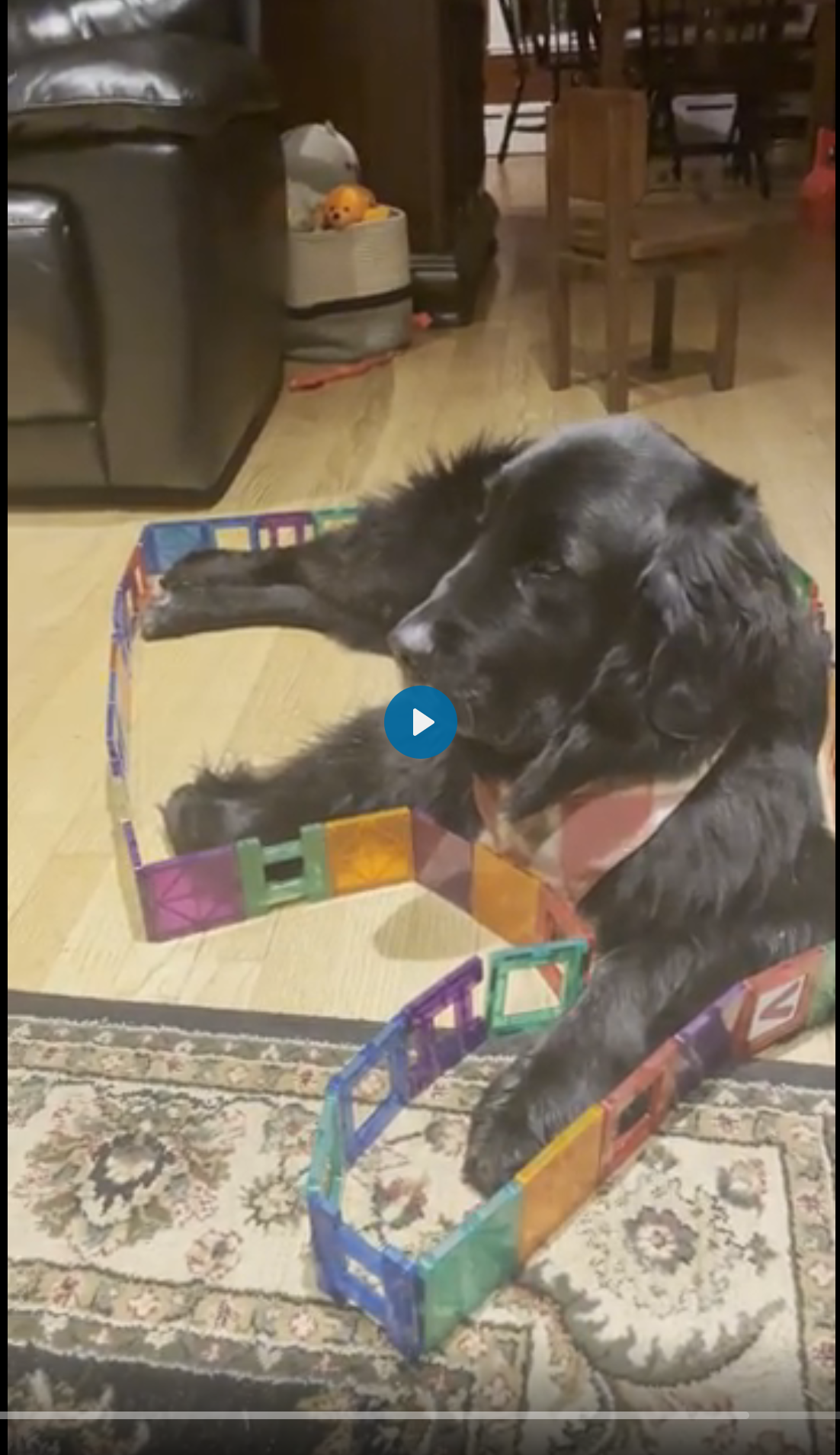
Photo:
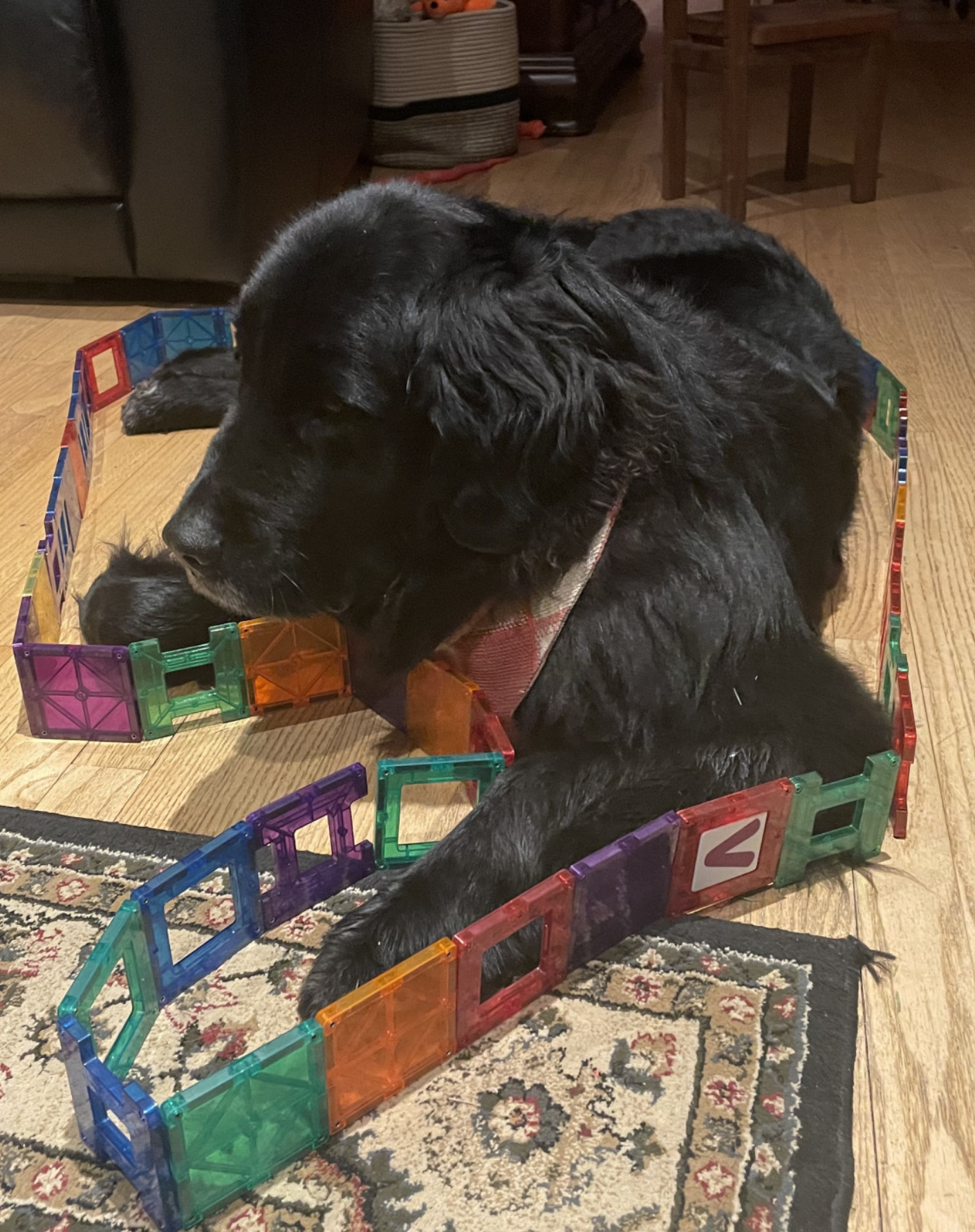

Is it possible that the video is HDR? I always wondered how does ffmpeg handle those. I can imagine that if HDR is not accounted for the metadata can be lost and the video end up with different colourspace.

@vitis586 yes, that could explain it for sure. The photo and video are both HDR: 
For reference I can pretty much recreate the washed out look in iOS photos if I modify the video to have +50 brightness and -50 saturation:
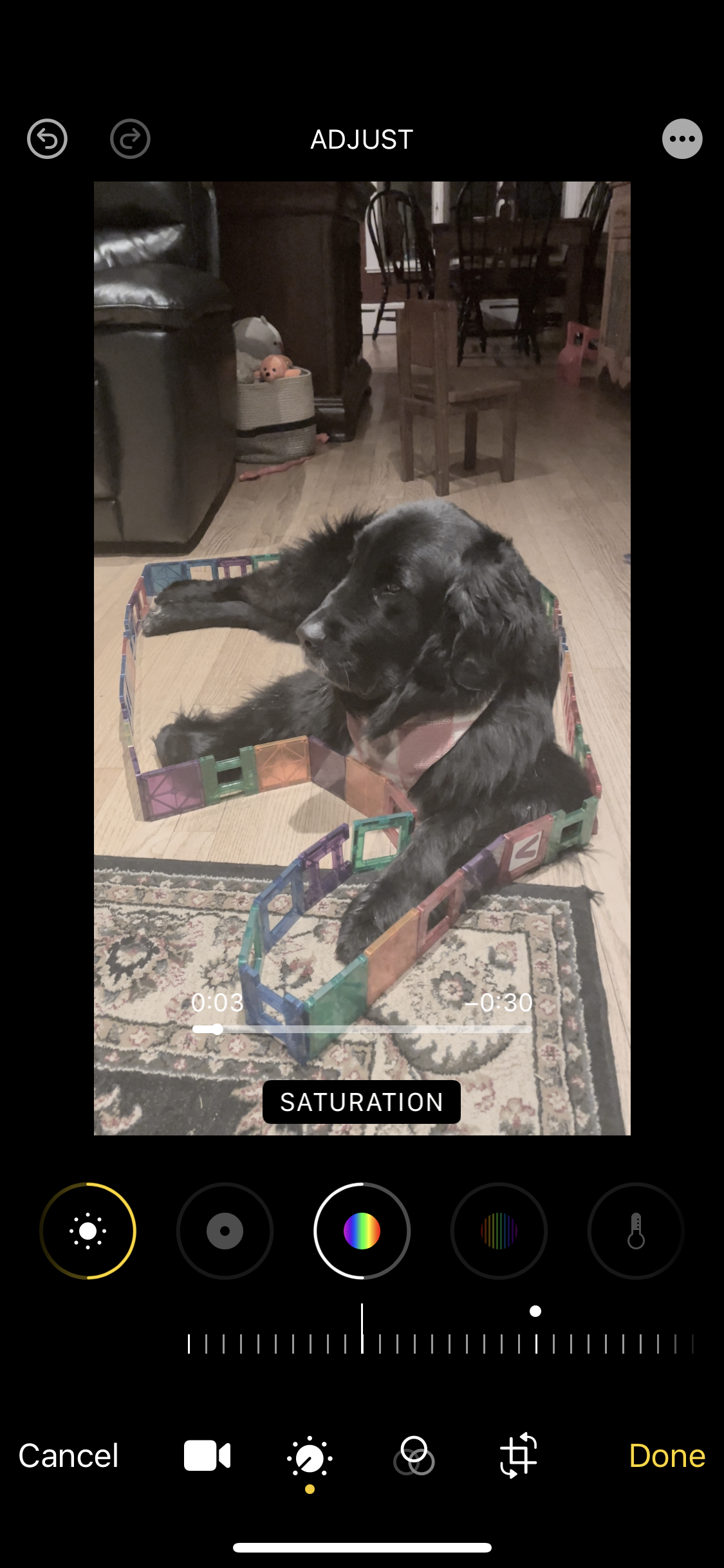
Original: 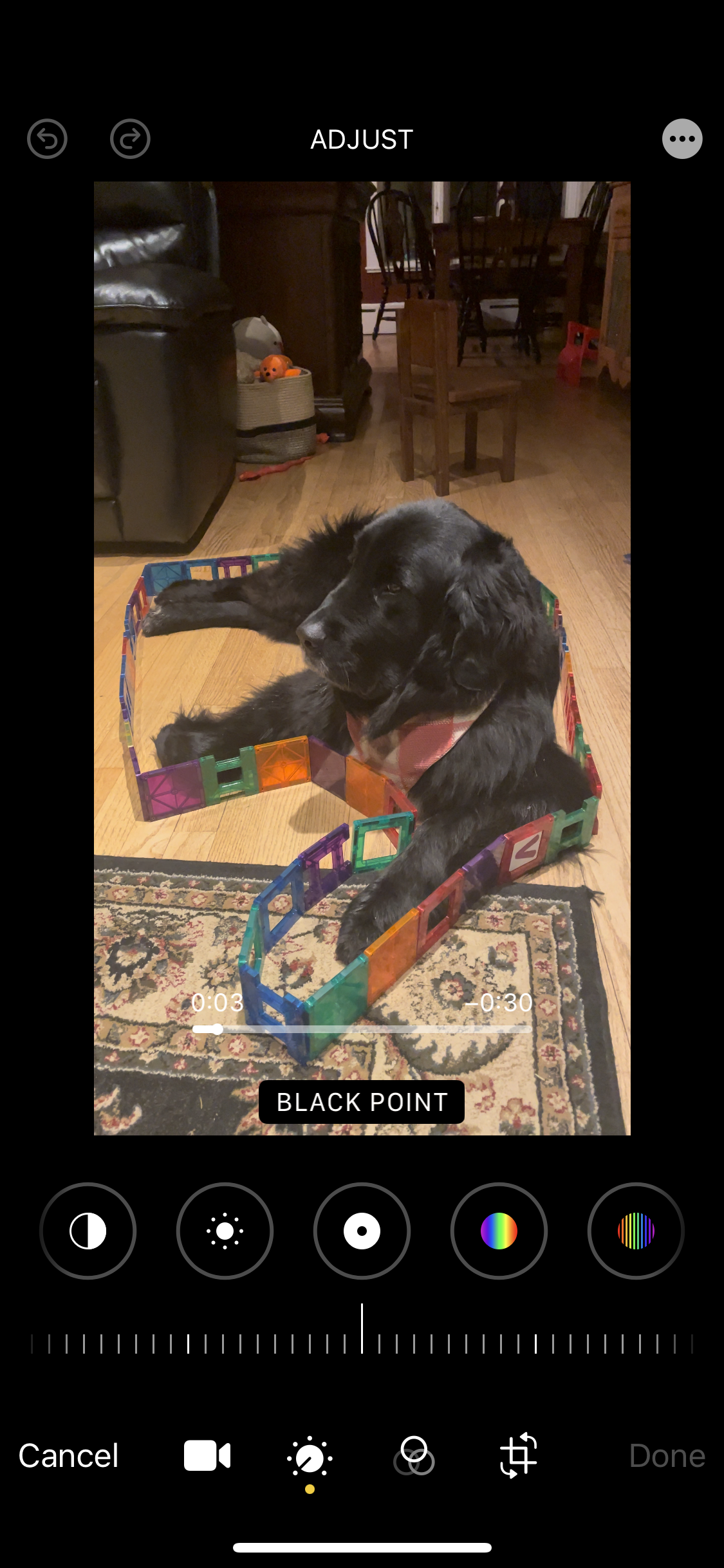
Figured id throw my vote in on this. I just recently upgraded from an iPhone SE to an iPhone 14 Pro and immediately noticed the same thing with all the videos from my new phone.

Yes, it's a problem for HDR videos, at least for those shot with iPhones. The generated preview image as well as transcoded video appear washed out. They are fine when played in "direct" mode.

I was able to fix it by using a different ffmpeg binary, the one supplied from jellyfin-ffmpeg fixes the washed out colors while transcoding
I was able to fix it by using a different ffmpeg binary, the one supplied from jellyfin-ffmpeg fixes the washed out colors while transcoding
Quick question since we seem to have had similar ideas. Instead of copying the ffmpeg binary from Jellyfin, I actually just installed go-vod inside the Jellyfin container. It's working great but my videos are still washed out. Any tips?
The feature were all looking for is called HDR Tone Mapping, since no one actually said it, I figured I'd throw that out there in case it helps anyone.
The external go-vod container now uses jellyfin-ffmpeg, so this could potentially be resolved now. Any idea what parameters need to be passed for this?

Don't think such a thing exists. Afaik the best we can do is the debian packages of jellyfin-ffmpeg, but then these won't work on alpine (Linuxserver images). One possible alternative might be a custom dockerfile template to install jellyfin-ffmpeg using the deb packages in the Nextcloud container.
@pulsejet When was the jelyfin-ffmpeg implemented? I still seem to see the issue on HDR videos from iOS as of 6.1
Earlier today, you'll need to pull the new image. I don't think it works out of the box anyway, probably some extra options are needed. Can you provide a sample image video pair to test this?
Ok,let me just use this fancy new multi-photo share feature to share you a link ;) (Sent to your radial apps support email) I'm not using the external package, so i guess i won't be able to test it myself.
Don't think such a thing exists. Afaik the best we can do is the debian packages of jellyfin-ffmpeg, but then these won't work on alpine (Linuxserver images). One possible alternative might be a custom dockerfile template to install jellyfin-ffmpeg using the deb packages in the Nextcloud container.
They do offer portable binaries which, afaik, work on Alpine:
In addition, I added custom jellyfin to my nextcloud docker image: https://github.com/gymnae/owncloud/blob/master/Dockerfile
It's worth investigating, but I don't have high hopes.
They do offer portable binaries which, afaik, work on Alpine
Did you test this? If this is the case then I'm very curious how they make it work. Does ffmpeg not depend on libc?
In addition, I added custom jellyfin to my nextcloud docker image
Yes, I expect the debian packages to work fine, at least for sw transcoding. I'm just wary of shipping an ffmpeg binary with memories; we could always add docs on how to install jellyfin-ffmpeg in the container / host.
we could always add docs on how to install jellyfin-ffmpeg in the container
Hi, can you plz provide tutorial how to correctly build go-vod with jellyfin-ffmpeg?
