

 ptitSeb
Box86 Zoom SSO Sign-In not working
Once the zoom app is launched (Installed using Pi-Apps on Twister OS on a pi 4 8gb), and you enter in the SSO credentials, a browser window opens the but the sign in page never loads. Is this an issue with BOX86 or chromium itself?

Pi-Apps has to change some things for Google sign-in to work. Out of curiosity, does Google sign-in work on your system? (Click the "Sign In With Google" button and see if your browser opens accounts.google.com)

Yeah the Sign In With Google option works. Just using a custom SSO doesn't
Just using a custom SSO doesn't
To test this on my RPi, I found a SSO domain: msu.zoom.us
I inputted the domain like this in the zoom window:
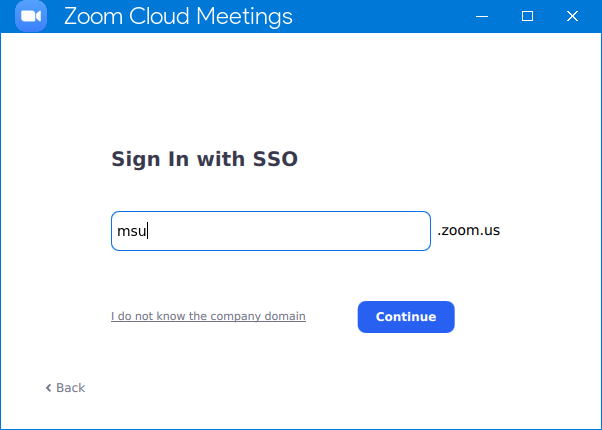 Then I clicked Continue. Chromium opened and went to
 https://auth.msu.edu/ like it should. (This is Zoom installed from Pi-Apps, which includes the mimetype fixes for Google sign-in)
@ZingyTomato, could you try to replicate the steps I took with msu? What SSO domain were you trying to use?
I just used the Zoom PWA and it worked fine
Good to know it's working for you, but you may still want to use the emulated Zoom desktop-app as it runs a bit faster than the PWA in my tests.
@ZingyTomato, did you try inputting msu into Zoom? And, what SSO domain were you trying to use?
(I'd rather get this problem fixed than for users to resort to an inferior workaround)
Hey sorry it has taken so long to reply. I use morganstanley as the SSO. So, now the issue of the actual sign in web page not loading is fixed. However, when you enter in all your credentials and click the dialog box to open the zoom app so it can log you in, a chromium window opens up which is weird. I think you could try to replicate this this by just clicking "Launch Zoom" on any browser and see what happens. @Botspot
