
arduino-audio-tools
 arduino-audio-tools copied to clipboard
 pschatzmann
Play specific file with setPath
Hello,I tested the player-sd-a2dp example with files:
/baby.mp3
/rickroll.mp3
/sun.mp3
But no mater I use
source.setPath(“/rickroll.mp3”);or player.setPath (“/rickroll.mp3”);
it plays baby first and than rickroll
And neither I use
source.nextStream(); source.selectSream():
It shows error
What commend should I use for playing rickroll?
Thank you very much
Lin Che

What is the error message ? Probably you see better what the player is doing if you set the log level to Debug
Maybe just calling player.setIndex(1) instead is doing what you need.

@pschatzmann Thank you!But after I read the description ,"setIndex"is "moves to selected file " Seems it's what I want ,but how do I select what filename or file path I want to play,thanks LinChe
You were writing it plays baby first and than rickroll So baby is 0 and rickroll is 1
@pschatzmann Thank you very much! It does play what I want ! But is it possible to play mp3 by path?or I can only order all of them in alphabet order and give them 0,1,2?Thank you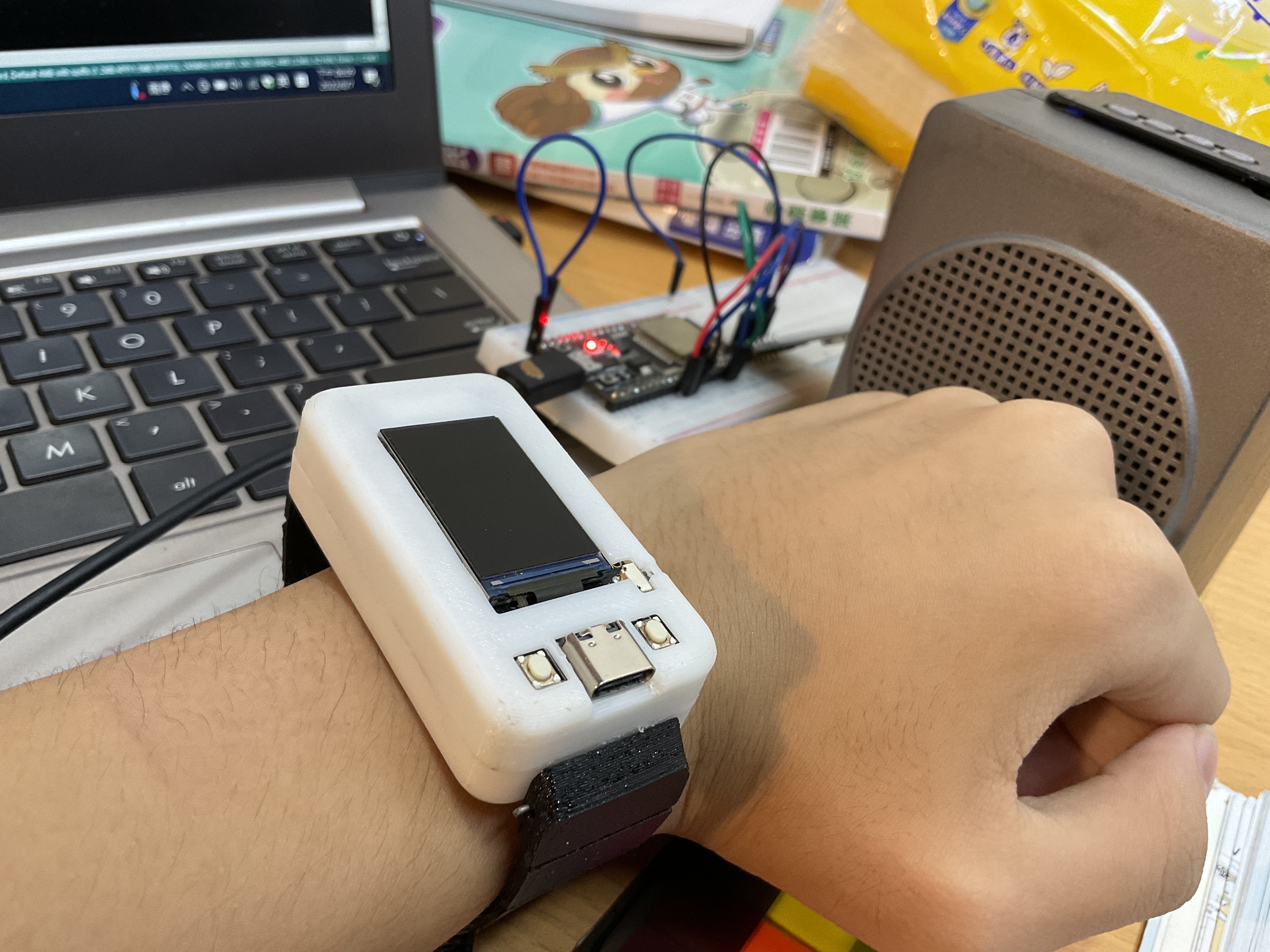
@pschatzmann Oh,here it is: Code ` #define USE_SDFAT #include "AudioTools.h" #include "AudioLibs/AudioA2DP.h" #include "AudioCodecs/CodecMP3Helix.h"
const char startFilePath="/"; const char ext="mp3"; const char* na="m"; AudioSourceSdFat source(startFilePath, ext); A2DPStream out = A2DPStream::instance(); // A2DP input - A2DPStream is a singleton! MP3DecoderHelix decoder; AudioPlayer player(source, out, decoder);
void setup() { Serial.begin(115200); //source.setPath("/mu"); // player.setPath("/mu.mp3"); AudioLogger::instance().begin(Serial, AudioLogger::Warning);
// setup output - We send the test signal via A2DP - so we conect to the "LEXON MINO L" Bluetooth Speaker auto cfg = out.defaultConfig(TX_MODE); cfg.name = "BT-SPEAKER"; //cfg.auto_reconnect = true; // if this is use we just quickly connect to the last device ignoring cfg.name out.begin(cfg);
// setup player
player.setVolume(0.05); player.begin(); player.setIndex(1);
}
void loop() { player.copy(); Serial.print(player.toStr()); Serial.print(player.nextStream()); Serial.println(player.selectStream()); } ` Error(can't find any of Serial.print....):
Arduino:1.8.15 (Windows Store 1.8.49.0) (Windows 10), 開發板:"ESP32 Dev Module, Disabled, Default 4MB with spiffs (1.2MB APP/1.5MB SPIFFS), 240MHz (WiFi/BT), QIO, 80MHz, 4MB (32Mb), 921600, None"
C:\Users\luke-\AppData\Local\Temp\arduino_modified_sketch_385277\player-sd-a2dp.ino: In function 'void loop()': player-sd-a2dp:47:23: error: 'class audio_tools::AudioPlayer' has no member named 'toStr' Serial.print(player.toStr()); ^ player-sd-a2dp:48:23: error: 'class audio_tools::AudioPlayer' has no member named 'nextStream' Serial.print(player.nextStream()); ^ player-sd-a2dp:49:25: error: 'class audio_tools::AudioPlayer' has no member named 'selectStream' Serial.println(player.selectStream()); ^ "WiFi.h"找到多個程式庫 已使用: C:\Users\luke-\Documents\ArduinoData\packages\esp32\hardware\esp32\1.0.5\libraries\WiFi 未使用: C:\Program Files\WindowsApps\ArduinoLLC.ArduinoIDE_1.8.49.0_x86__mdqgnx93n4wtt\libraries\WiFi exit status 1 'class audio_tools::AudioPlayer' has no member named 'toStr'
This report would have more information with "Show verbose output during compilation" option enabled in File -> Preferences.
Just made a test and for me both setPath() and setIndex() are working as expected.
Are you sure that you used the correct path ? Maybe it makes a difference if you move the files into a subdirectory ?
@pschatzmann Well I don't know why if I use setIndex,it does work,but setpath doesn't ,and it output very little noise (Player-sd-a2dp)esp32s Thank you (By the way ,audiokid can't work on esp32)
The AudioKit is a audio board with an ESP32 and an ES8388 audio chip. You can use all the examples: just replace the AudioKitStream with e.g. an I2SStream
Did you try to move the audio files into a subdirectory ?
@pschatzmann Bingo! It works!Thank you for helping,after set it to /ex/rickroll.mp3,it did it's job! LinChe
Cool, I will double check why it's not working for files in the root...
I just did some tests with some files in the root and for me this is working as well: In the setup I used
  // setup player
  player.setVolume(0.7);
  player.begin();

  // select file with setPath() or setIndex()
  player.setPath("/002.mp3");
In the meantime I have added the support for other SD implementations. In all my tests the following was working:
player.setPath("/ZZ Top/Unknown Album/Lowrider.mp3");
I am therefore closing this issue.