

 prometheus-community
module mssql missing windows_mssql_availreplica* metric
Install command
msiexec /i D:\soft\windows_exporter-0.18.1-amd64.msi ENABLED_COLLECTORS=cpu,cs,memory,net,logical_disk,os,system,tcp,mssql EXTRA_FLAGS="--collectors.mssql.classes-enabled=accessmethods,availreplica,bufman,databases,dbreplica,genstats,sqlstats,locks,memmgr,sqlerrors,transactions,waitstats" LISTEN_PORT=9100
access http://localhost:9100/metrics
I see the following category metric
windows_mssql_accessmethods*
windows_mssql_bufman*
windows_mssql_collector*
windows_mssql_databases*
I can not see any metric about
Win32_PerfRawData_MSSQLSERVER_SQLServerAvailabilityReplica
Does I missing something ? I need monitor replication status (public, subscription) and the performance of replica status

Your command appears to be correct. Are you able to query the WMI class manually to confirm if the metrics are present?

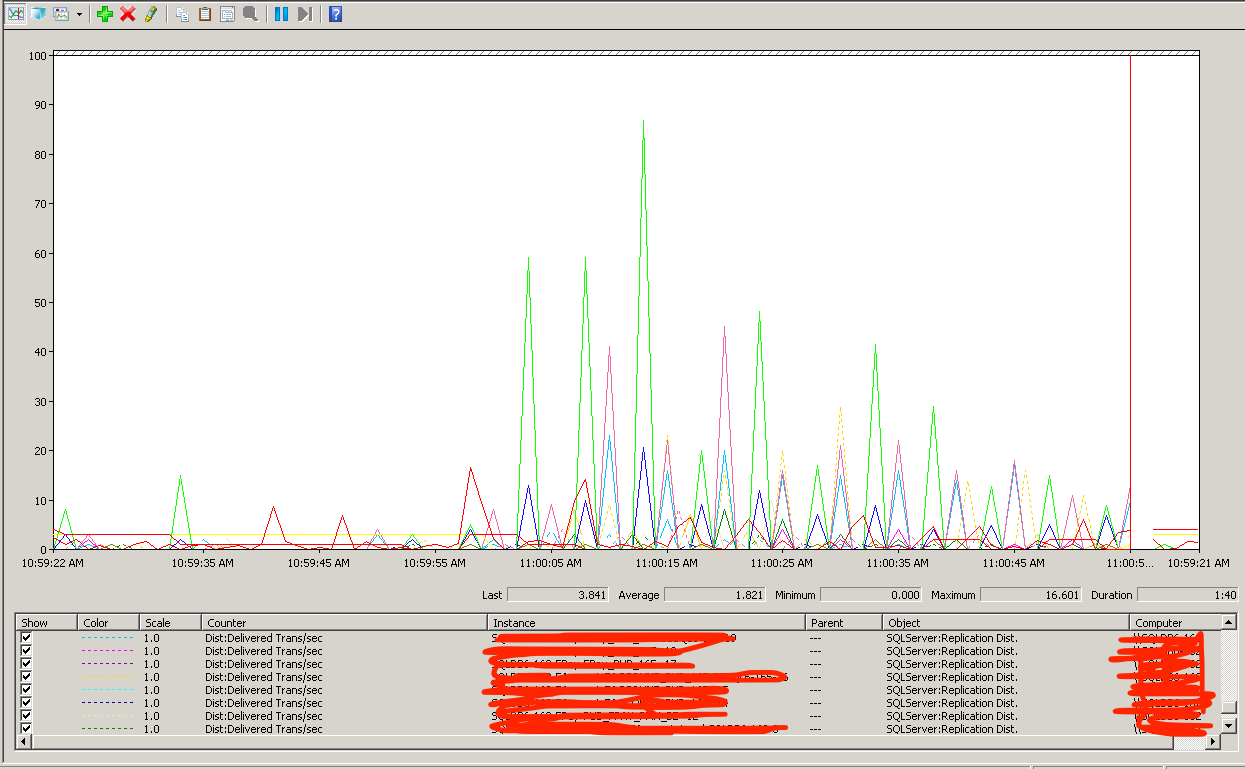 Example metric here
@nguoingoai can you query the WMI class? The Get-Object command will allow you to perform the query.
What is the WMI classname of SQLServer:Replication Dist. Object ? Can you show me the name
OS: Microsoft Windows Server 2012 R2 Standard
SQLSERVER : Microsoft SQL Server 2014 (SP3)
I'm not 100% certain, but https://github.com/prometheus-community/windows_exporter/blob/6042ea3e51aeb7c6bf5c6c0b80da39601df7c80a/collector/mssql.go#L2337 or https://github.com/prometheus-community/windows_exporter/blob/6042ea3e51aeb7c6bf5c6c0b80da39601df7c80a/collector/mssql.go#L2634 would be a good place to start.
This issue has been marked as stale because it has been open for 90 days with no activity. This thread will be automatically closed in 30 days if no further activity occurs.
![github-actions[bot] avatar](https://avatars.githubusercontent.com/in/15368?v=4 "Published by a pub.dev verified publisher")