

 projectblacklight
Accessibility: No title/aria-label for YouTube videos
Description
Siteimprove complains about the lack of a title for YouTube videos.
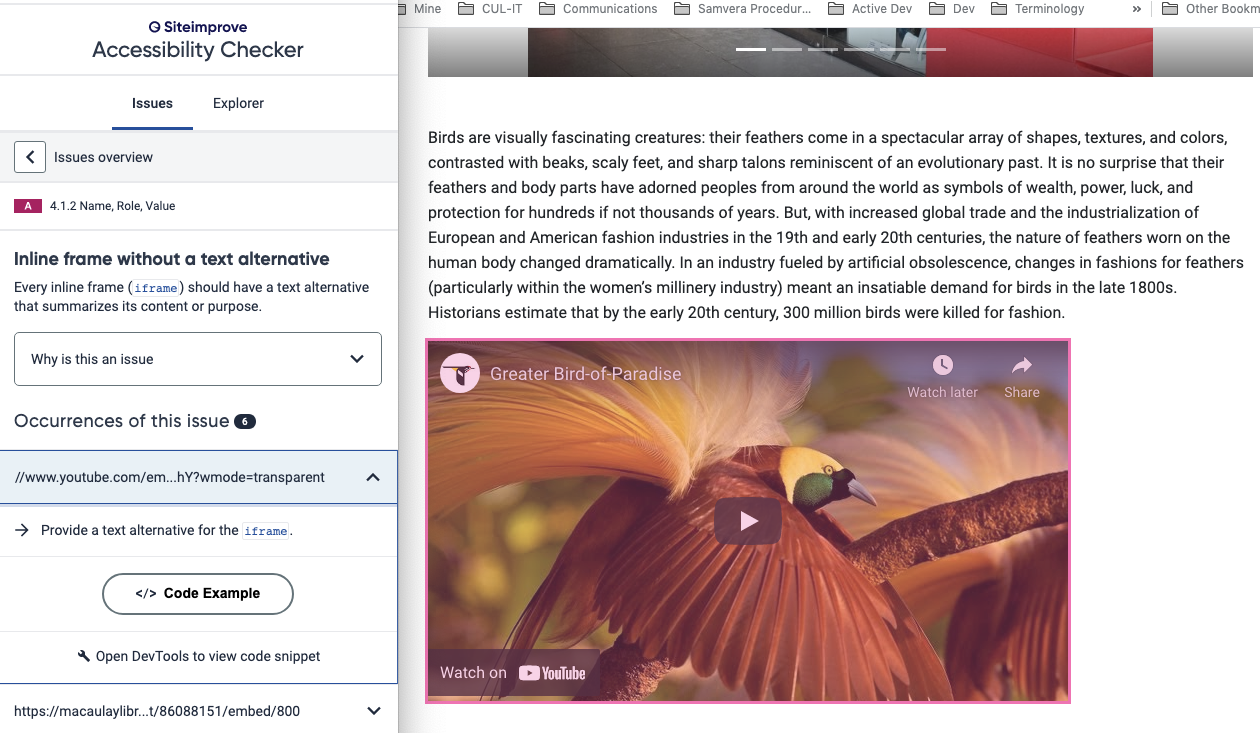
Current workflow to add a video
- user drags or enters the URL for the video into the ST video widget
- code extracts
remote_idfrom the URL to create the iFrame
https://github.com/projectblacklight/spotlight/blob/66776d7caa5f984246064e2dc33422af7fa734c3/vendor/assets/javascripts/sir-trevor.js#L20593-L20596
NOTE: There is no other information (e.g. title, channel) available with the URL.
Possible Solutions
OPTION 1: user sets title
Add field to the video widget to allow the user to set the title. When creating the iFrame, use this as the title.
OPTION 2: Use API to get video and channel titles
Use the YouTube API to get the video title and channel title. Set the iFrame title to something like "#{video_title}, in channel #{channel_title}"
API Reference Ruby Quickstart Quota - 10,000 units/day Quota cost for API requests - video list request = 1 unit
NOTE: The quota should not be a problem as the video list request is only called when a video is added to a page. The quota would allow for adding 10,000 videos/day.
API Request to get video info...
https://youtube.googleapis.com/youtube/v3/videos?part=snippet&id=#{video_id}&key=[YOUR_API_KEY] \
  --header 'Authorization: Bearer [YOUR_ACCESS_TOKEN]' \
  --header 'Accept: application/json' \
  --compressed
Response looks like...
{
  "kind": "youtube#videoListResponse",
  "etag": "8_sXvw9_4Fc3pt2aRF1FVPNlyuo",
  "items": [
    {
      "kind": "youtube#video",
      "etag": "1234abcd1234abcd...",
      "id": "aVide0k3y",
      "snippet": {
        "publishedAt": "2012-11-08T21:54:01Z",
        "channelId": "aChannelId",
        "title": "My Video",
        "description": "A description of my video.",
        "thumbnails": {
          "default": {
            "url": "https://i.ytimg.com/vi/aVide0k3y/default.jpg",
            "width": 120,
            "height": 90
          },
          "medium": {
            "url": "https://i.ytimg.com/vi/aVide0k3y/mqdefault.jpg",
            "width": 320,
            "height": 180
          },
          "high": {
            "url": "https://i.ytimg.com/vi/aVide0k3y/hqdefault.jpg",
            "width": 480,
            "height": 360
          },
          "standard": {
            "url": "https://i.ytimg.com/vi/aVide0k3y/sddefault.jpg",
            "width": 640,
            "height": 480
          },
          "maxres": {
            "url": "https://i.ytimg.com/vi/aVide0k3y/maxresdefault.jpg",
            "width": 1280,
            "height": 720
          }
        },
        "channelTitle": "My Channel",
        "tags": [
          "tag1"
        ],
        "categoryId": "15",
        "liveBroadcastContent": "none",
        "localized": {
          "title": "My Video Title",
          "description": "This is a description of my video."
        },
        "defaultAudioLanguage": "en-US"
      }
    }
  ],
  "pageInfo": {
    "totalResults": 1,
    "resultsPerPage": 1
  }
}
This leads to...
video_title = json_response["items"]["snippet"]["title"]
channel_title = json_response["items"]["snippet"]["channelTitle"]

@elrayle Is this a YouTube-specific a11y problem, or does it also exist if the video source is another supported provider, such as Vimeo?
It would be great if we could avoid having to add a required field to the widget, but Option 2 seems specific to YouTube so I'm just wondering if it's sufficient when there are other potential video sources.

@ggeisler Looking at the code for Vimeo, it would be impacted by this as well.
https://github.com/projectblacklight/spotlight/blob/66776d7caa5f984246064e2dc33422af7fa734c3/vendor/assets/javascripts/sir-trevor.js#L20588-L20597
The missing title/aria-label impacts all iFrames. PR #2774 allows a user to include a title or aria-label when using the iFrame ST widget. The video processing in sir-trevor.js is the only place I see in that file that generates an iFrame. I don't know if other widgets also generate iFrames.
Also, you could make the title field optional for sites that aren't concerned with a11y.
Sure, although everyone really should be concerned with a11y. Maybe the best approach is make it a required field and if an implementer really doesn't want to force their curators to enter a value for it, let the implementer do a local override to remove the requirement?
Otherwise everyone who does care about a11y would have to do a local override to make it a required field, I think?
We should make good a11y the default, is basically what I'm suggesting.
I prefer the field to be required and default spotlight to be a11y compliant. Seems like that would be the expectation of the community.
It sounds like you are leaning toward OPTION 1 adding a title field, since it will be more flexible for the current video sources and any new video sources that might be added later.
@elrayle Yes, that sounds good to me. It's always preferable to avoid adding unnecessary fields to a widget but in this case it sounds like adding the single required field is the best solution to ensure the widget has appropriate accessibility, for any video source.
And I don't think requiring the curator to fill out a single field in this widget is too much of a burden.
Let me know if you want any suggestions about how to display the field in the widget configuration (or just tag me in your PR and I'll review with any suggestions I might have then).
This video widget is the out-of-the-box one from sir-trevor, right? It seems like someone's done work there recently, so maybe it's worth a conversation upstream to make sure they're on the same page?

👍 It just occurred to me last night that this is an out-of-the-box widget and adding a field to it might not be as straightforward as it is to one of our custom-made widgets.