

 projectblacklight
Uploading masthead image doesn't work
This might be a more generalized version of #2547, I'm not sure.
Uploading a masthead image consistently does not work, in that when saved, the uploaded and cropped image does not appear as the site masthead image. I've used the image below many times when doing local development, and also tried some other images, but none work in current master. I see a 404 error when loading pages after adding the masthead.
I also tried this in a test exhibit in Stanford Exhibits, with the same result. The 404 there included https://exhibits.stanford.edu/images/6855/24,32,1972,197/1800,180/0/default.jpg, which I assume is where it is looking for the masthead image.
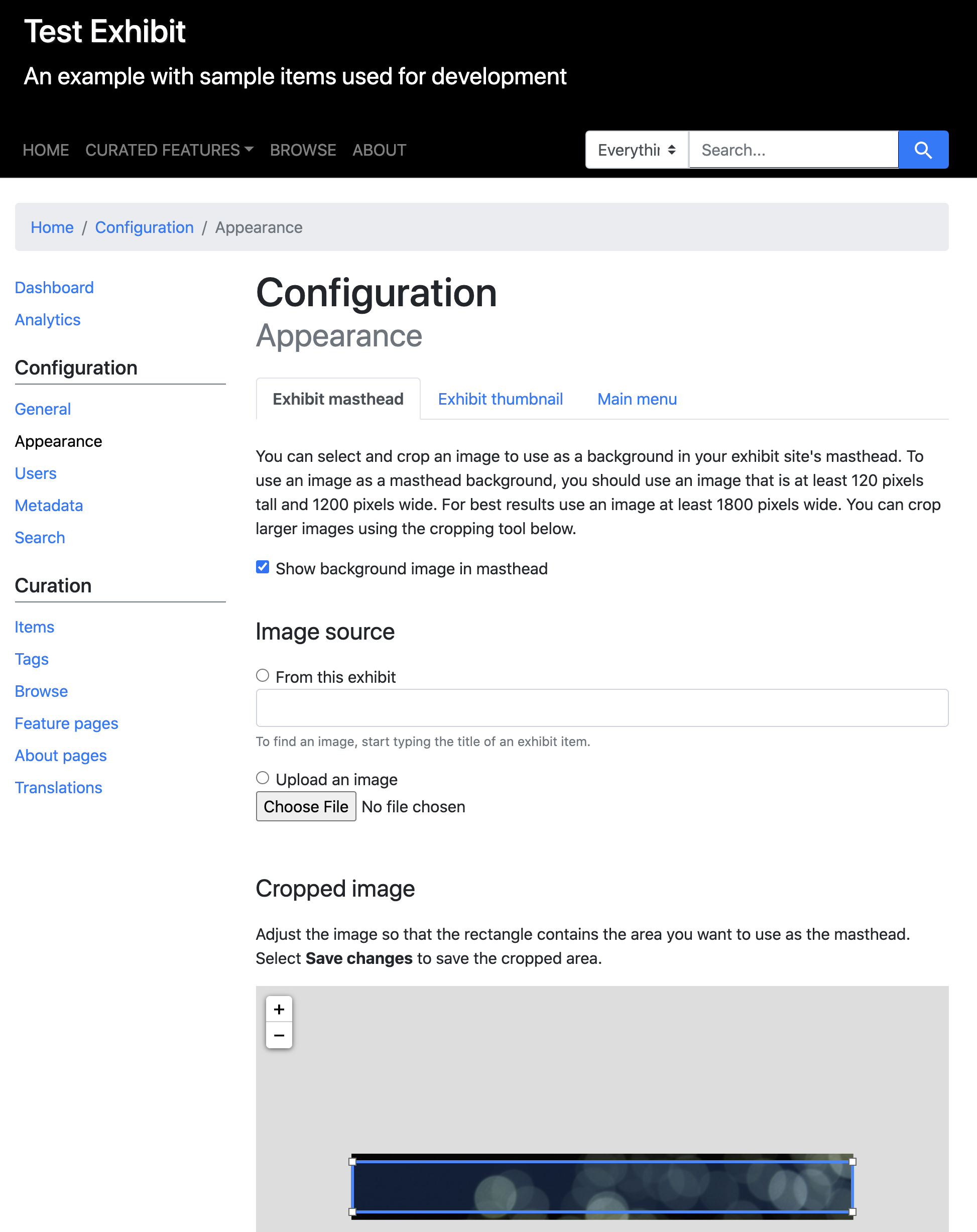


@cbeer I think we found that, regardless of image, the upload process sometimes works and sometimes doesn't.
As a possibly related data point, we are having the same or a similar problem with the exhibit thumbnail for the Say Their Names exhibit. Astrid thought she had successfully added a thumbnail for the exhibit, but there isn't one displaying on the exhibit card, and both of us repeatedly tried to add a new exhibit thumbnail image without success. The uploaded image is loaded into the crop box, and we can save and get the flash message confirmation, but the thumbnail doesn't display on the exhibit card:
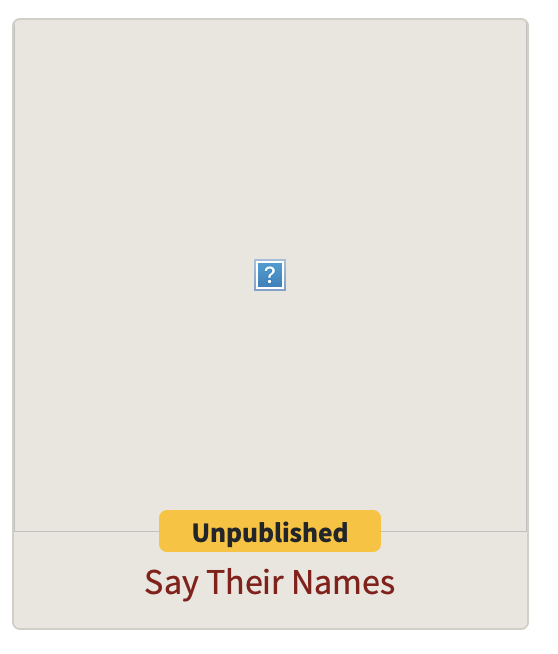
I tried this running Spotlight master locally but again cannot get an exhibit thumbnail to display. As with the Stanford exhibit example, I can upload and crop it, but it doesn't display on the exhibit card. I tried a thumbnail image we're using on an existing published exhibit, but same result.
FWIW, when running locally, this is what I see in the console that appears to be related to the exhibit thumbnail image, where things look good until the server tries to get the just-converted image (I'm guessing):
Riiif executed convert -crop 1440x1024+0+0 -resize 180 -quality 85 -strip -alpha on /Users/geisler/Sites/stanford/spotlight/.internal_test_app/public/uploads/spotlight/temporary_image/image/13/1_outdoorbanner.png png:- (232.0ms)
  Rendering text template
  Rendered text template (0.0ms)
Sent data  (1.0ms)
Completed 200 OK in 407ms (Views: 0.8ms | ActiveRecord: 0.2ms)


Riiif executed convert -crop 1024x1024+0+0 -resize 256 -quality 85 -strip -alpha on /Users/geisler/Sites/stanford/spotlight/.internal_test_app/public/uploads/spotlight/temporary_image/image/13/1_outdoorbanner.png png:- (259.6ms)
  Rendering text template
  Rendered text template (0.0ms)
Sent data  (0.5ms)
Completed 200 OK in 431ms (Views: 0.4ms | ActiveRecord: 0.6ms)


Started GET "/images/11/65536,0,-64096,1024/-250,/0/default.jpg" for ::1 at 2020-08-21 13:11:20 -0700

ActionController::RoutingError (No route matches [GET] "/images/11/65536,0,-64096,1024/-250,/0/default.jpg"):
And in the browser when loading the exhibits landing page, I get the same 404 error as in my original comment in this ticket.