

 probonopd
File dialog missing ubuntu icons (GTK)
Hello i'm opening a file dialog in my app and the rendering is not the same whether the plugins are from Qt installation folder, or from a local folder.
Not deployed with AppImage:
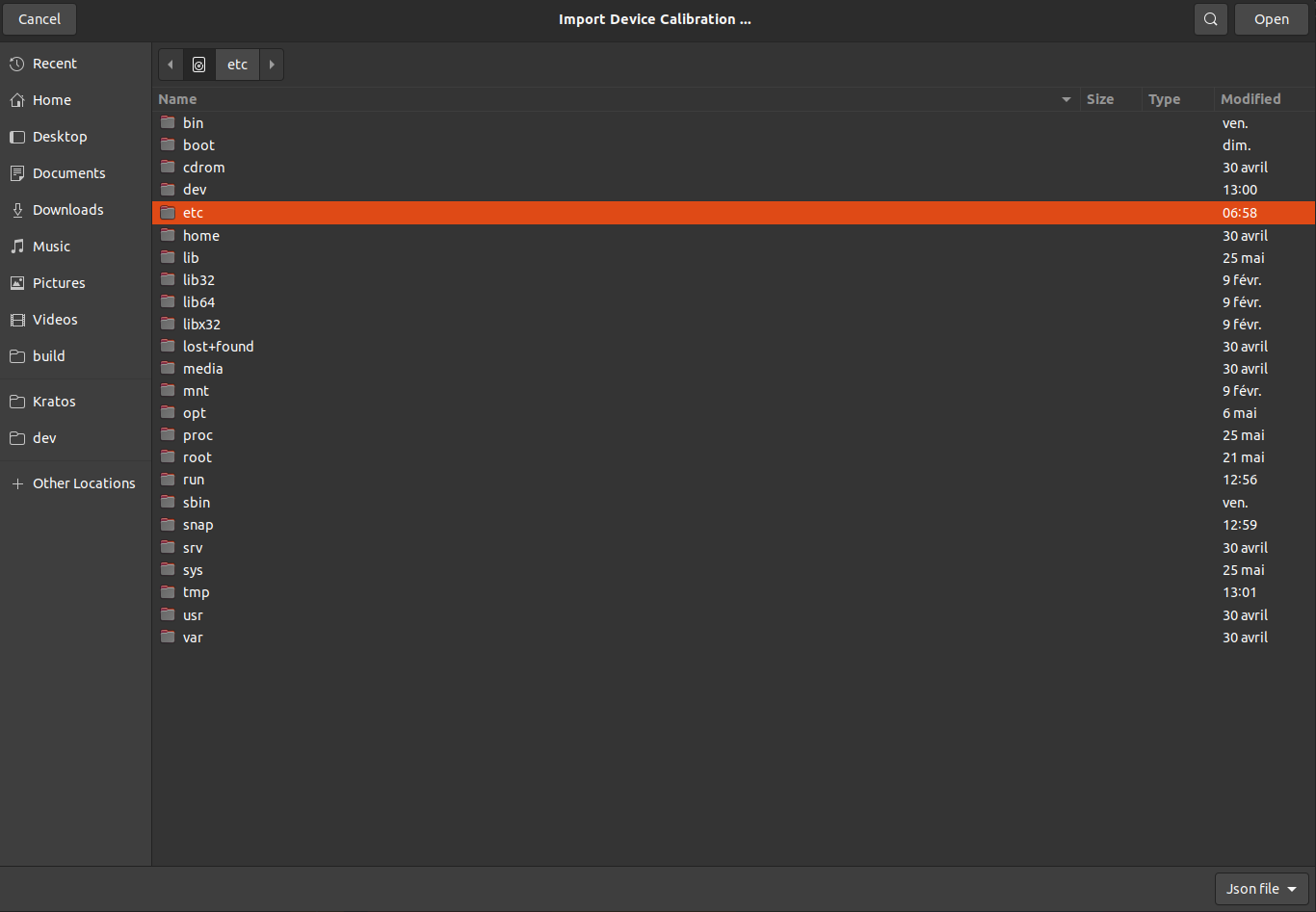
QT_PLUGIN_PATH = /home/user/Qt/5.15.2/gcc_64/plugins:/home/user/Qt/5.15.2/gcc_64/qml
Deployed with AppImage:
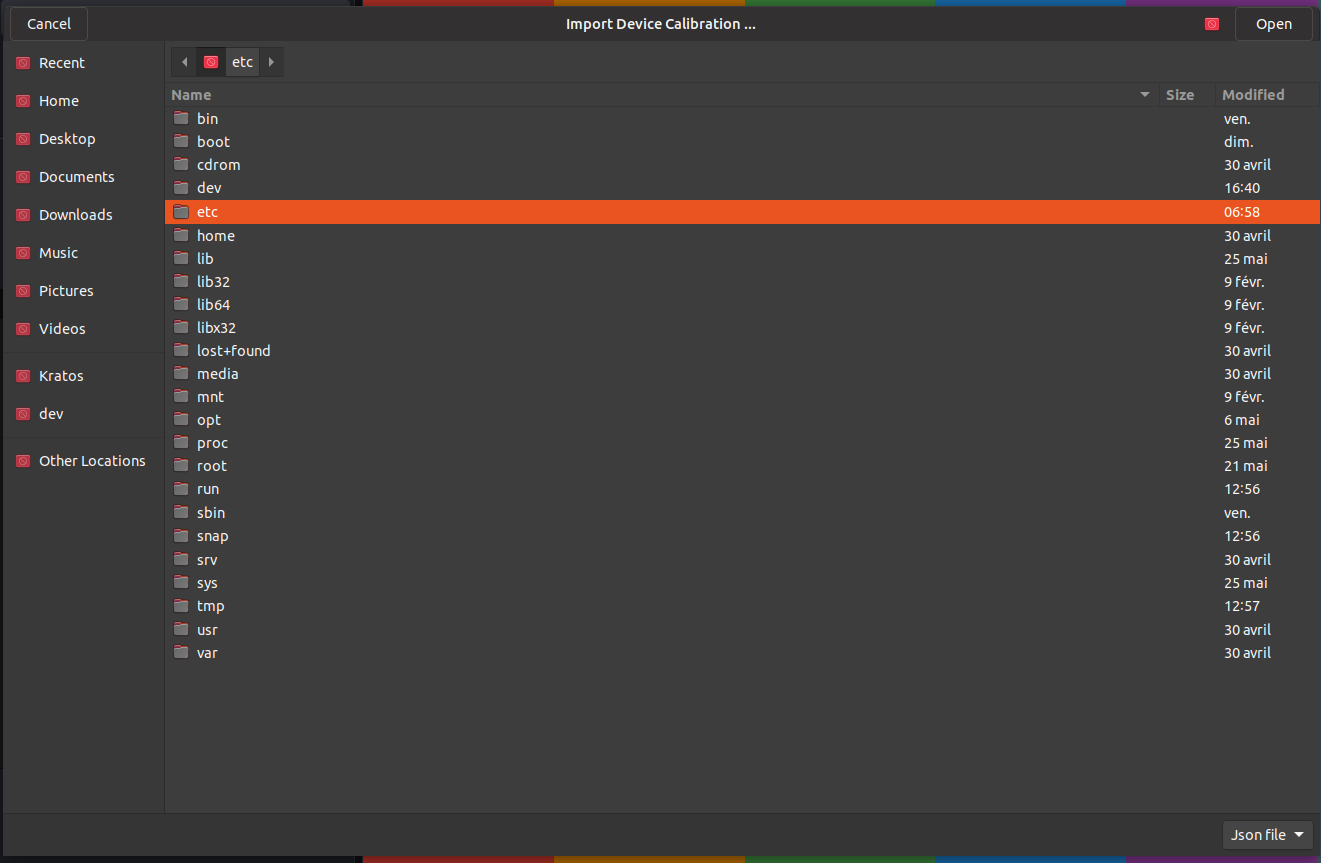
QT_PLUGIN_PATH = ""qt.conf:[Paths] Prefix=..
Only difference is the location of libqgtk3.so, so I'm not sure what is the cause of this bug.
Maybe some of you already saw that before?
What would be the way to investigate this problem?
I have doubt if problem is related to the appimage process.
I have those log when icon fail to show:
(Kratos:184174): Gtk-WARNING **: 13:29:27.204: Theme parsing error: gtk.css:6129:18: Missing name of pseudo-class
(Kratos:184174): Gtk-WARNING **: 13:29:27.205: Theme parsing error: gtk.css:6134:20: Missing name of pseudo-class
(Kratos:184174): Gtk-WARNING **: 13:29:27.205: Theme parsing error: gtk.css:6151:17: Missing name of pseudo-class
(Kratos:184174): Gtk-WARNING **: 13:29:27.205: Theme parsing error: gtk.css:6166:18: '-gtk-icon-effect' is not a valid property name
(Kratos:184174): Gtk-WARNING **: 13:29:27.205: Theme parsing error: gtk.css:6179:16: Missing name of pseudo-class
(Kratos:184174): Gtk-WARNING **: 13:29:27.205: Theme parsing error: gtk.css:6184:16: Missing name of pseudo-class
(Kratos:184174): Gtk-WARNING **: 13:29:27.205: Theme parsing error: gtk.css:6200:15: Missing name of pseudo-class
I'm not very familiar with gtk, so I don't know where to search about this issue. Thank for you time.

I don't know what is causing this. We are talking about a Qt application running on a Gtk system, correct?
