potree
Compiling PotreeConverter1.7 in Visual Studio 2022 - Environment Variables
Can anyone kindly guide me how to add the environment variables to build PotreeConverter1.7 in Visual Studio 2022(or 2019) from source code , as stated in the readme. LASZIP_INCLUDE_DIRS LASZIP_LIBRARY
I open the folder as a CMake project Follow the readme for 1.7 as below
Windows / Microsoft Visual Studio 2019: Use the cmd command line. Power Shell might now work.
PotreeConverter make sure you've got these environment variables set with your directory structure set LASZIP_INCLUDE_DIRS=C:\dev\workspaces\lastools\master\LASzip\dll set LASZIP_LIBRARY=C:\dev\workspaces\lastools\master\LASzip\build\src\Release\laszip.lib
checkout PotreeConverter cd D:/dev/workspaces/PotreeConverter git clone https://github.com/potree/PotreeConverter.git master cd master mkdir build cd build
Visual Studio project cmake -DLASZIP_INCLUDE_DIRS=%LASZIP_INCLUDE_DIRS% -DLASZIP_LIBRARY=%LASZIP_LIBRARY% ../ copy ./PotreeConverter/resources/page_template to your binary working directory._
My CMakeSettings.json
{ "configurations": [ { "environments": [ { "LasZip_Include_Dirs": "D:\AAA_...\LASzip\dll", "LasZip_Library": "D:\AAA_...\LASzip\laszip.lib" } ],
  "name": "x64-Debug",
  "generator": "Ninja",
  "configurationType": "Debug",
  "inheritEnvironments": [ "msvc_x64_x64" ],
  "buildRoot": "${projectDir}\\out\\build\\${name}",
  "installRoot": "${projectDir}\\out\\install\\${name}",
  "cmakeCommandArgs": "",
  "buildCommandArgs": "",
  "ctestCommandArgs": "",

  "variables": [
    {
      "name": "LASZIP_INCLUDE_DIRS",
      "value": "${env.LasZip_Include_Dirs}",
      "type": "STRING"
    },
    {
      "name": "LASZIP_LIBRARY",
      "value": "${env.LasZip_Library}",
      "type": "STRING"
    }
  ]

}
] }
I also added the paths in the Project Configuration Properties under Dubugging/ VC++ Directories
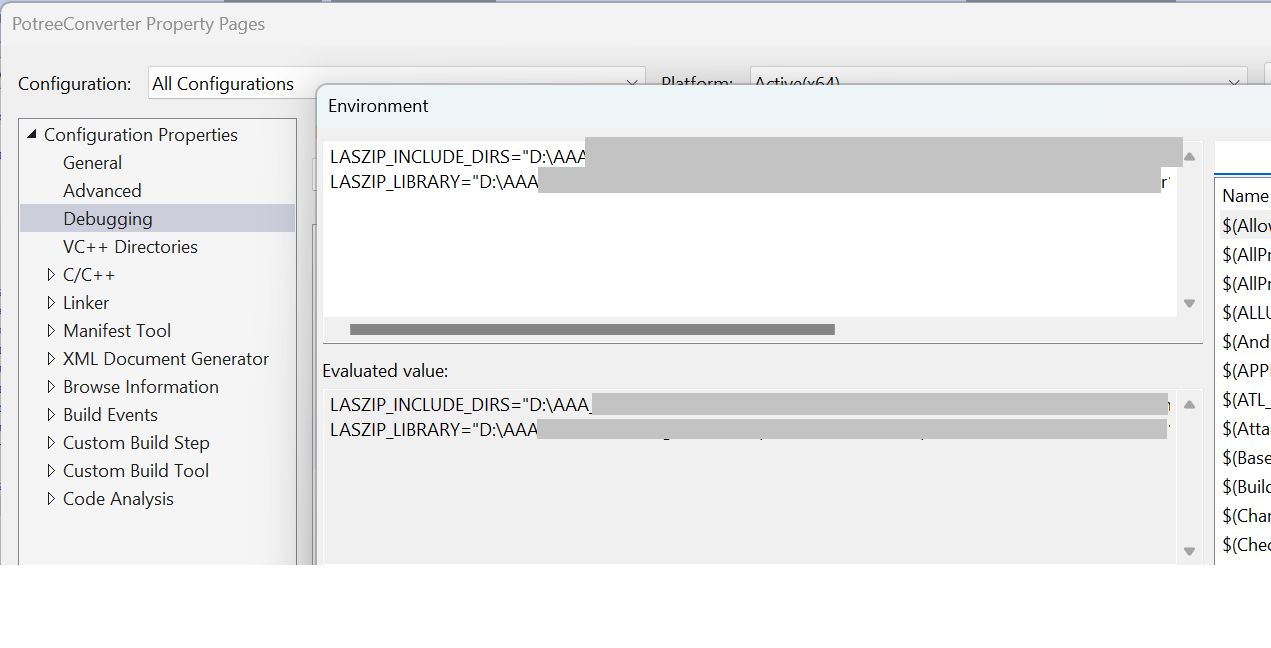
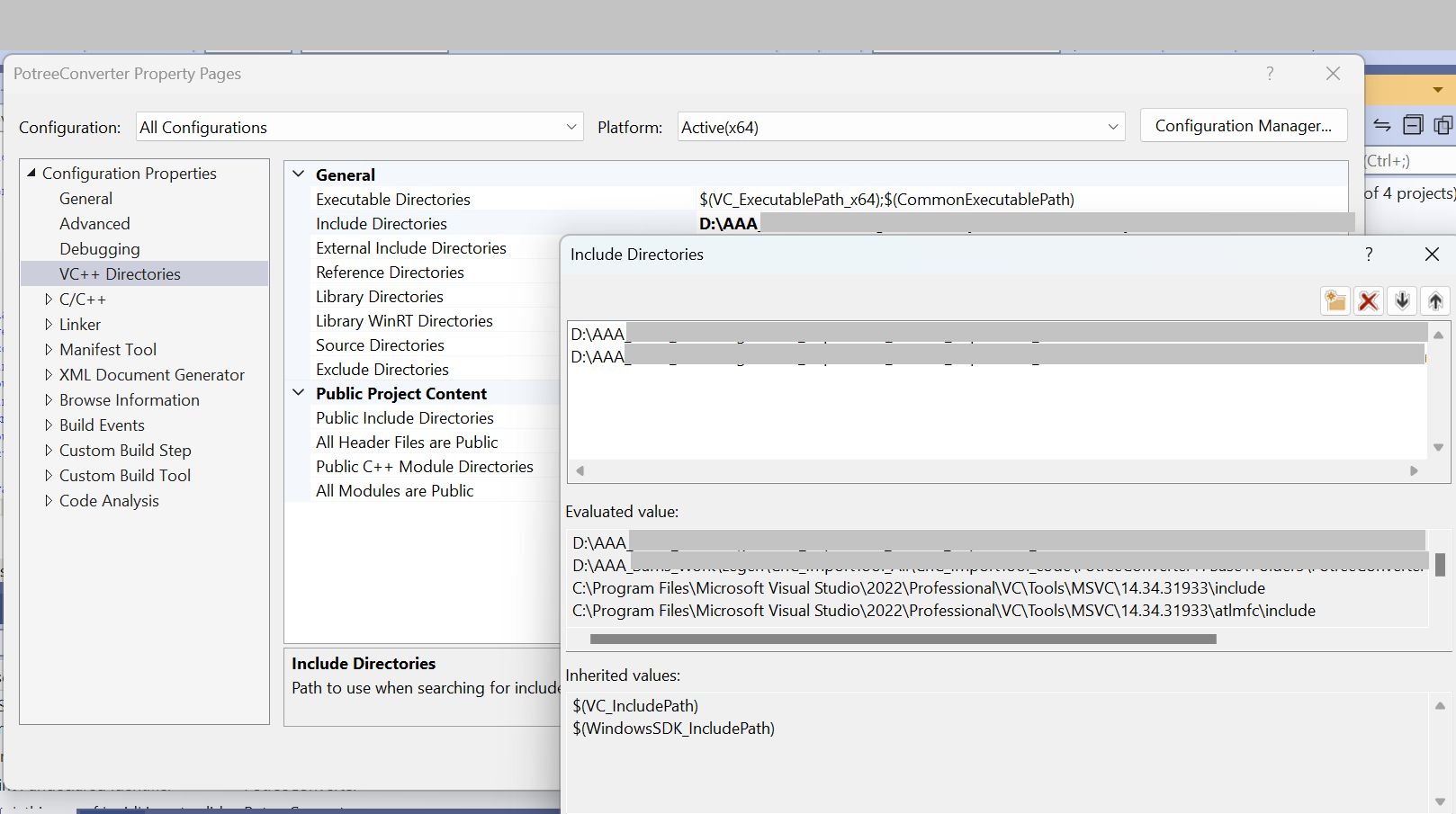
But it still cant find Laszip (I have built laszip , so have the dll folder and .lib)