
openapi-to-postman

openapi-to-postman copied to clipboard
 postmanlabs
Please support multi request examples on generated document
openapi: 3.0.0
info:
  title: None
  version: 1.0.0
  description: None
paths:
  /v1/:
    post:
      requestBody:
        content:
          'application/json':
            schema:
              $ref: "#/components/schemas/Request"
            examples:
              valid-request:
                value:
                  {
                    "user": 1,
                    "height": 168,
                    "weight": 44
                  }
              missing-required-parameter:
                value:
                  {
                    "user": 1
                  }
      responses:
        200:
          description: None
          content:
            'application/json':
              example: {}
components:
  schemas:
    Request:
      type: object
      required:
        - user
        - height
        - weight
      properties:
        user:
          type: integer
          description: None
        height:
          type: integer
          description: None
        weight:
          type: integer
          description: None
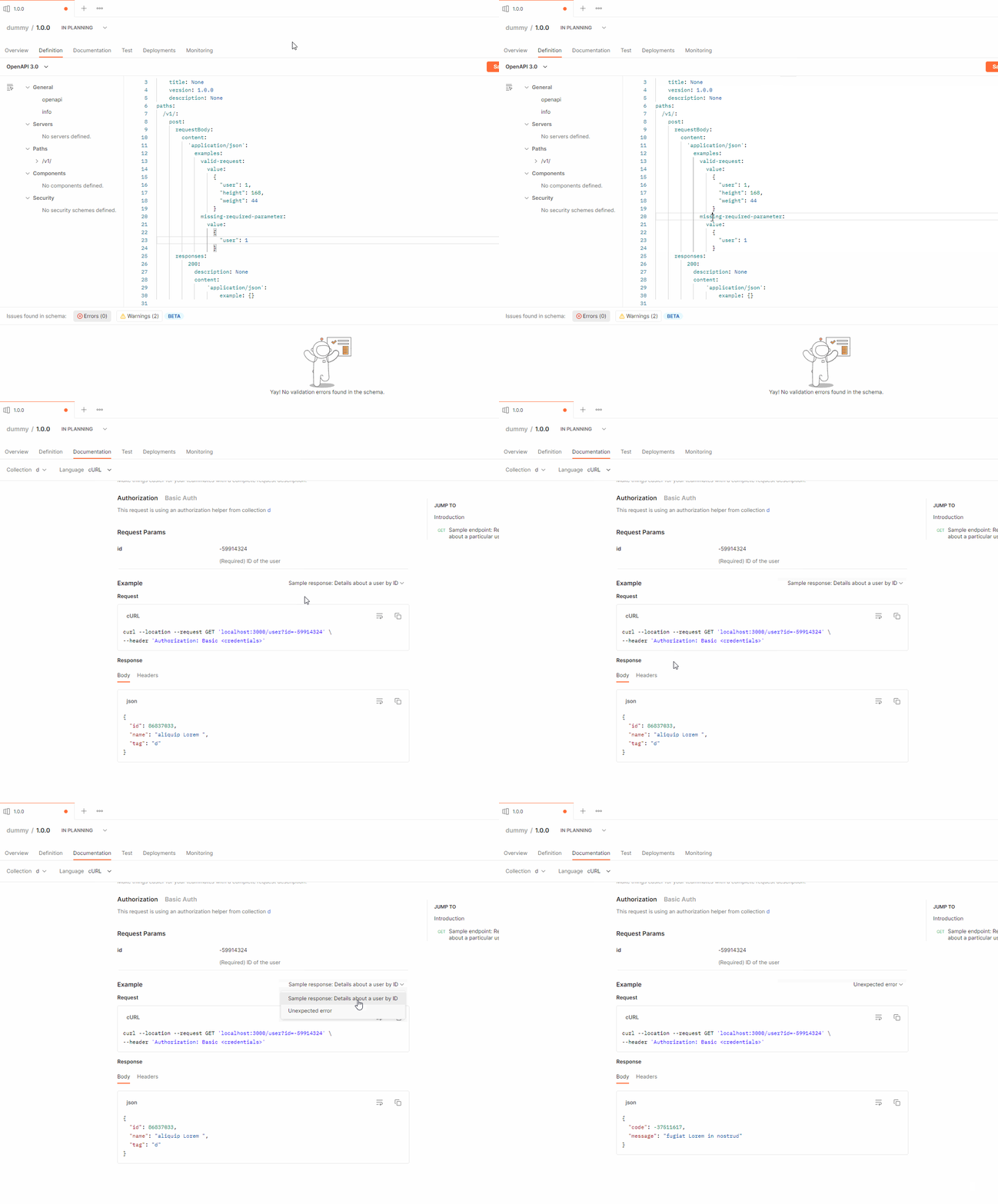
This OpenAPI defination could generate a dummy document . but the generated document can only choose to show different responses, not requests:
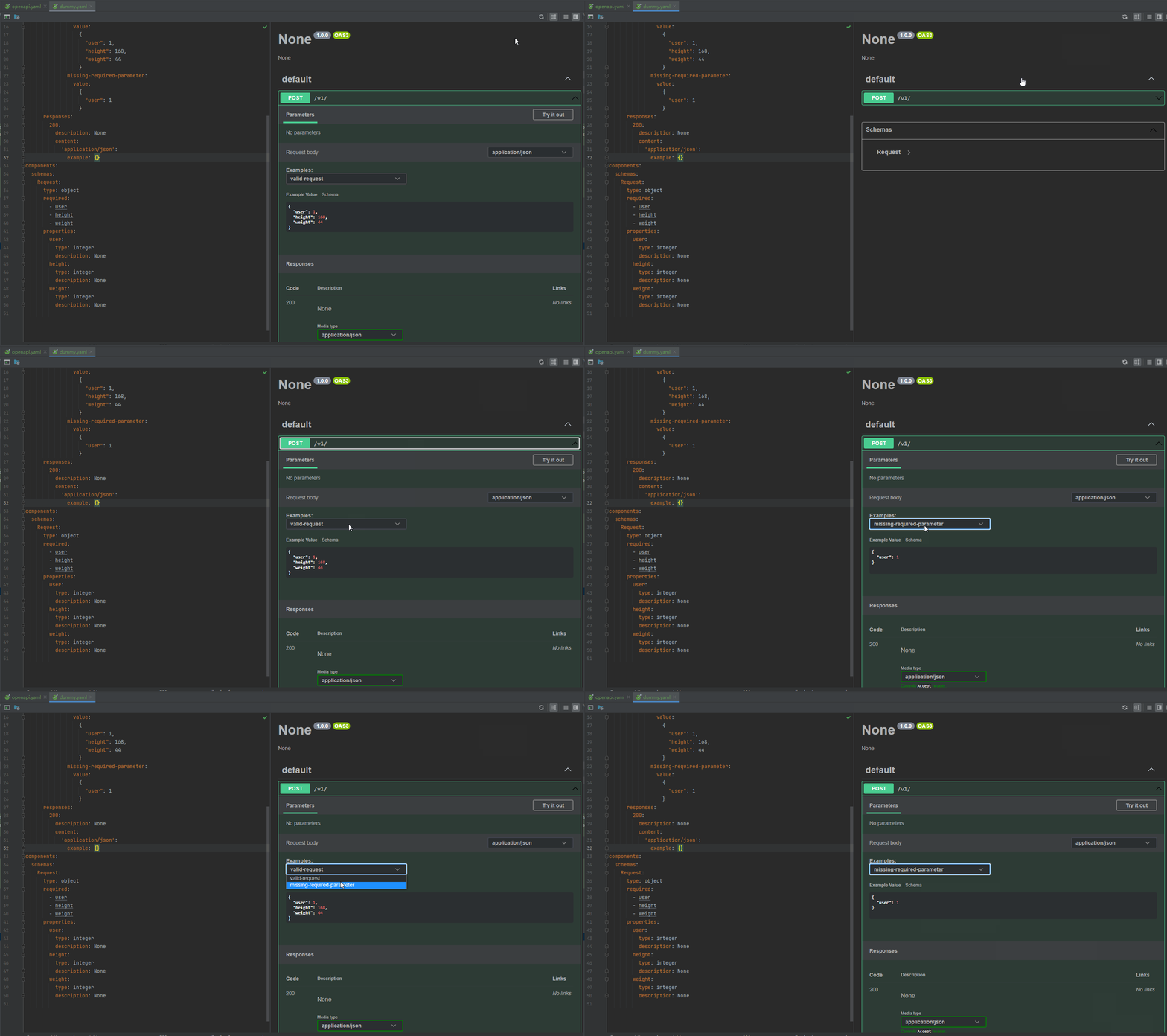
While other OpenAPI parser could:


@DevDengChao @racastellanosm @alno74d We've added support for this with the latest Postman App v10.19. Please give it a try and let us know your feedback.
Here's brief overview of how this will work.
- If request body and response body both have an example with the same example key, we'll create a separate example with matching request and response body.
- If request body and response body example key doesn't match, we'll try to create a matching based on the order or mention of these examples. i.e. 1st example will contain 1st request body example and 1st response body example in it.
- If after above, we have request or response bodies without matching, we'll use the existing behavior of using the first example. (Note that, we'll create one separate example for each example for both the request body and response body even if matches are not found)
