
chatlas
 chatlas copied to clipboard
Published
3 weeks ago
•
 posit-dev
posit-dev
Your friendly guide to building LLM chat apps in Python with less effort and more clarity.
chatlas 




Your friendly guide to building LLM chat apps in Python with less effort and more clarity.
Install
Install the latest stable release from PyPI:
pip install -U chatlas
Or, install the latest development version from GitHub:
pip install -U git+https://github.com/posit-dev/chatlas
Quick start
Get started in 3 simple steps:
- Choose a model provider, such as ChatOpenAI or ChatAnthropic.
- Visit the provider's reference page to get setup with necessary credentials.
- Create the relevant
Chatclient and start chatting!
from chatlas import ChatOpenAI

# Optional (but recommended) model and system_prompt
chat = ChatOpenAI(
    model="gpt-4.1-mini",
    system_prompt="You are a helpful assistant.",
)

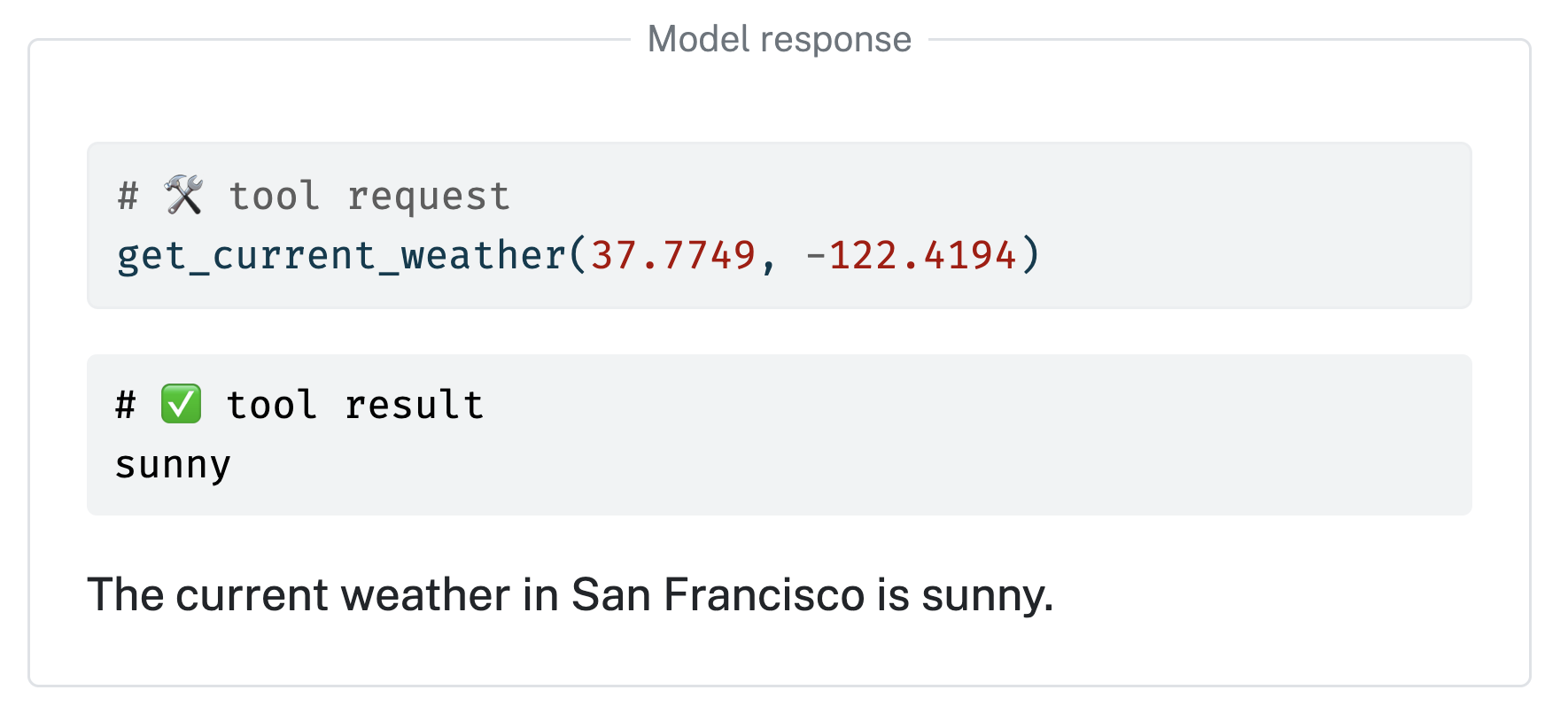
# Optional tool registration
def get_current_weather(lat: float, lng: float):
    "Get the current weather for a given location."
    return "sunny"

chat.register_tool(get_current_weather)

# Send user prompt to the model for a response.
chat.chat("How's the weather in San Francisco?")
Learn more at https://posit-dev.github.io/chatlas
 posit-dev