

 portacle
Can Portacle run on Mac M1?
I know that SBCL is supposed to run on the M1 chip since v. 2.1.2, and its current version is 2.1.7. The M1 came out in Nov. 2020, but the "current version" of Portacle that downloads from the site has files dated Feb. 1, 2020. Not surprisingly, it doesn't work. Am I missing something?

The only thing missing is someone with the time to maintain the project regularly, I'm afraid.

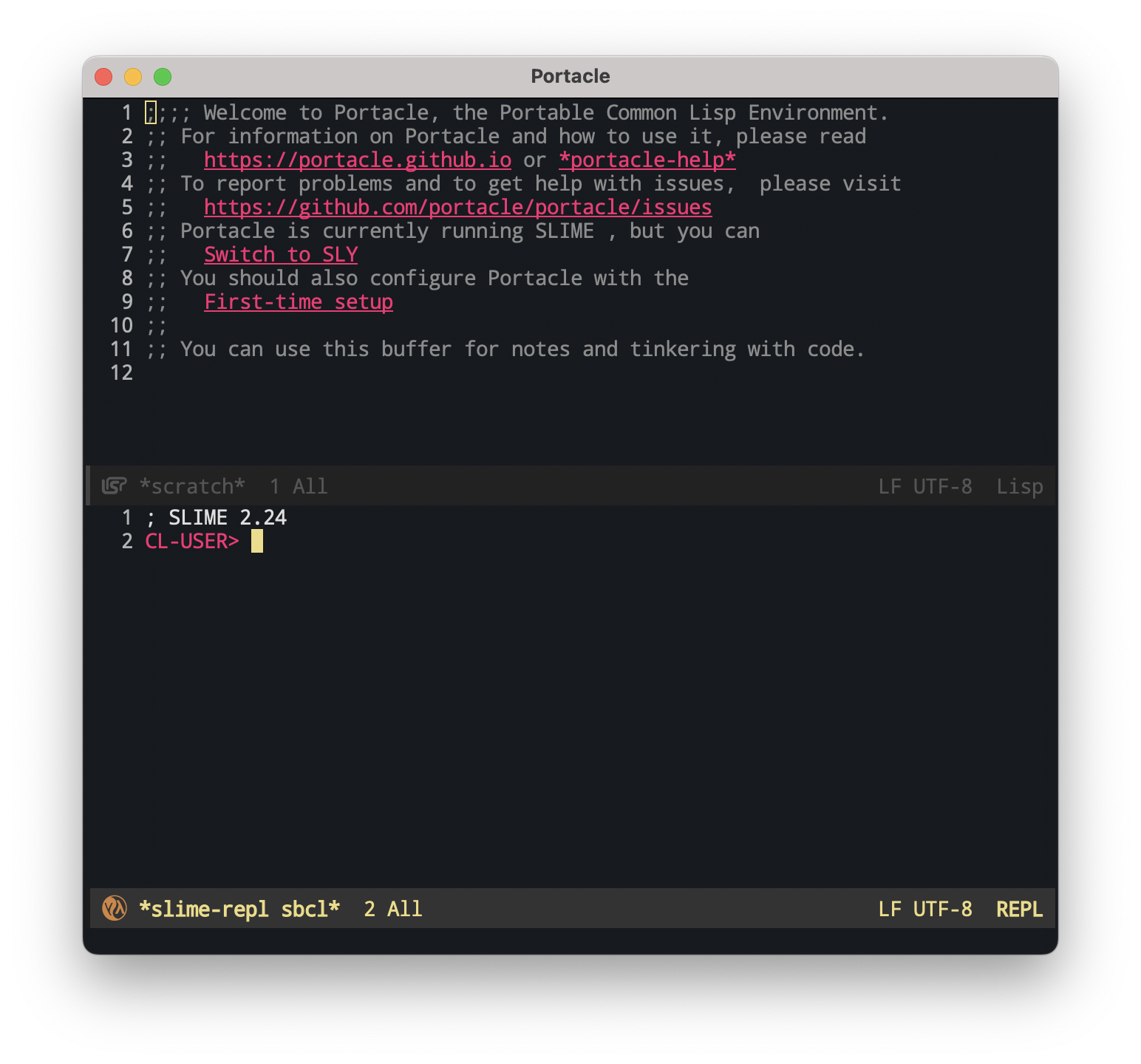

I can also confirm, that it works on iMac M1 and MacBook Air M2 both with macOS 13.2.
... after some fiddling around with the unblocking of a bunch of dylibs.
- Started with moving the app out and back again in finder. When starting the app, you have to unblock in the Systemsettings. Then the app starts without macOS complaining.
- Then you get block messages for internal dylibs and some executables (like git). You have to unblock them one after the other, while restarting/stopping the app a bunch of times (did not count). After this it is possible to start and stop the app without macOS complaining.
Hope it helps ;-)

To simplify @RaiMan's explanation a bit for newer Apple hardware and macOS versions:
- Download
mac-portacle.dmgfor Mac - Open the disk image file
- Move the entire
portaclefolder somewhere (I moved it to/Applications) - Run
sudo xattr -dr com.apple.quarantine /Applications/portacle(this recursively removes files from Apple's system quarantine)- You'll see several errors but you can safely ignore them:
attr: No such file: /Applications/portacle/all/locale/en_US.UTF-8/LC_NUMERIC
attr: No such file: /Applications/portacle/all/locale/en_US.UTF-8/LC_CTYPE
attr: No such file: /Applications/portacle/all/locale/en_US.UTF-8/LC_MESSAGES/LC_MESSAGES
attr: No such file: /Applications/portacle/all/locale/en_US.UTF-8/LC_COLLATE
attr: No such file: /Applications/portacle/all/locale/en_US.UTF-8/LC_TIME
attr: No such file: /Applications/portacle/all/locale/en_US.UTF-8/LC_MONETARY
- You'll see several errors but you can safely ignore them:
- Open
/Applications/portacle/Portacle.app - It should now work without having to do any weird unblocking in System Settings
