

 plotly
Zoom feature in px.imshow() plotly 5.6.0 is inconsistent.
px.imshow(tmp.apply(log1p), height=1000)
When I run this code a heatmap is generated. When I zoom by pressing the mouse and then moving it horizontally or vertically, I expect to be able to zoom into a horizontal or vertical slice, however, a rectangular box appears and it is not possible to zoom into a vertical or horizontal slice any more. It is also not possible to zoom into a specific spot, because the rectangle aspect is constant. If this is a feature, it should be reversed to the old behaviour.
How can I have the old (better) behaviour back? And set it systemwide as a default?
Here I have the problem with the first plots.
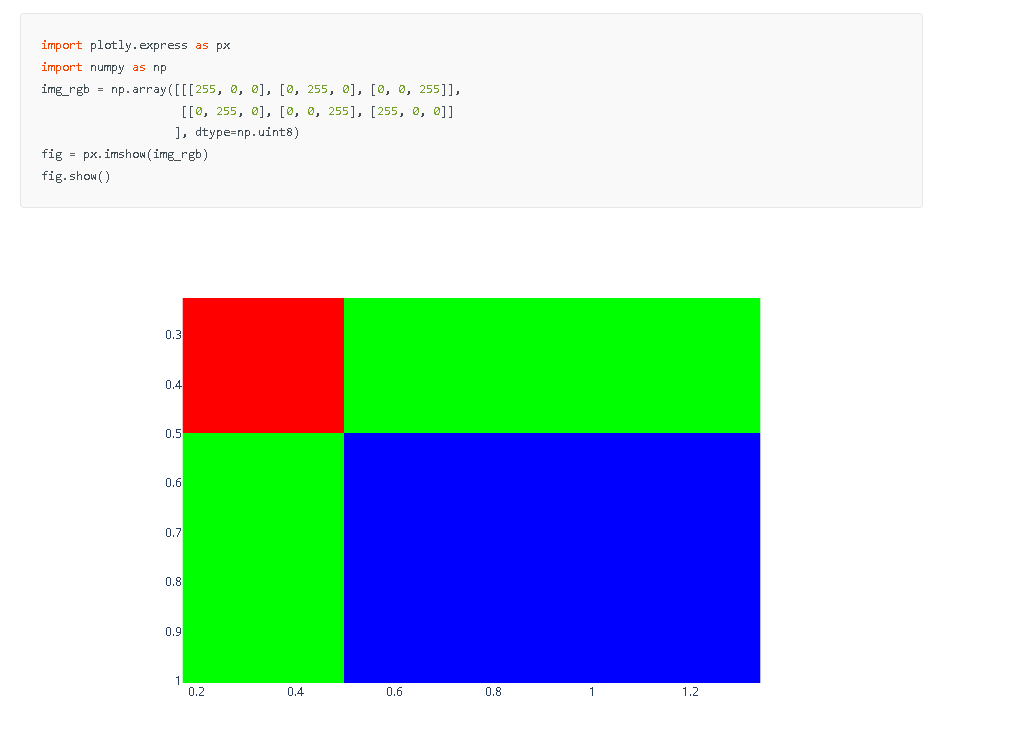
Until this one:

Here the zoom works as expected.
What is the reason for this different behaviour?
Then this one:

also does not work as expected.

@sorenwacker I am running into this same issue. Were you able to figure out how to get the old behavior back?

I have same issue. I would like to know if there some hidden parameters which created such behavior. Till now I couldn't find any
UPD:
for now i found using aspect="auto" gives such behaviour. I use this as workaround, but it doesn't help in narrower cases I guess
