

 play-with-go
guides: RHS terminal does not send resize event to remote session
As you can see in the screenshot below, at the point of clicking the last command block, the terminal on the RHS was "full". That is to say, we had filled a full screen at this point.
Clicking on the command resulted in the following:
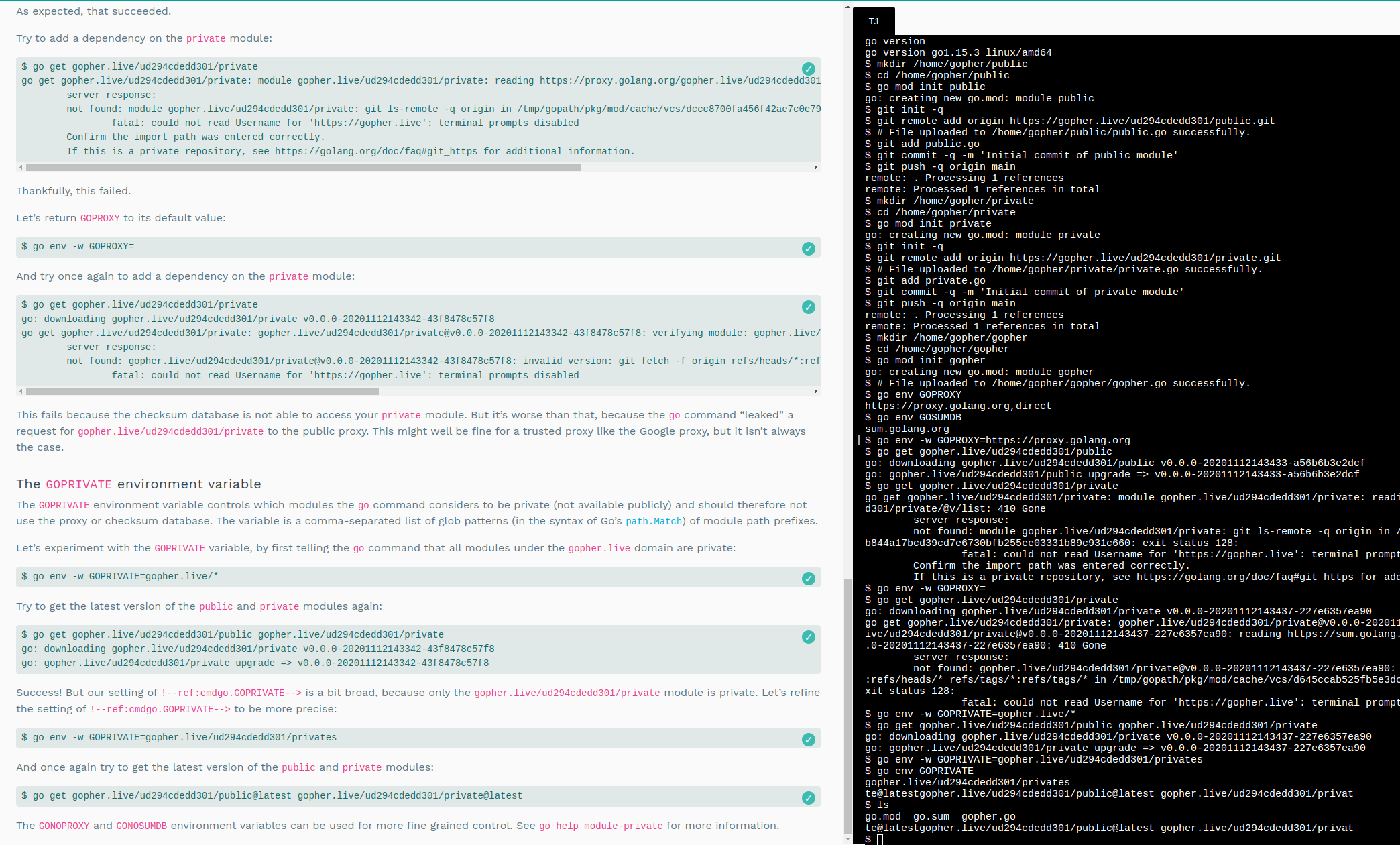
i.e. the prompt and command rendered as:
[email protected]/ud294cdedd301/public@latest gopher.live/ud294cdedd301/privat
(note the missing prompt, and missing start of the command)
instead of:
$ go get gopher.live/ud294cdedd301/public@latest gopher.live/ud294cdedd301/private@latest
The command does, however, appear to execute correctly.


Ok I think this is actually only related to the length of the command that is executed.
Paste the following into a terminal and you will see a similar issue:
PROMPT_COMMAND="if [ \$? = 0 ]; then DOLLAR_COLOUR=\"\[\033[0m\]\"; else DOLLAR_COLOUR=\"\033[0;31m\"; fi"
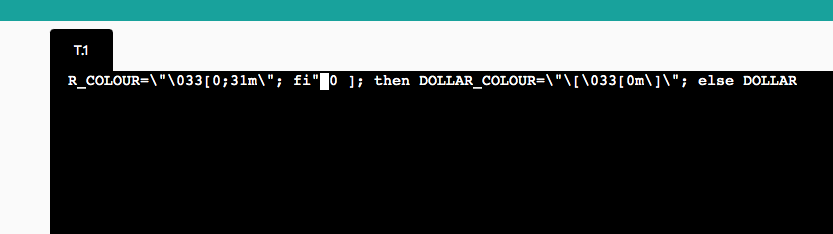
This appears to actually be a resizing issue, because if you load vim then it does not take up the available space:
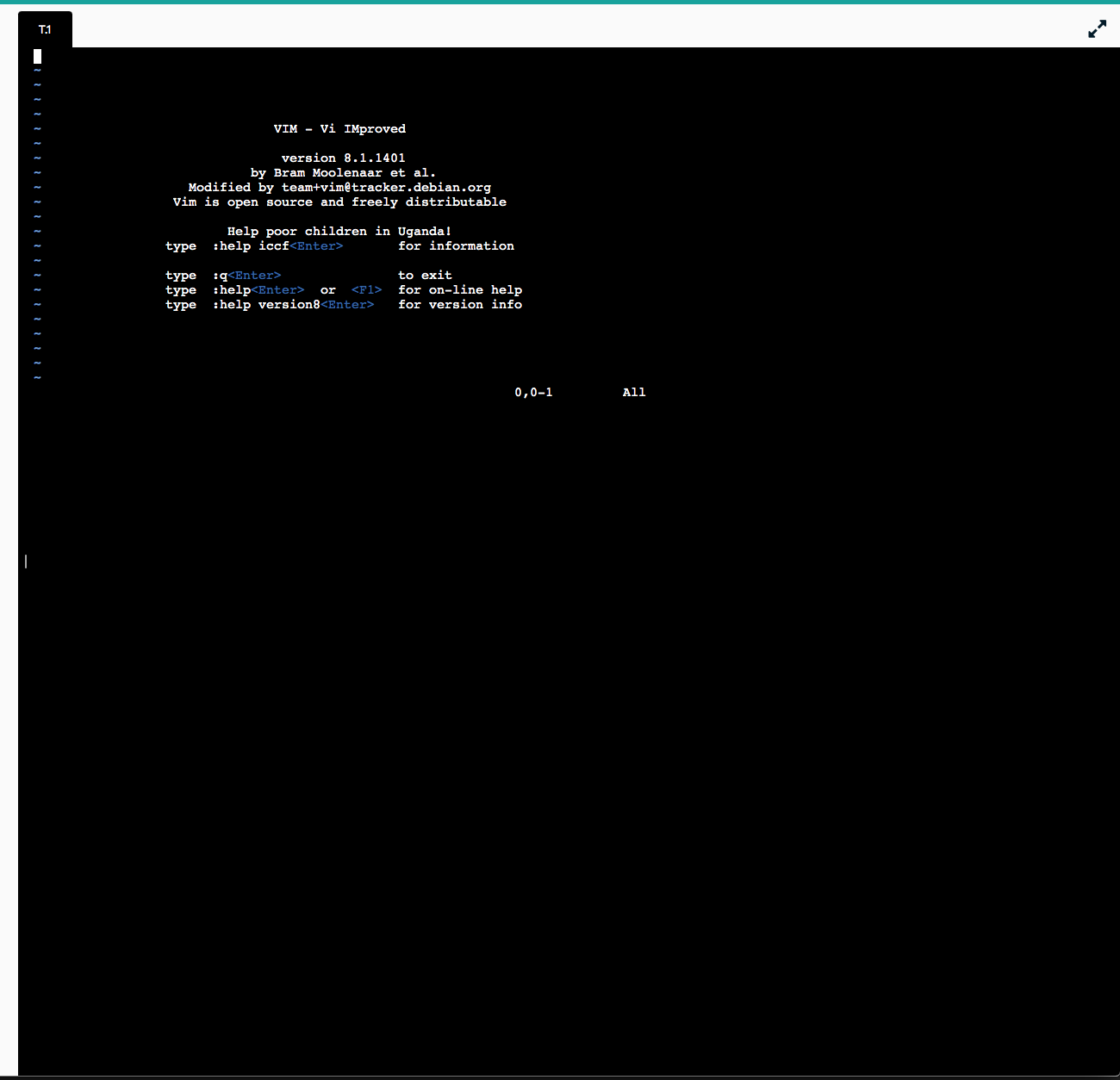
So I've adjusted the title accordingly.