

 plankanban
How to run on Network ? Server connection failed
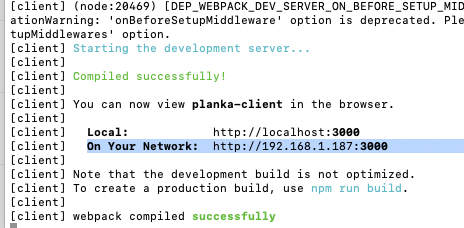
http://192.168.1.187:3000/login On my network address when i hit that planka comes up. But can't login in. i wanted to use planka in network.
when i try to login gettin this errör
Server connection failed
P.S: over localhost it works perfectly fine.


Is your BASE_URL the same as your external url? In this case, BASE_URL=http://192.168.1.187:3000?

i try to find a help about it, but support is limited so i gave up using on network.
end of this month will deploy new vps server so i guess i'll try to install on web server.
No worries - I've not long started using, but this is from experience testing (and breaking). For the websockets to work (which this needs) the URL you access via must be exactly as is written in BASE_URL. Anything else and you will still get the logon screen, but you wont get passed it.