

 plaid
plaid
Not recieving full error details on requests
How do we get error details on an invalid api call? For example, if I provide required data during a request, using the rest api, I get error responses that looks like: { "display_message": null, "documentation_url": "https://plaid.com/docs/?ref=error#invalid-input-errors", "error_code": "INVALID_INSTITUTION", "error_message": "invalid institution_id provided", "error_type": "INVALID_INPUT", "request_id": "hKjwtoomMY7wmKl", "suggested_action": null }
Yet the the Java api does not seem to return details on the error, for example, this is about as much as I get in the response: Response{protocol=http/1.1, code=400, message=Bad Request, url=https://sandbox.plaid.com/sandbox/public_token/create}
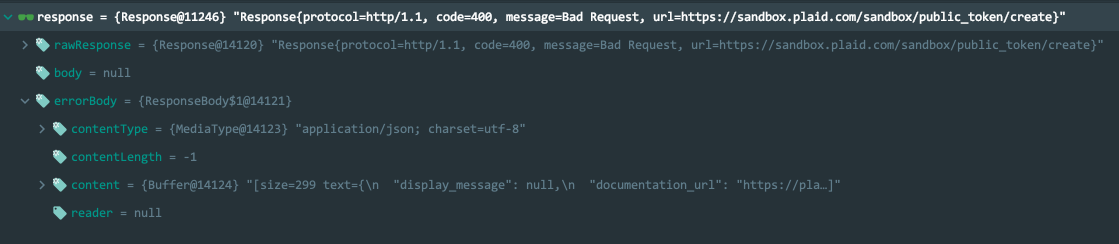
Thank You.

@nissane sorry for the delay in responding, but if you expand the content object inside the error body, does it contain this information? that's where i would expect to find it. Also, just to clarify, can you let us know whether you're using the beta or mainline version of the client library? thanks!

@nissane just wanted to check to see if you got a chance to try out the suggestion above? thanks!
Yes, i am using version 9.0.0-beta-3. That is the full error body I received.
Can you provide a screenshot of the content object expanded? It appears from your screenshot like this information is present, within the content object, but it is not fully expanded so it's hard to tell.
@phoenixy1 I'm running into the same issue as @nissane and I'm not able to access the full error message. Looking at the value of 'content', you're only able to partially see some of the content of the error message but not the full message (see screenshot below).
I using the Plaid-Java v10.0.0
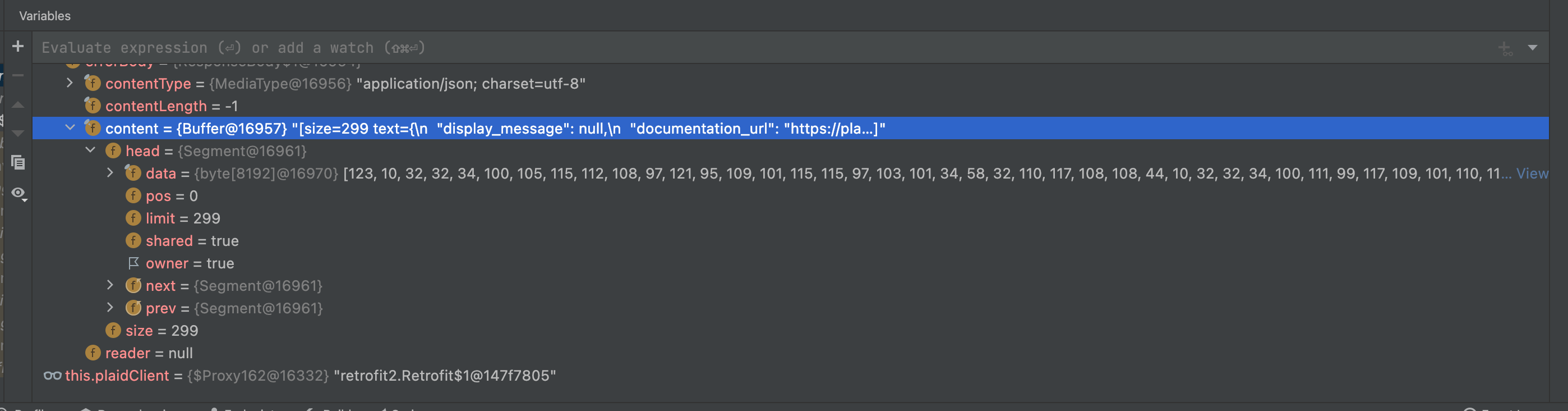

@nissane can you expand the 'errorbody.content' field and post a screenshot of what that looks like?
@magoodah can you expand the 'content.head.data' field or click "view" (at the right edge of your screen) and post screenshots of what that looks like?
IIRC intellij will perform the bytes -> string conversion for you

There was nothing else in that field. As you can see the rawResponse message in the image I posted had longer string.
It's been a while, I would have to remember what caused that error and try to replicate. I can give it a try, but the output is exactly as I sent originally.
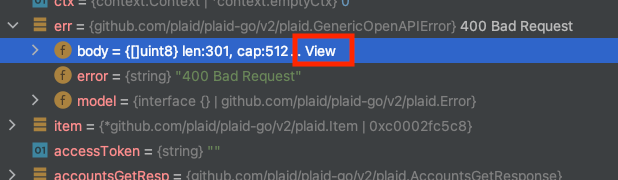
I don't have IntelliJ, but in another JetBrains editor I can click 'view' on the right to view the response as a string:
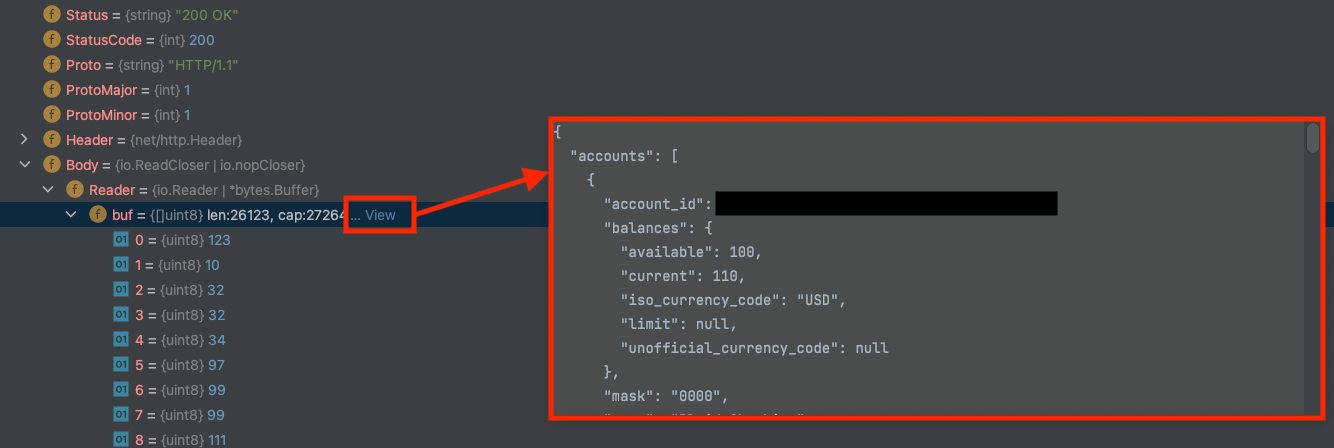
Alternatively, the byte array can be copied into a "byte to string conversion tool" (many tools can be found on google) to get a readable message.
Your example is on a successful request. This is happening on an error, where we do not have a body. Calling the API directly gives a more descriptive error message than what appears is being returned from the java api.
The rest api returns: { "display_message": null, "documentation_url": "https://plaid.com/docs/?ref=error#invalid-input-errors", "error_code": "INVALID_INSTITUTION", "error_message": "invalid institution_id provided", "error_type": "INVALID_INPUT", "request_id": "hKjwtoomMY7wmKl", "suggested_action": null }
The Java api returns the screenshot I sent up top. It will show bad request, but does not show exactly what it is a bad request.
Thanks for following up; the message from the rest API is present in the java API error as well. It just requires a bit of unwrapping it from the response object. If you look at the 'content' field you can see the beginning of the error response:
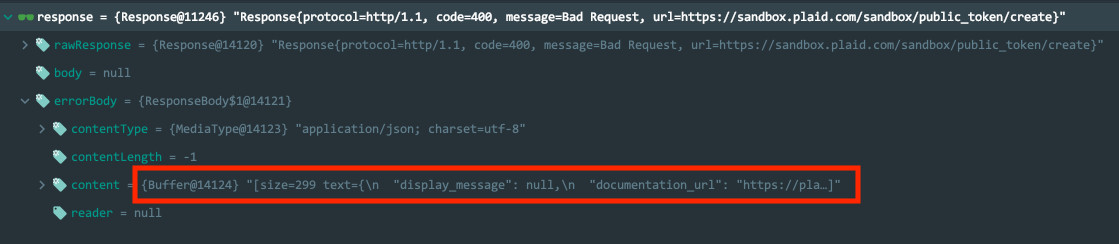
If you can inspect that field, I think we can find the same detailed error message.
Hmm, I am debugging the underlying okhttp response (that's the library plaid is using). I do not see the details of the error message there either.
Can you confirm that you see it when you get an error perhaps?
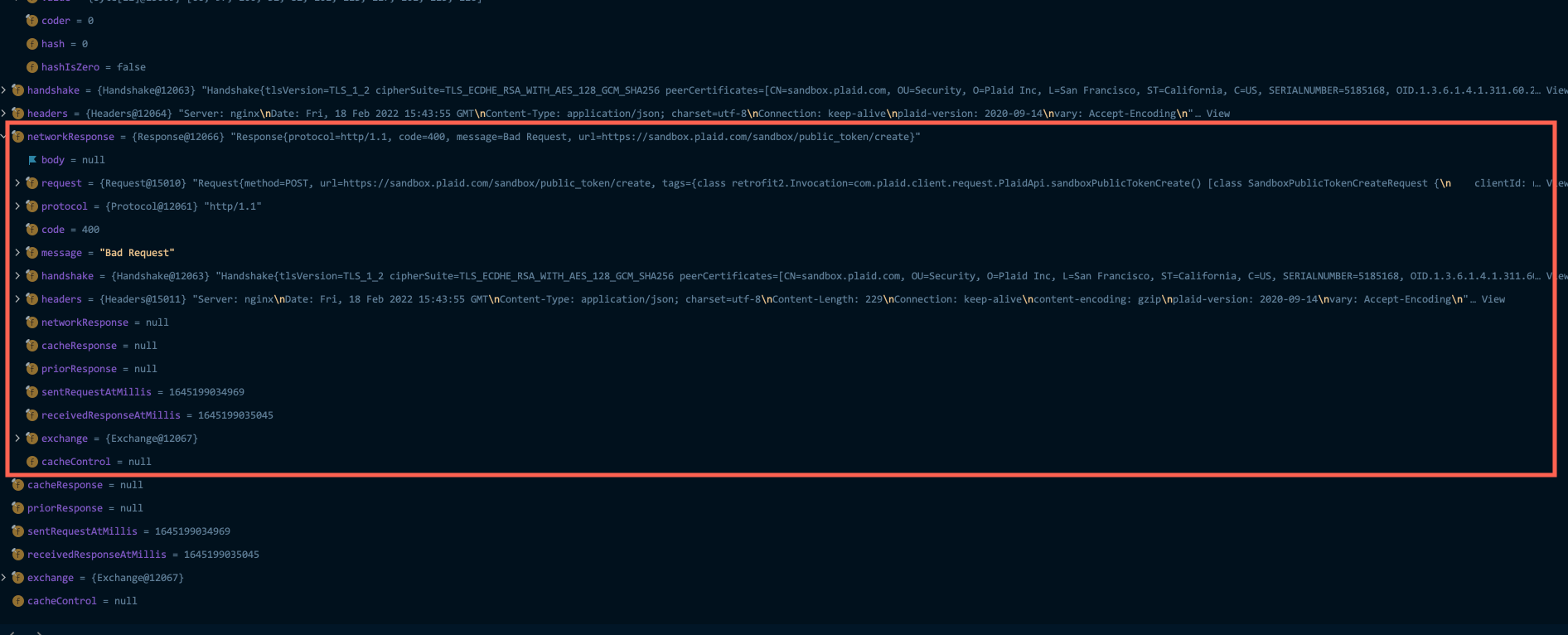
Yes I see that same data. What I am not seeing are details on the error like you see when you call the rest api. When you call the rest api, below are the details of the error. This is needed so you can determine what went wrong. Where is that text? I don't see it in the screenshot you posted either.
{ "display_message": null, "documentation_url": "https://plaid.com/docs/?ref=error#invalid-input-errors", "error_code": "INVALID_INSTITUTION", "error_message": "invalid institution_id provided", "error_type": "INVALID_INPUT", "request_id": "hKjwtoomMY7wmKl", "suggested_action": null }