

 pixelfed
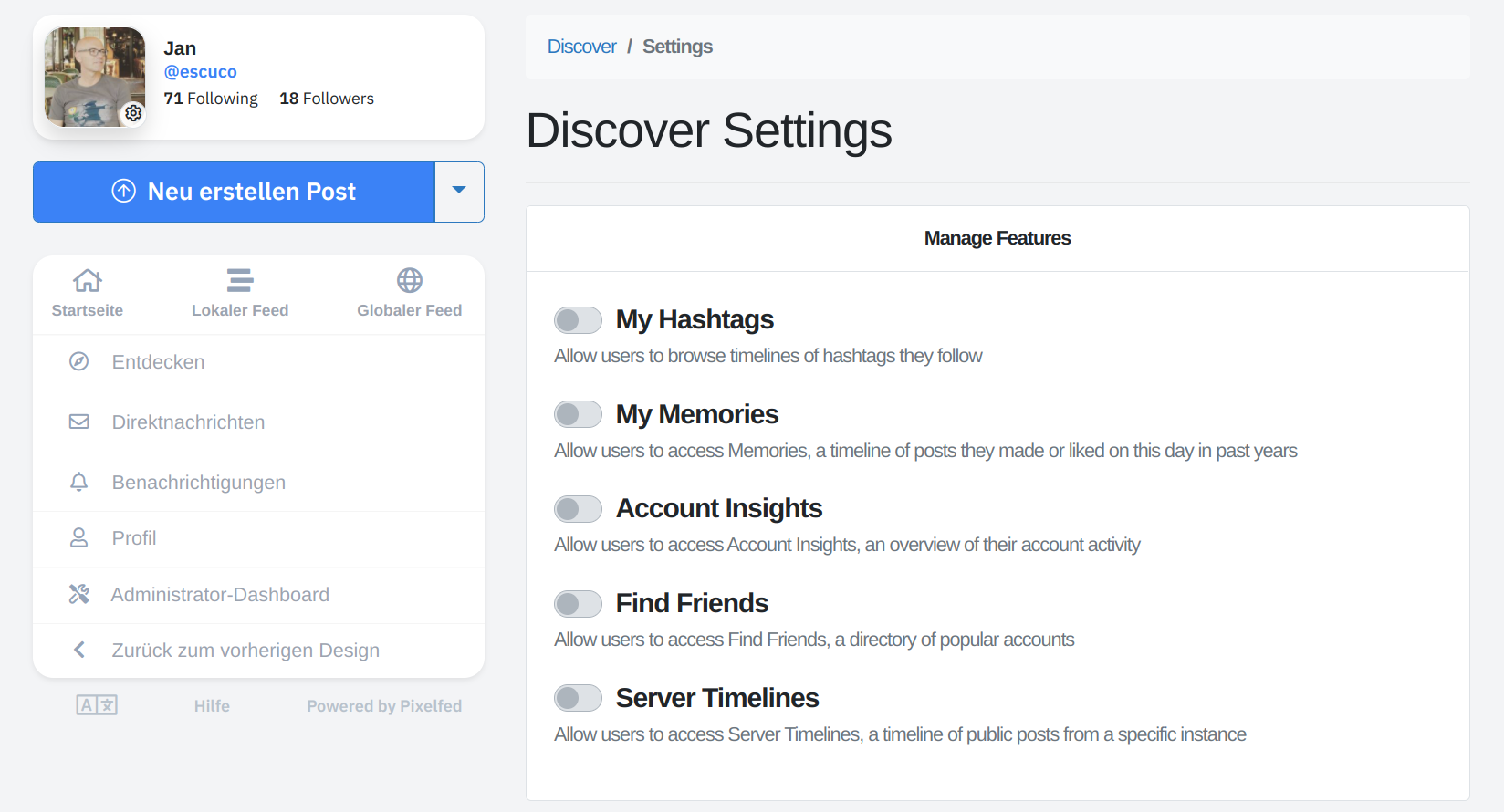
The "Discover Settings" are not stored
I wanted to activate the settings
- My Hashtags
- My Memories
- Account Insights
- Find Friends
on the Discover -> Discover Settings page.
When I enable theses settings and click on "Save changes" I get the green notification "Successfully updated settings!". But when I reload the Discover Settngs Page, the settings are still deactivated and the Discover page is still empty (only "Daily Trending" is active).
Testet on my instance https://pixelfed.cafe with version v0.11.2.

I'm having the same issue with version v0.11.3.
But now I think it might be a configuration problem with my instance. I seem to be unable to change any configuration from the web UI: settings from ${host}/i/admin/settings reset as soon as I save them.
My web server user does have write permissions on .env file. And I'm using Php8.0.
I don't know what else to look for.

Editing/saving the configuration via web UI didn't work for me either. All required write permissions are given.
I have the same problem. Thought if it might have to do with running it in Docker? Where should those configs be saved? Does it by any change try to write into the .env file or another file that is not persistent in some cases?

Hello, running into this same issue now. Currently on 0.11.4~ynh2 (yunohost version)
Trying to get a global feed working, subbed to a couple people at various pixelfeds, only 1 showed up. In the discover settings, I tried adding more and when I click save, I get the green box indicating it was successful, but it doesn't save it. I also can't even select "Allow any instance" if I wanted to, even though that's not recommended.
