

 phisch
When opening an application the cursor load the system default cursor animation
When opening an application instead of loading this theme cursor, it loads the default cursor, here is a gif example.


Which desktop environment do you run? And do you click that icon on your desktop, or in an app launcher? (if app launcher, which one is it?)
Also please show the output of:
cat ~/.icons/default/index.theme
and
cat ~/.config/gtk-3.0/settings.ini

I'm using XFCE in Arch Linux, and I don't understand what is the difference between an icon on my desktop and an app launcher, I think it is a launcher, it has a .desktop extension. Edit: This happens on both of them, on my desktop and in my app launcher, on my desktop icons, only happens with Thunderbird, and on my app launcher, it happens with thunar and firefox.

cat ~/.icons/default/index.theme
`cat: /home/relwi/.icons/default/index.theme: No such file or directory`
cat ~/.config/gtk-3.0/settings.ini
`cat: /home/relwi/.config/gtk-3.0/settings.ini: No such file or directory`
It is very odd that this only happens with some icons.
If anyone knows which cursor name they are using there, please let me know, and ideally link to their code so I can check for any other missing ones in there. I looked through their repository mirrors on GitHub but did not find any cursor names that are missing in phinger cursors.
I'll setup a test XFCE desktop to debug this eventually if nobody can help.
It is not such a big problem so take it easy. Here I create some other gifs:
Phinger Cursors
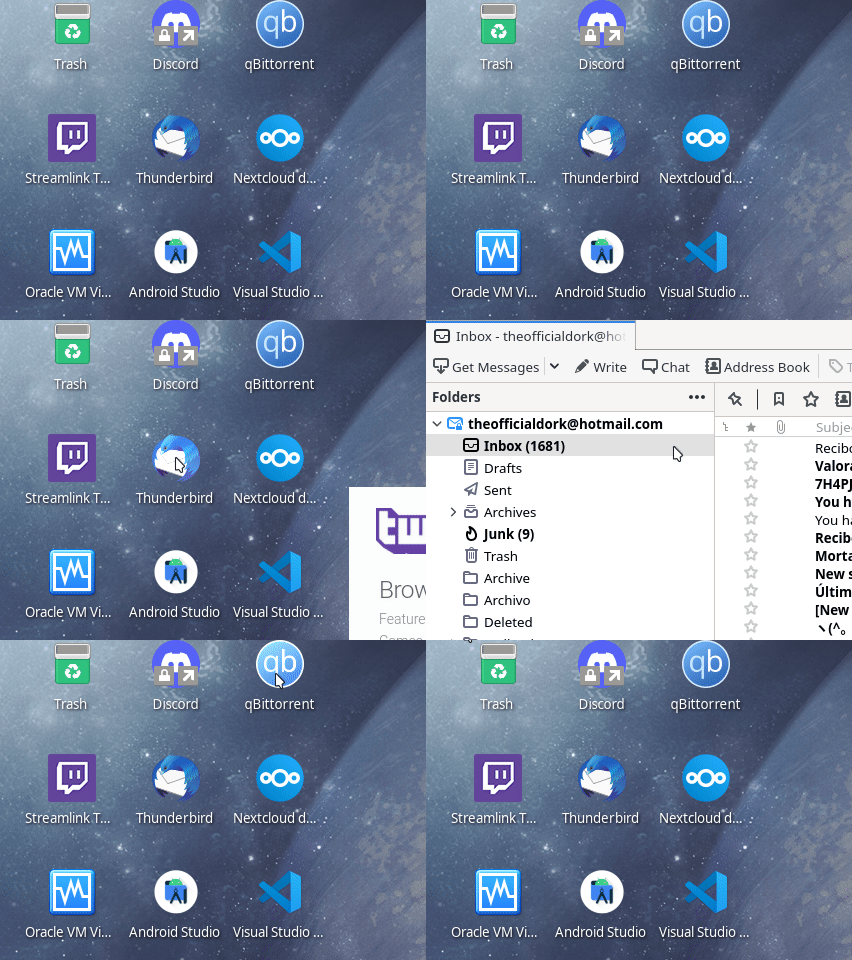
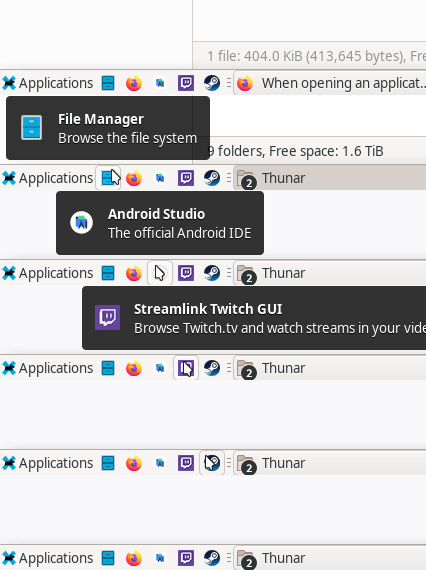
I tried other cursor theme and this problem doesn't happen. Nordzy-cursors
Nordzy Cursors
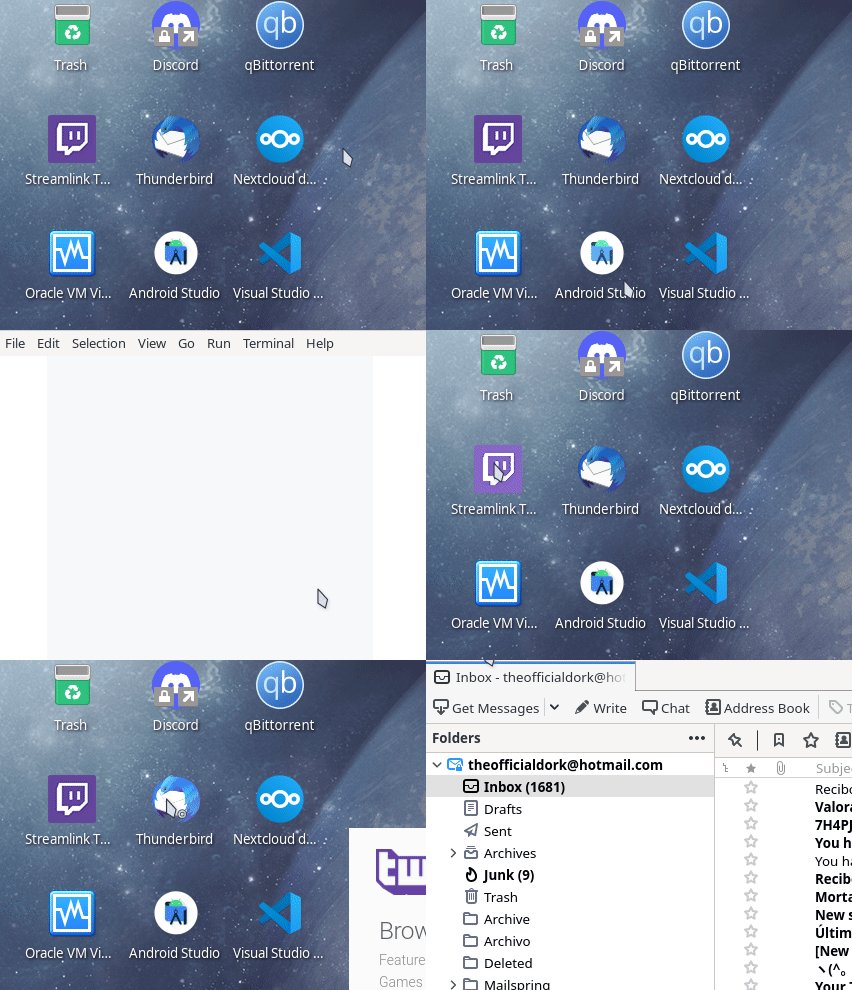

~~I installed the phinger-cursors with the aur package, and the nordzy-cursors with repository script. The nordzy-cursors created the .icons folder and the phinger-cursors not, idk if this can help you.~~
Having installed the phinger-cursors with the aur package, it installed as system package, so here you have the info you asked:
cat /usr/share/icons/default/index.theme
[Icon Theme]
Inherits=Adwaita
cat /usr/share/gtk-3.0/settings.ini
[Settings]
gtk-icon-theme-name = Adwaita
gtk-theme-name = Adwaita
gtk-font-name = Cantarell 11
Edit ~/.config/gtk-3.0/settings.ini (user-only) or /usr/share/gtk-3.0/settings.ini (system-wide) and add the line
gtk-cursor-theme-name=phinger-cursors
and edit .icons/default/index.theme (user-only) or /usr/share/icons/default/index.theme (system-wide) and at the line starting with Inherits= instead of Adwaita put phinger-cursors


Don't bother, I'll fix this eventually for the next release. I am just a little busy right now.
Hey @Relwi sorry for the long wait. But I finally managed to get the new build system done and published the 2.0-beta.1 release. Do you mind checking if this issue still happens with that?
Hi @phisch,
I'm not using XFCE anymore, I tried it in Sway instead. I don't see any issues at all, one thing that can say is that when opening an app with bemenu the cursor doesn't change to the loading animation, but don't know if this is a cursor, composable or bemenu thing, however, this is not such a big problem I think.
Also I tried this https://nabeelgit.github.io/cursor-changer/ to test the cursor, all works fine.
The only issue that I found is that in XWayland apps the cursor changes to the default one, in my case, to the Adwaita cursor theme. I don't think this is a cursor issue but a XWayland issue or something else.
Back to this ticket issue, I think the problem is fixed, like I said, when opening an app, it doesn't change to the loading animation, but it doesn't change to the default cursor either, so is fine.
I tested out XFCE, and it turns out they use the name 08e8e1c95fe2fc01f976f1e063a24ccd for this specific loading cursor. It's a bit ridiculous that some application still use those decades old hashed names.
Gonna add it for the stable release.
Closing since this fixes the issue:
@Relwi I also looked at bemenu, but couldn't figure out (in reasonable time) how they draw their cursors. So they probably just use the default then.
The only issue that I found is that in XWayland apps the cursor changes to the default one, in my case, to the Adwaita cursor theme. I don't think this is a cursor issue but a XWayland issue or something else.
Can you either open a new Issue for one of the XWayland apps where a wrong cursor is shown, or just comment it here?
Also, thanks a lot for your help!
The theme issue happens in QT apps under XWayland and Steam in my case, but in GTK apps under XWayland like Thunderbird the cursors works fine, so I think this is something related to QT, idk.