
pharo
 pharo copied to clipboard
 pharo-project
Push to remote list background is black with black text (unreadable)
The background of the remote list is black, but the text too. This is unreadable :
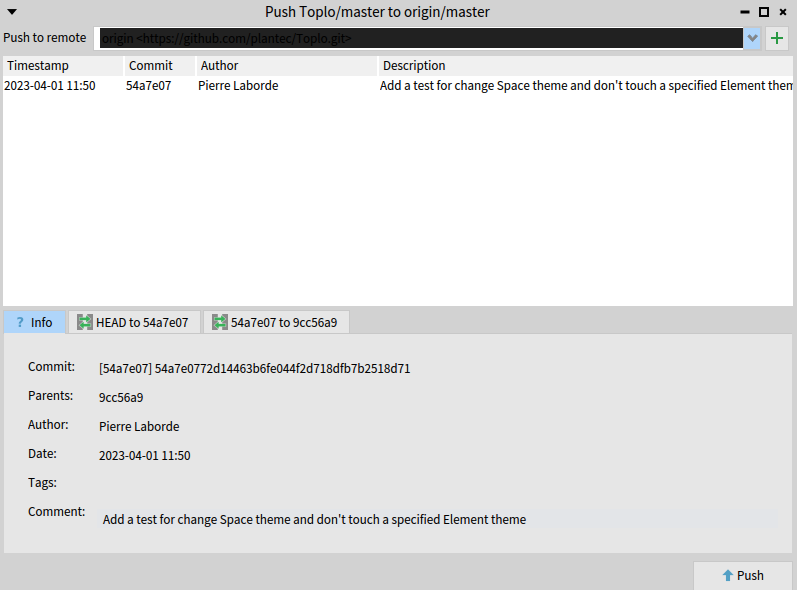
The list content is ok :

My config :
- Windows 11 Pro 22621.1194
- Pharo-11.0.0+build.659


Hi, I faced the issue as well so I did a short investigation.
The symptom:
The shared variable BackgroundColor in RubAbstractTextArea backgroundColor is set to black and override the background color from the theme.
The fault In the image Settings > Text Editor > Rubric Editor > Background is set to black.
The possible cause
One hypothesis I have is that storing the settings after switching to Dark mode put that blackish color as a preset for the rub editor background.
Afterward users are stuck with that configuration until they find the workaround.
The suspect value in the settings file:
StoredSetting {
	#settingNodeIdentifier : '#Rubric#backgroundColor',
	#realValue : Color {
		#red : 0.1300097751710655,
		#green : 0.1300097751710655,
		#blue : 0.1300097751710655,
		#alpha : 1.0
	}
}
Workaround(s)
- Specify the color of Settings > Text Editor > Rubric Editor > Background using the in the Settings browser.
- Delete the settings file or remove the incriminated setting (above snippet), see
SystemSettingsPersistence defaultPreferenceFileReferenceto find that file, then restart the image.
How to fix ?
I think it requires more investigation...
- Maybe the setting storage logic is using the wrong color from the theme to save as the Rubric Editor background.
- Maybe it does not make anymore sense to use a text editing component to display labels of a droplist.
Given the ongoing work to replace the Morph background with something else and the easy workaround, is it worth the investigation?

Hi @ValentinBourcier, thanks for this great investigation! I don't know what is the actual status of the "Morphic replacement", but may be this is more related to themes management rework from @jecisc? Moreother, since Pharo 12 I haven't seen yet this problem.
I think I fixed the origin of the issue. It can still happen to people who stored their settings while the bug was present but we cannot really do much about this :(
I'll close the issue and do not hesitate to reopen if needed
