

 pharo-project
VersionBrowser: left pane empty
Bug description If you browse versions of methods (those from the .changes), the left pane stays empty
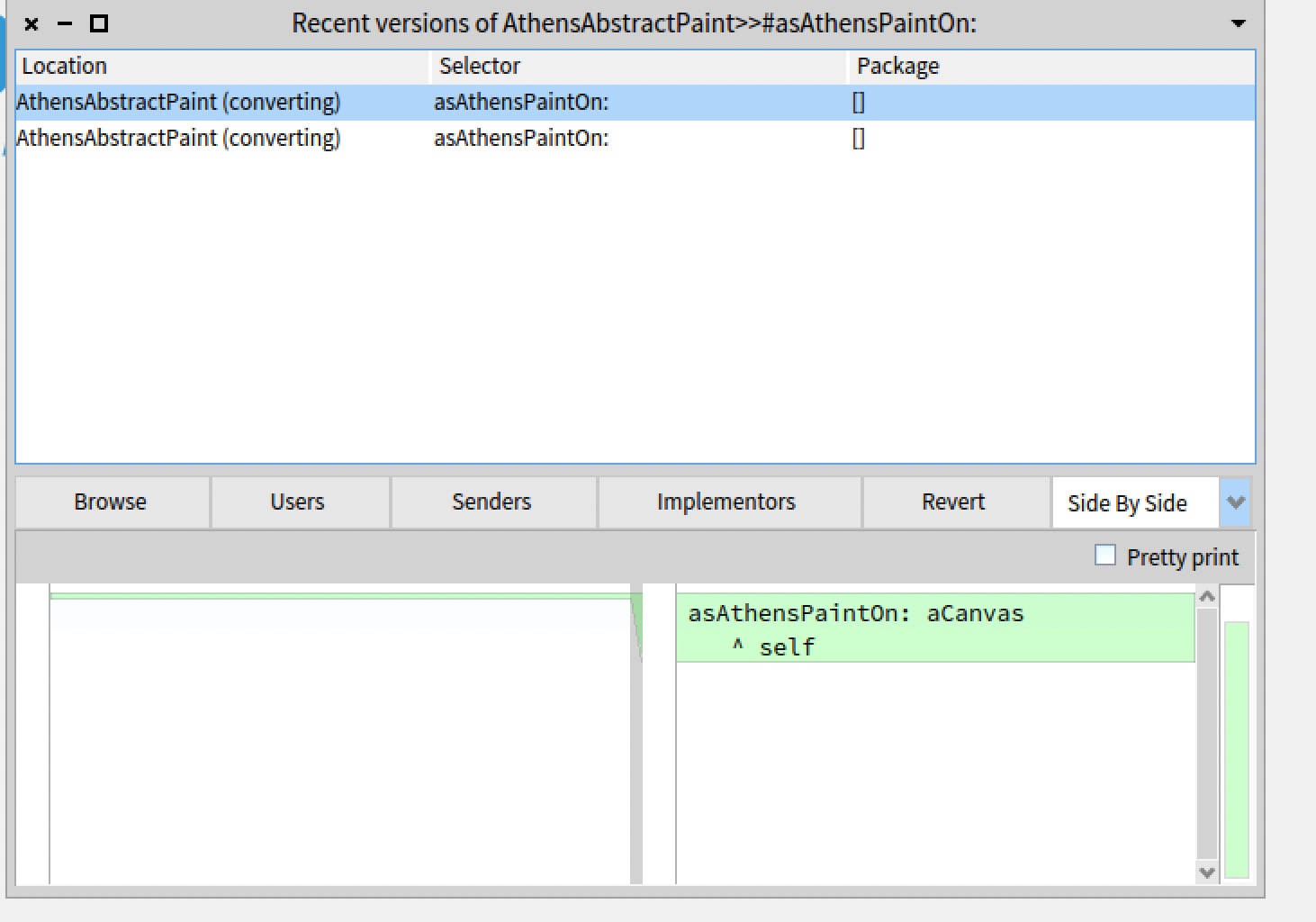
This seems to be some initalization problem: When switching the view to "Source" and back, it works.


Pay attention that we are pushing P11 Only super serious problems are pushed back to P10.

Of course Dr., I was just asking in order to understand whether this is a regression in Pharo11 or if it's a long-standing issue. It helps narrow the problem down a bit. Maybe we can figure out which change is the cause.
I tried in P11. Now I do not really understand what would be the solution? because if you have only one method definition showing it side by side still means that you only have one.
And indeed going to source then back to side by side showed the two versions side by side. Now I never understand which one is the latest one but this is another problem.
I decided to try this as it has been a while since I last worked on something not Microdown. The solution seems to be to add this method to VersionBrowser:
updatePresenter

	self showDiffMorphWithConverter: (DiffSideBySideChangeRecordConverter
		methodReference: self textConverter method
		referencesList: self changeList)
It fits with my general experience that one should sometime do something at the very end of the init cycle. I have tried at several occasions to understand which actions goes into which part of the spec init sequence, so far I am still working on try and error. Now, I just need to clone new tools to be able to make a PR.

I put a PR in NewTools https://github.com/pharo-spec/NewTools/pull/430