
pdfium-lib
 pdfium-lib copied to clipboard
 paulocoutinhox
The file does not display correctly
hi,The below file does not display correctly in IPad,Do you konw the reason? Thank you!

Hi,
Maybe problems with fonts:

The fonts are embedded when you exported it?

@paulo-coutinho – I have had the same experience with a Chinese-language PDF too. The font was supposed to be grabbed from the OS assuming a viewer with access to the fonts of the OS.

@none18l do you have the fonts?
@cetinsert in my local pdf reader on macOS it works, so based on your message it need work on browser too, no?
@paulo-coutinho I don't think PDFium bundles that many fonts. PDF spec mentions base 14 fonts. They would not have more in PDFium I believe. CJK fonts are larger in size and most likely not among the base 14. (There are also fonts with the same name that have fewer or more glyphs depending on how they are distributed.) Perhaps we can forward the issue to PDFium. Emscripten might provide a way to embed larger fonts in its emulated filesystem too.
No fonts. but if PDFium have not the fonts,how can I set the default font that the systems have?
I tested some pdfs with chinese fonts and it works. Maybe your problem is with your PDF fonts.
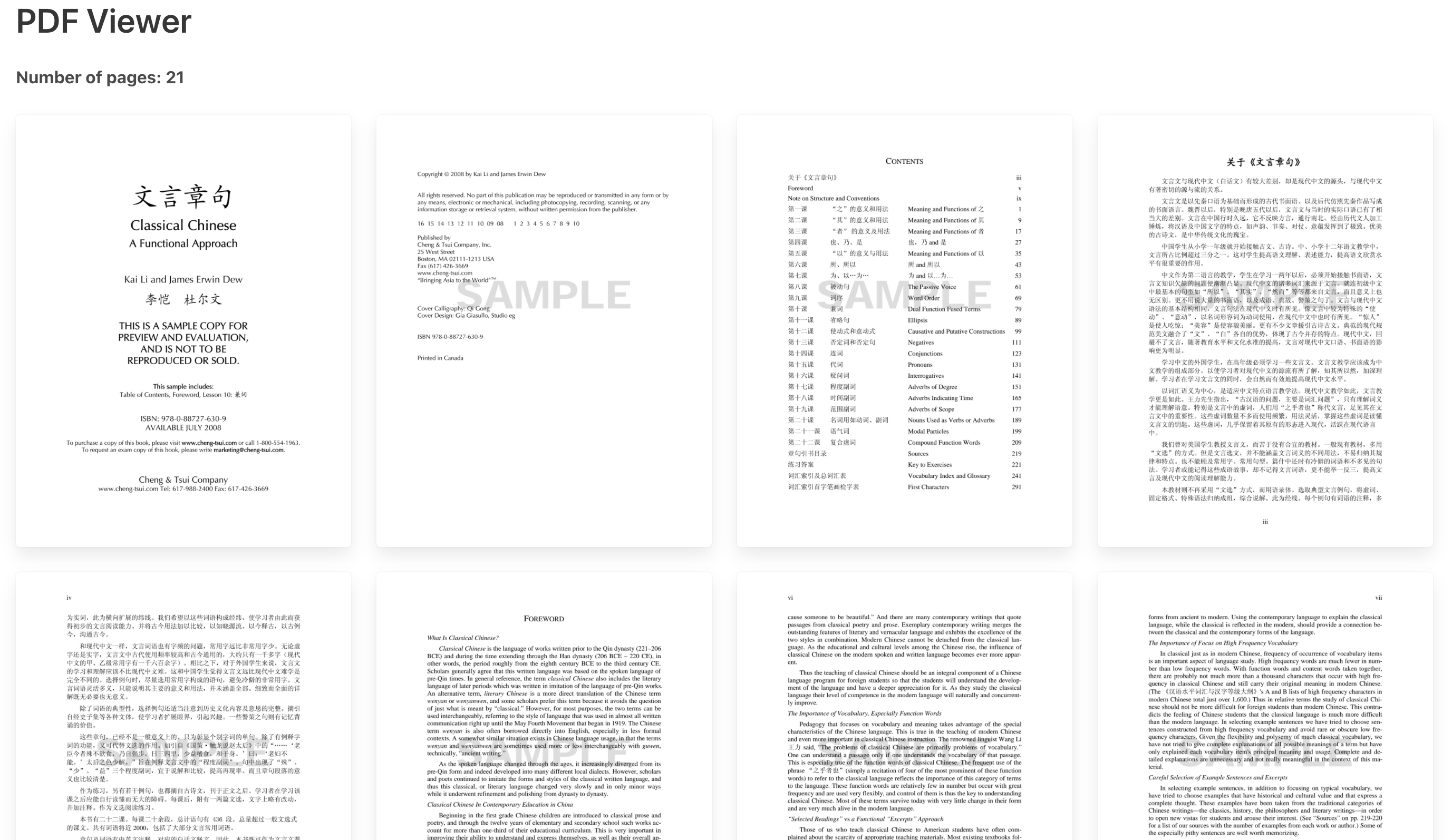
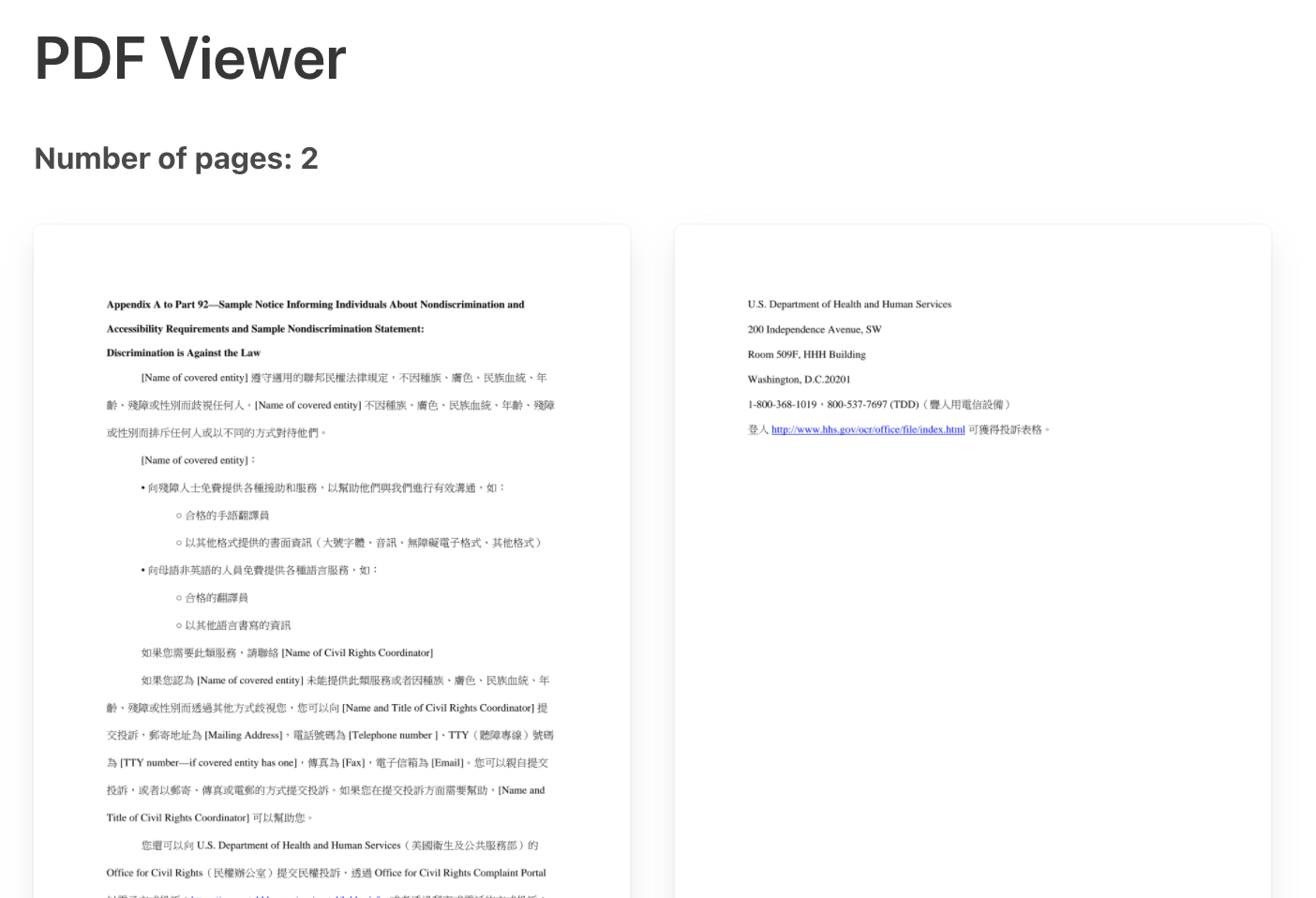 sample-ce-notice-chinese-trd.pdf
Classical Chinese Sample 22208_0_8.pdf
sample-ce-notice-chinese-trd.pdf
Classical Chinese Sample 22208_0_8.pdf
@none18l i recommend you read this:
https://www.eduhk.hk/ocio/content/faq-how-embed-asian-fonts-pdf-files and https://stackoverflow.com/questions/30083764/which-chinese-font-is-commonly-supported-by-pdf-readers-of-chinese-people
As i sad, you can embed fonts or it glyphs subset.
@paulo-coutinho – here is another file that does not render correctly that does not involve CJK fonts.
https://lab.webpdf.dev/#src=//github.com/mozilla/pdf.js/files/4652174/fff.pdf
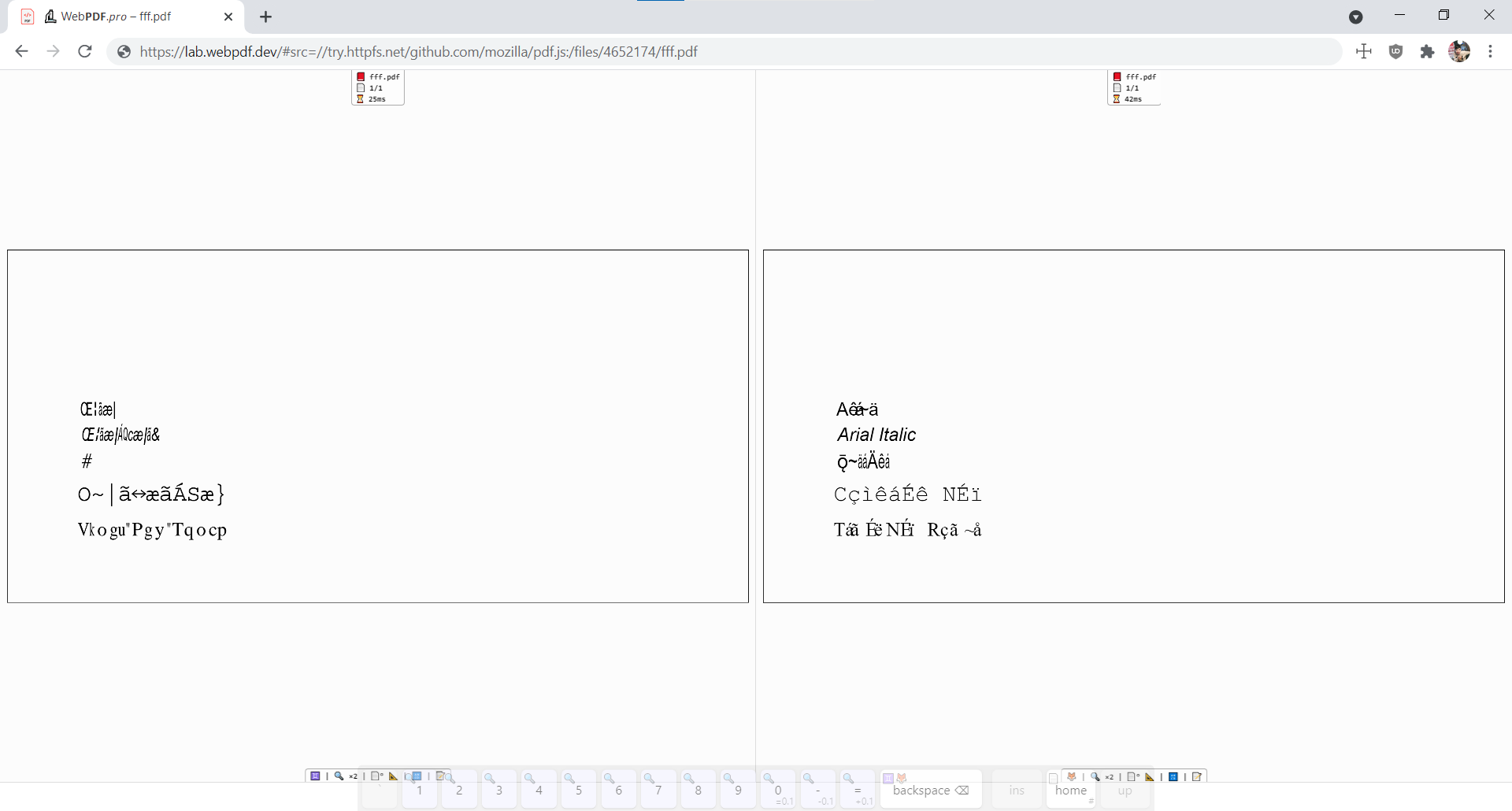
🦊 PDF.js' original issue which contains a recent fix: https://github.com/mozilla/pdf.js/issues/11915
@paulo-coutinho
After reviewing the changes closing https://github.com/mozilla/pdf.js/issues/11915, I have come to the conclusion that they might be out of scope of this repository should they require source code changes in PDFium itself.
Embedding fonts via the emulated file system of emscripten (which I assume exists) would still be interesting to look at. Should that path ever be taken, the most flexible solution for the WASM port would be to expose adding such system fonts to the developer of websites themselves.
- find out if
PDFiumproper checks a directory for system fonts - find out if
emscriptenprovides a file system emulation API to users - document the directory (from 1)
PDFiumchecks for system fonts - find the
emscriptenfile system API to add font files to the directory (from 3)
The above steps would ensure more cases just work and require no code changes in PDFium proper or the WASM port of it.
another no-fonts file
- https://lab.webpdf.dev/#src=//github.com/mozilla/pdf.js/files/1634833/E-WG18_105147.pdf
🦊 https://github.com/mozilla/pdf.js/issues/9367
Hi,
I launched a new version (4692).
To test, you can access: https://pdfviewer.github.io/
Can you check the docs/code to see if your problem still happen?
You can donate, if you want, to help the project.
Thanks.
No changes with 4692
- https://github.com/paulo-coutinho/pdfium-lib/issues/48#issue-994678409 → https://lab.webpdf.dev/#src=//github.com/paulo-coutinho/pdfium-lib/files/7153228/1111.pdf – same with
4692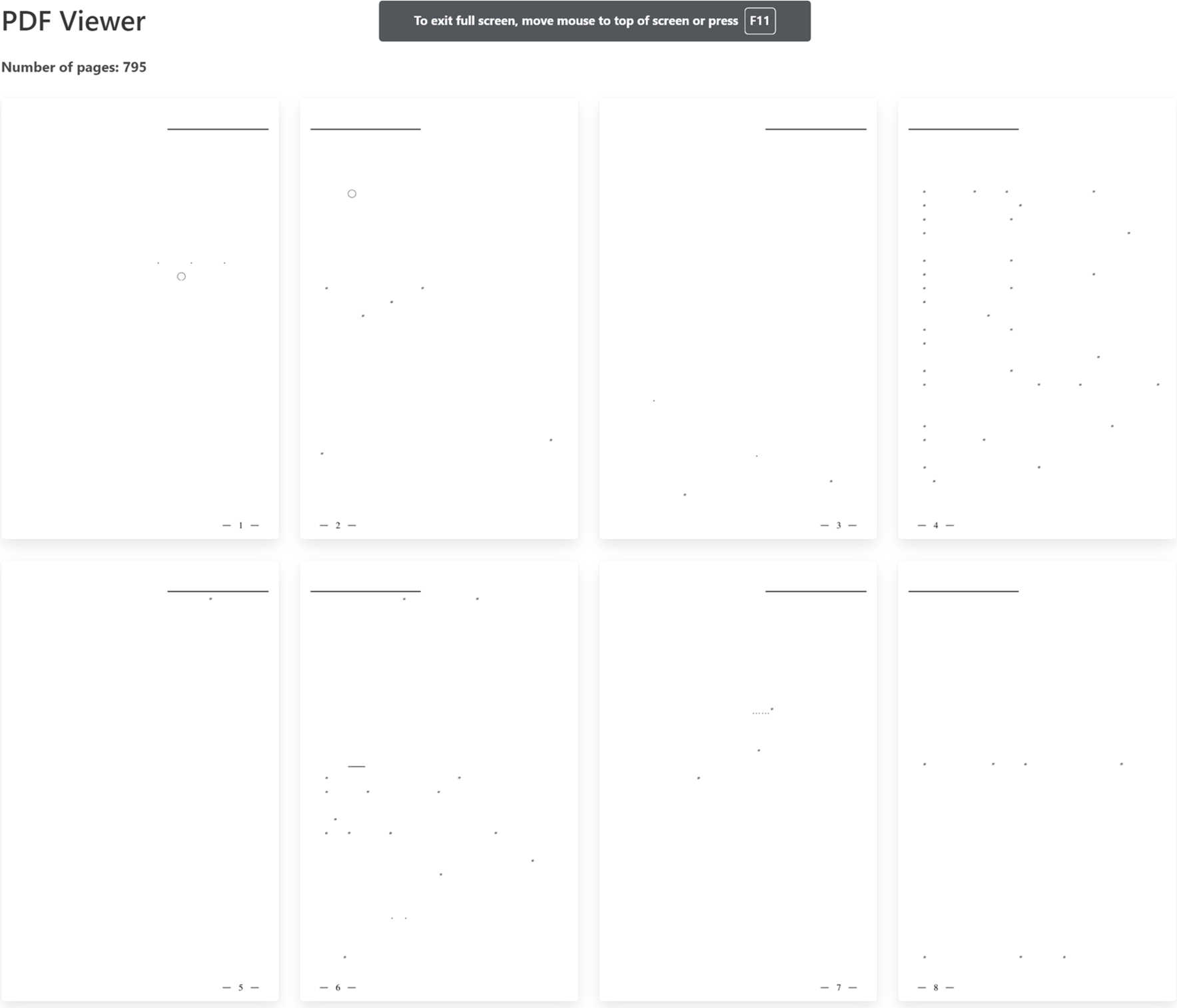
- https://github.com/paulo-coutinho/pdfium-lib/issues/48#issuecomment-921164020 – same
- https://github.com/paulo-coutinho/pdfium-lib/issues/48#issuecomment-922068059 – same
The situation will only improve if we bundle PDFium with fonts.PDF.js does call such files broken and not spend developer time on them though.
Hi
I don't understand. How PDF.js get these files and show correctly?
Thanks.
@paulo-coutinho they bundle fonts: https://github.com/mozilla/pdf.js/tree/master/external/standard_fonts (funnily enough from PDFium upstream)
Also, they refer to some likely not included ones that browsers might make available: https://github.com/mozilla/pdf.js/blob/e4f97a2a911a538be094fda434a216454690ea04/src/core/standard_fonts.js#L147 (these are more likely to have CJK glyphs)
Some PDF files need external fonts to render, and WASM in browsers doesn't have the ability to access native files. I have managed to produce a version which will fetch fonts via HTTP requests if necessary (i.e., use HTTP Resources instead of local file system), but I am not sure if my company would like to let me open the solution yet.

@KDr2 feel free to create a PR with all patchs to make it work. @cetinsert what you think? we need download all that fonts and embed? that fonts are free?
@KDr2 – please create a PR, you may omit the font files or commit them as empty (0-byte). Should a full PR be difficult, please provide guidance on the necessary adjustments we would have to replicate on our own. We will independently confirm the licensing requirements.
Hi,
All problems was fixed in new release.
You can check here: https://github.com/paulocoutinhox/pdfium-lib/releases/tag/5407
The demo is here: https://pdfviewer.github.io/
I don't know if it still relevant. If anyone have a solution, please reopen and/or send the way to fix this.
Feel free to donate to help project development.
Thanks.