

 pauldipietro
CarousselViewChallenge with Lottie
Submission description
Tried to reproduce a basic tutorial caroussel that I already have in a Xamarin "native" app, from another project I'm working on (the "Brink's" applications already available in android and iOS app stores). This tutorial uses Lottie animations as images to make it more dynamic. It's an approach I use a LOT for tutorial views so I found it interesting to be tested with the CarousselView.
Original:
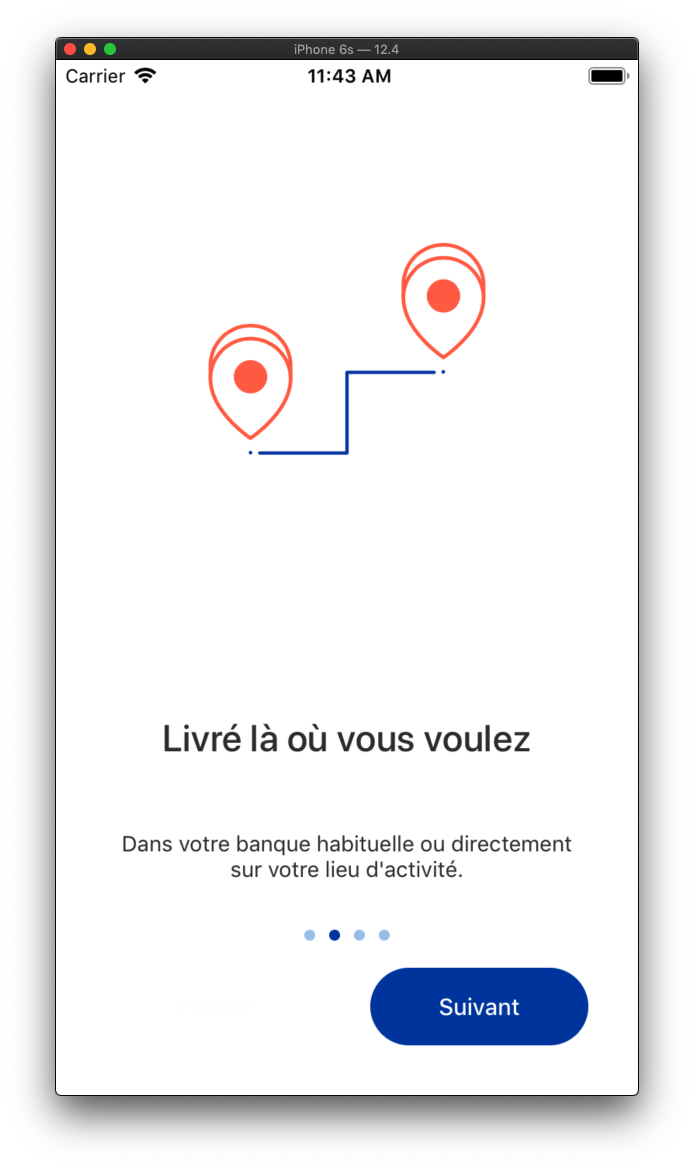

Xamarin.Forms version:


What went well
The initial setup of the Caroussel, and its ItemTemplate was very smooth. I had to hide the horizontal scrollbar on iOS, but the property is already there and is working fine.
What didn't go well
iOS The biggest issue seems to be some kind of BindingContext refresh issue on iOS. Some of my text appeared as blank on some slides, but only under some weird circumstances (see the video here )

The loading logic also seems pretty inconsistent on iOS. Sometimes my animation started well when sliding left to right, sometimes right to left, sometimes not at all.
Android On Android, using Lottie animations works fine for the first slide, but does not work for any other slides. I'm guessing it's a lifecycle issue, because android ViewPager creates a bunch of slides at once, and iOS Scrollview probably creates the items on the fly, but since the behavior is mostly OK on iOS for tha, it would be nice to have the same behvior on Android, or at least an option available to achieve the same behavior (like Caching="false" to reduce the number of pre-created viewpager's pages ?)

Video for the android issue is available here
Missing or desired things
To solve my Android bug, I looked for an easy way to access the CarousselView's current item view (not its datacontext via the CurrentItem property), and I didn't find it. I'm not a big Xamarin.Forms user on a daily basis so that might come from a lack of knowledge on my part, but if it's not it would be nice to have an easy way to retrieve an item's view to be able to manually trigger some things.
Anything else
On iOS the CarousselView goes behind the bottom navigation bar, while on Android it remains above it. That forced me to add an iOS only bottom margin that is not really justified to me. I don't think it's really a CarousselView issue, but still worth noting that I had to do that to avoid design inconsistencies.
Take out a survey for some goodies
Please visit this link to take a survey. If you provide your contact information, we'll send you some swag!
