

 patternfly
Table/TableComposable: Expand/collapse toggle for exapandable rows not discoverable with VO
Using VoiceOver, I the table cells with an expand/collapse toggle just read that they are 'empty cells' and are not discoverable.

I tried to take a screen recording of what I got in testing, but even when I cut the clip, it seems to be too big for github. Basically I'm still seeing it as "expanded" and "collapsed." Is this the example you're referring to or is there another one?
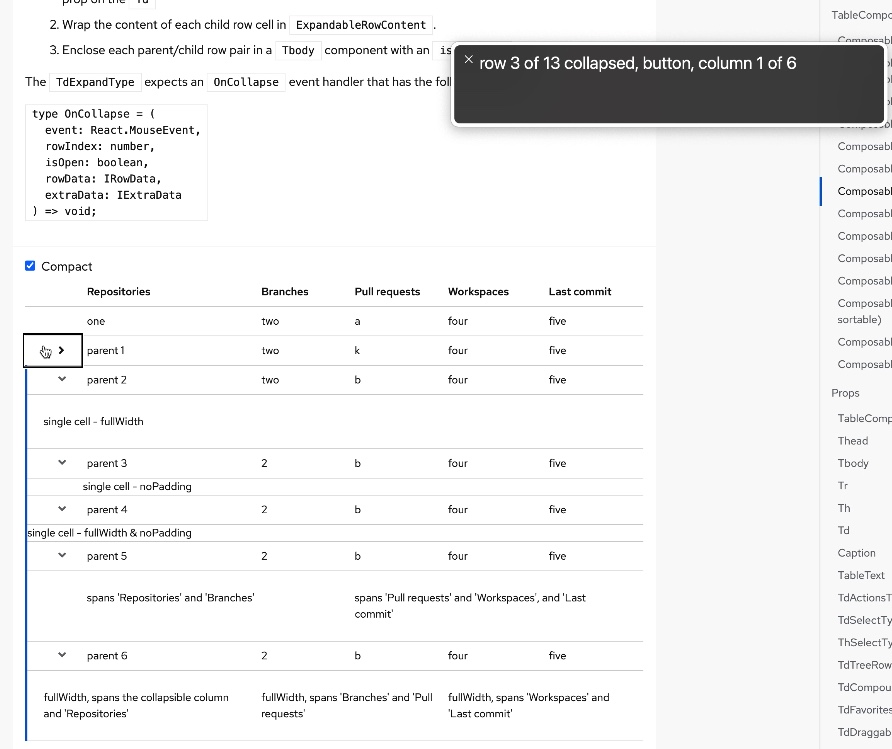

So, when I am trying to navigate the table with VO, it reads each table cell as I move through the table. It reads the last cell in the first row as 'Last Commit five column 6 of 6. Then when I move to read the next cell, I get this screen shot.
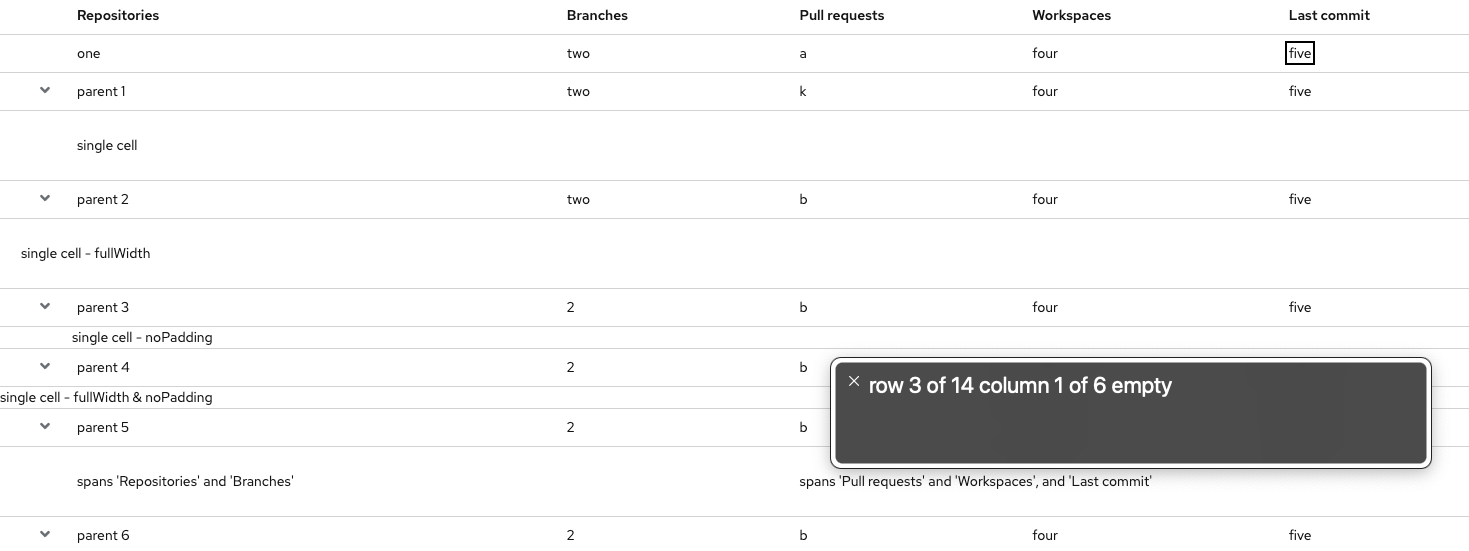
Hmm interesting. it does read for me as "blank" after the row and column when there isn't a toggle, but for me it reads out the details toggle button when it's there. @jgiardino Would you be able to take a look and see what you get?
From Jenn "There appears to be two ids noted in the aria-labelledby attribute, but only one ID is actually present in the html, which is the ID of the button itself. The other ID is meant to reference what would be considered the row header (e.g. “parent 1” or “parent 2") to avoid buttons with duplicate labels but different actions. That’s the only issue that I’m seeing."
When navigating the composable expandable table example via VO, at first I didn't hear any context of a toggle button's expanded state (but I was notified the existence of a button).
After looking at my VO settings, I updated within Web > When navigating web tables so that "Group items within" was unchecked (previously I had this checked). After doing that I get the expanded state of the button announced without having to go further into the cell with Shift + VO + Down Arrow. Though I didn't get an announcement of "empty", wondering if this setting would be causing that issue (if it still is an issue)?
I also assume that we may not want to take into account a user enabling this setting, assuming this is what caused the original issue here? Per the VO user guide on the "Group items within" option (emphasis mine):
Hear a summary of a table and a summary of each cell as you navigate the table using the arrow keys. This option is useful if you’re familiar with a table and don’t need to read its contents.

I agree - updating this VO setting does impact the experience and seem to fix the issue.
I wonder if we can find some guidance on preferred settings for VO for the people who rely on it. I guess i'd have expected that the default settings would be that... but maybe frequent users are updating their settings regularly?
I'm not as worried given that there is a setting that fixes the issue. Do you now how to provide a summary of each cell?
The Apple docs have an article on using VoiceOver to navigate webpage tables which is interesting. The article seems to assume that grouping is on (so the behavior you were seeing), with users required to manually go further into a cell with VO + Shift + Down Arrow to get more details/context. What's cool is turning on/off the grouping for a table with VO + Command + =, which when turned off VO announces "table interaction not required" (and the opposite when toggled on).
Since this seems more something to do with a user's personal VoiceOver settings that can be easily toggled on the fly, will close this issue for now