

 passingthru67
Dock doesn't hide after toggling overview
Linux Distribution version
Ubuntu 20.04
Gnome Shell version
Gnome 3.34.2
Xorg or Wayland (or both)
Wayland
Extension version or branch
master? (whatever branch that goes to extension.gnome.org)
Description of the problem
Sometimes, after a long time of usage with an external display connected, the workspace dock will stop auto-hiding after toggling back from overview. The problem will disappear after restarting but will sometimes come back after long period of use. A screenshot of the problem can be seen below.
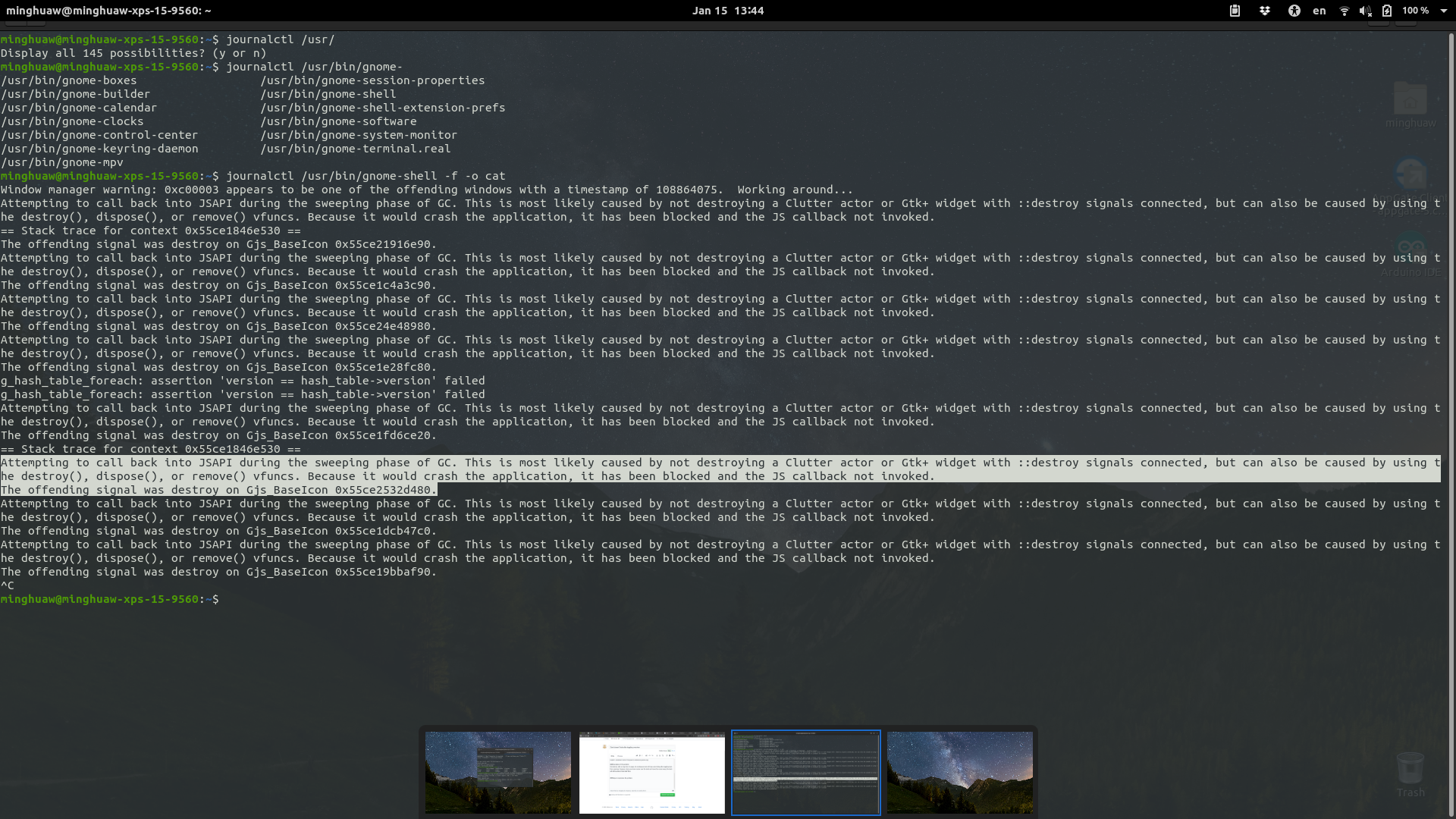
The screenshot also includes the ouput by runing journalctl /usr/bin/gnome-shell -f -o cat . It seems like a problem with some callback function?
Steps to reproduce the problem
I haven't found a way to reproduce the problem 100%, but it seems to happen more often when an external display is connected.
Plus, I do use the extended-gesture extension to toggle overview and the hide-top-bar extension to hide the top bar, not sure if this is related.

Maybe it is the location of the mouse pointer (I do not see on in your screenshot). It could be a duplicate of #160

I have this as well in Ubuntu 20.04 but always had it since 18.10 (first version that I used with gnome-shell).
- It is not the mouse pointer nor #160 .
- What happens is simply that sometimes the dock slides out and stays there.
- I reproduced this on two different laptops and without having external displays connected
- "killall -3 gnome-shell" is needed to make it go away.
- The sliding out can be triggered by the mouse or by manipulation of Windows.
- The problem is much more frequent on Wayland (where it borders on being unusable because of this), but also occurs in the Xorg session.
- I cannot reproduce it on demand, but a frequent way is to hit the Super key to open Activities, type a program name and hit Enter to launch it. In Activity, the workspaces are of course visible, and then they don't disappear when Activities closes after launching the app.
- It seems as launching some programs triggers it more frequently than others. E.g., I seem to get it a lot after launching LibreOffice Calc. (And I cannot be sure, but maybe non-Gnome programs are a more frequent trigger)

This seems to be another bug. This one is specifically the mouse pointer keeping the dock open while it was not used to open it. I think you should open another issue.
Sorry, I don't get it. The mouse is not mentioned in this bug's description, which reads "Sometimes, after a long time of usage with an external display connected, the workspace dock will stop auto-hiding after toggling back from overview."
Is not #160 the one with the mouse?
Great, I thought I might be losing my mind :) If there is anything I can do to help, like a log for instance or running with debug options, pls let me know what I need to do. I have tried and tried to find a reliable reproduction, but failed so far. It might be interesting that not only did I repro it on two laptops, the regular user of the other laptop also is triggering it, though she likely has different usage patterns.
The machines are a Dell XPS 9575 2-in-1 (mine) and an the other is a Asus Zenbook Flip 15 UX561UD. Both are foldable laptops, but it's unclear if there is any connection. When the issue happens, the devices are being used in normal laptop mode, and no screen folding is taking place. Both machines have an iGPU (Intel) and a dGPU (AMD on the Dell, Nvidia on the Asus), but both are using the iGPU.
Currently it's a pity because workspaces-to-dock is in our opinion a required extension to efficiently use gnome-shell with multiple desktops
Launching Signal (which is a Snap) from the Activities view is also frequent trigger