

 pafnow
vrt-files can't be open with yEd V3.20.1

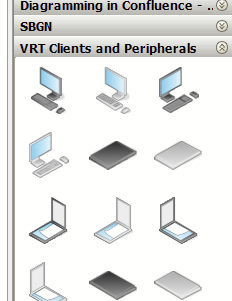
I use 3.21.1 and it works. Maybe update?
- Open software
- Right clic on one section of the Palette tab (ex: People)
- Choose "manage palette"
- Choose "Import Section" and point to the "VRT Clients and Peripherals.graphml" file.
- A new section should be added. Do the same for all files.
With this method, the new section will always be there. I guess, don't delete the files tho.

I have yEd V 3.20.1 and no newer update available.
With the method described, the section is created, but no symbols are displayed!
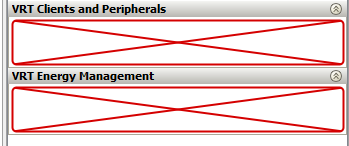
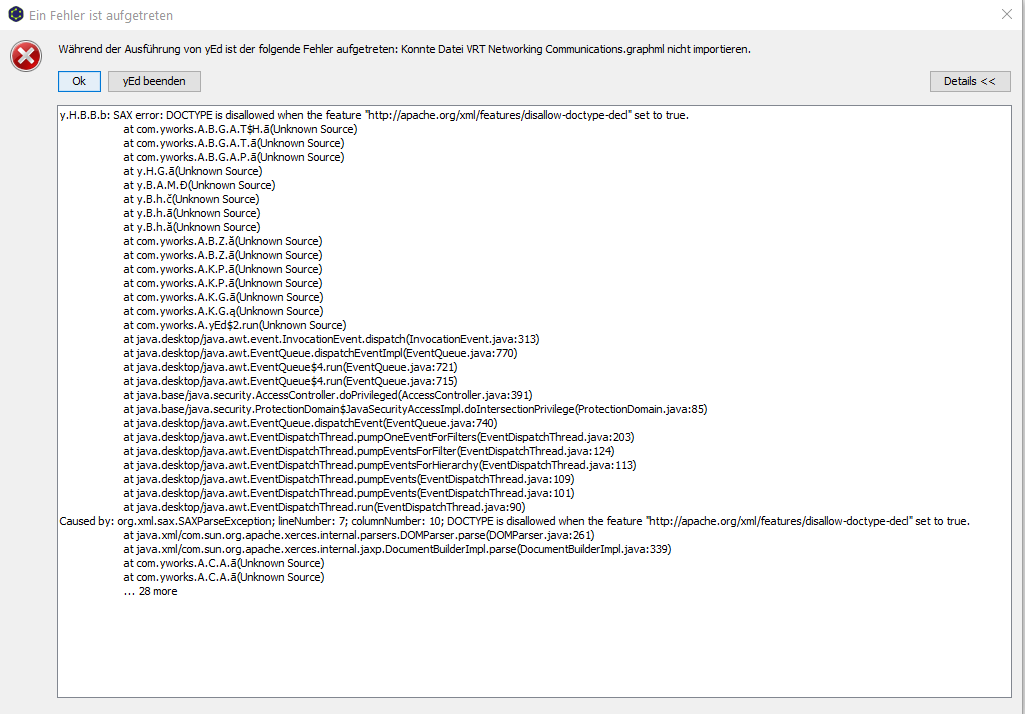
after update to V3.21.1 still the same problem! Palette ToolTip: palette "xy-file" can not be load: SAX error: DOCTYPE is disallowed when the feature "http://apache.org/xml/features/disallow-doctype-decl" set to true.

Same issue here with a fresh install of yED 3.21.1. My environment ist "Linux Mint 20.1 Cinnamon" and I used the yEd Linux installer with the integrated JRE.

Same here on Mac OS X with yED 3.21.1 But only with VRT Energy Management.graphml With the other ones I have no problems.

I had the same issue. The problem: was my stupidity - i was downloading the html not the actual file from github Solution: just downloaded the zip files required and after that unziped them and imported them:
new palette in yED through Edit > Manage Palette > Import Section
I hope this will help for future missclicks:)
