

 ozboware
Add license file
Pull this to add a license file with you as the copyright holder. There shouldn't be any other changes.
Thanks again!

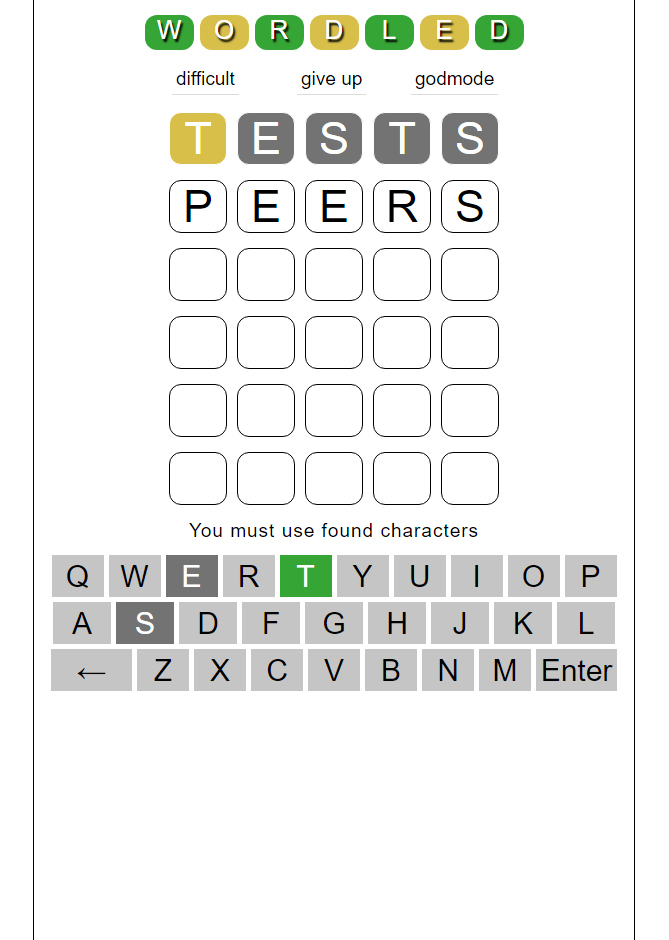
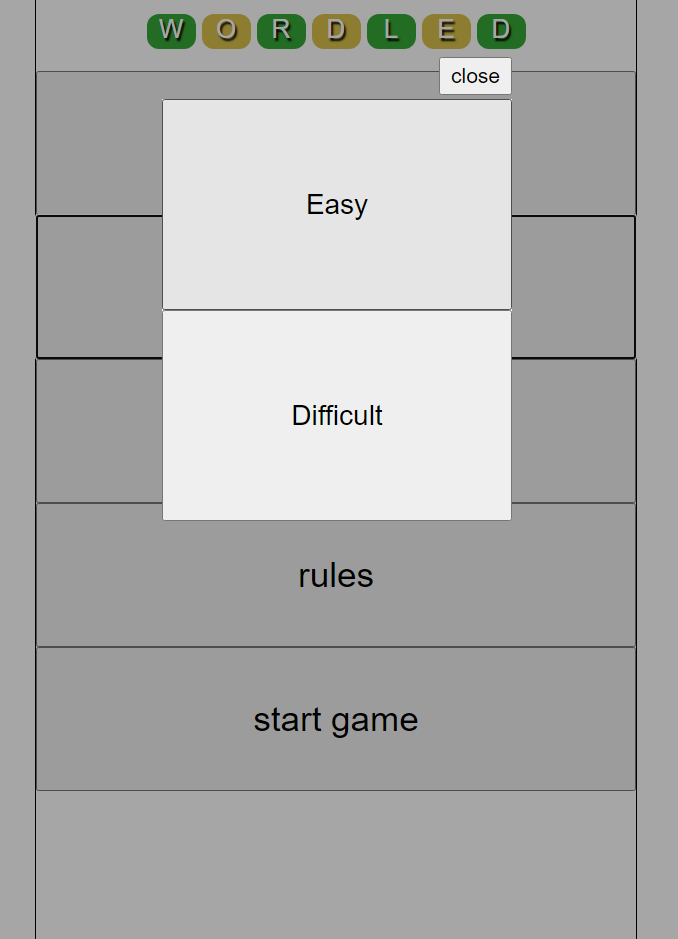
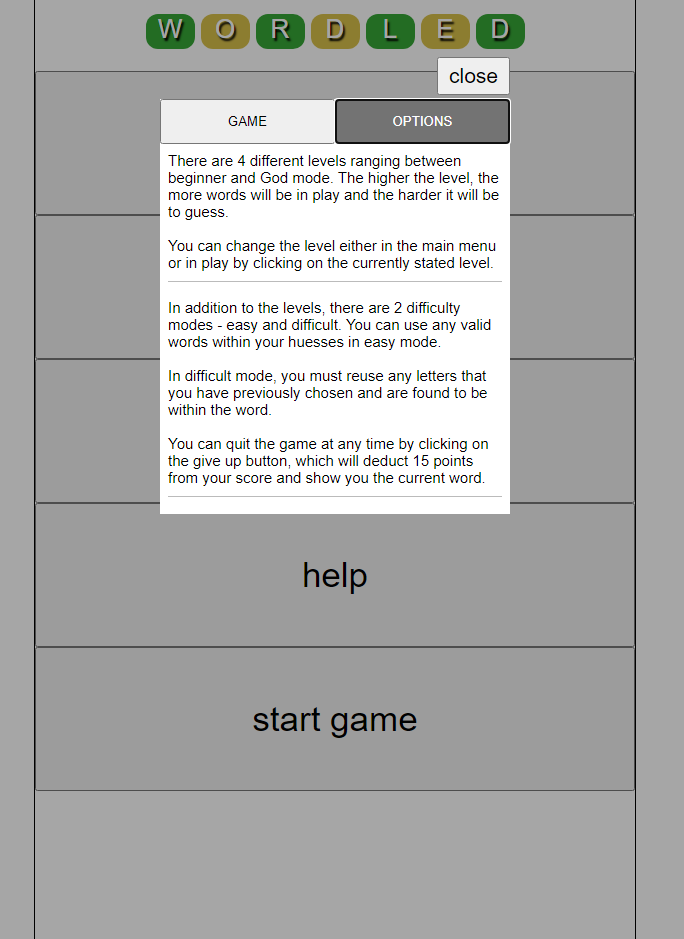
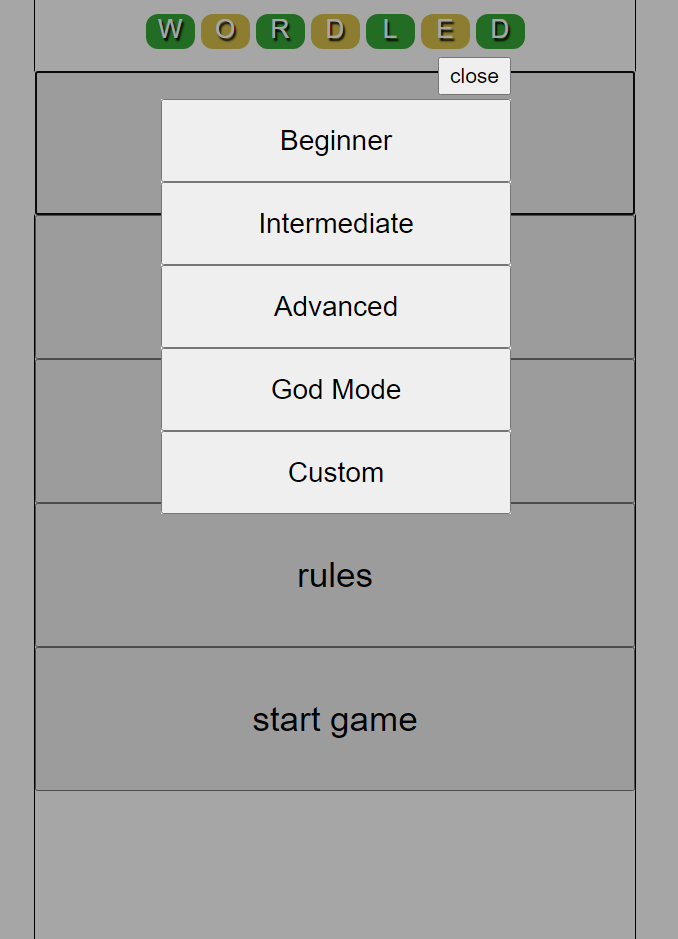
I've updated the game to include scores, multiple level and difficulty choice and a start up menu which includes access to high scores, best streaks, instructions and difficulty/level changes. We can now click on the word if we haven't guessed it and a page will open to show the definition. I've also included a few animations and modals for the notifications as well as added in some responsive design. It can also be demoed in full online at wordled.online
screenshots





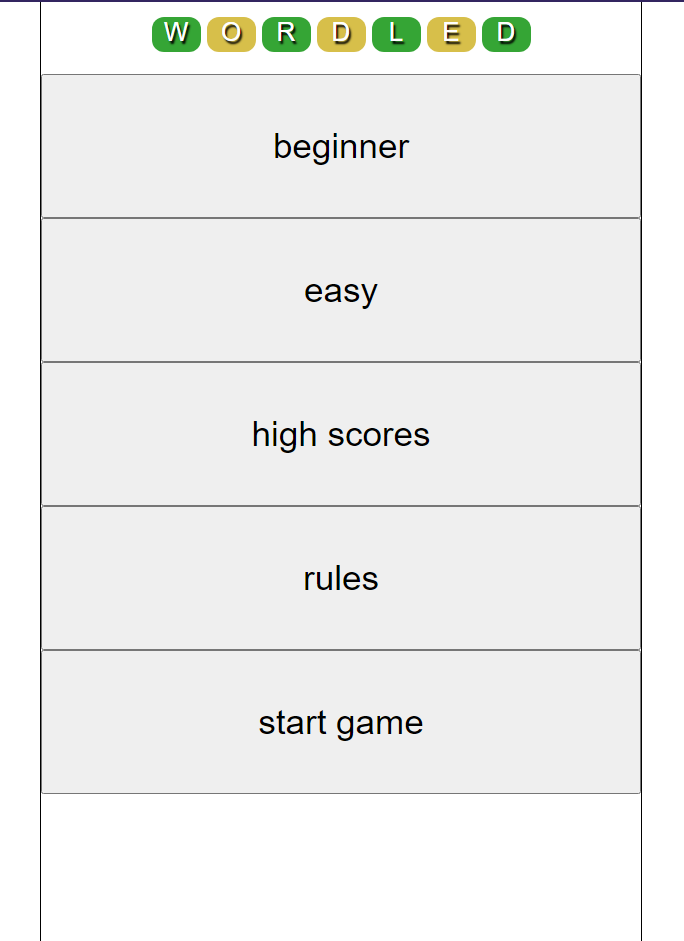

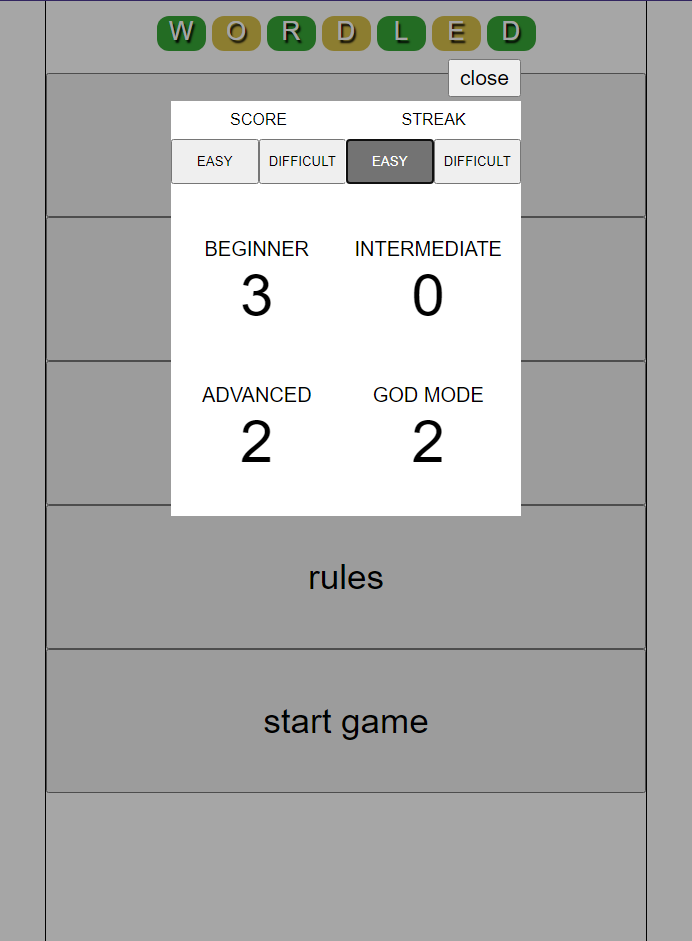
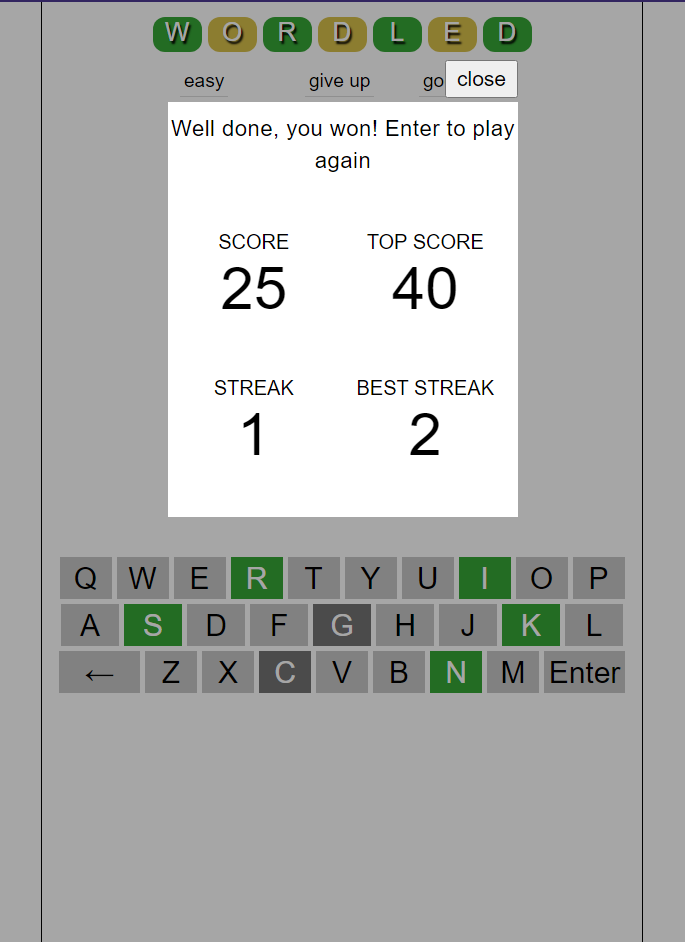

Impressive!
I didn’t expect to see so many improvements. Maybe I need to learn Javascript after all.
I noticed two minor typos. I won’t turn them into a pull request as they’re so simple.
$ diff wordled-ozboware/README.md wordled 9c9 < - New score keeping function for each level/diffculty
- New score keeping function for each level/difficulty 11c11 < - Home screen meny
- Home screen menu
I had started playing with a radio button strategy, but I probably won’t keep working on it since you have a better approach and my Javascript skills are not that far along.
$ cat radio-button_test.js const levels = [ { value: 'level1', label: 'Level 1: 100 words suitable for young children' }, { value: 'level2', label: 'Level 2: over 1000 commmon words' }, { value: 'level3', label: 'Level 3: over 2500 words' }, { value: 'level4', label: 'Level 4: over 3400 words' }, { value: 'level5', label: 'Level 5: over 13,000 words' }, ];
// generate the radio groups
const group = document.querySelector('#group');
group.innerHTML = levels
.map(
item => <div> <input type="radio" name="level" value="${item.value}" id="${item.value}"> <label for="${item.value}">${item.label}</label> </div>
)
.join(' ');
// add an event listener for the change event const radioButtons = document.querySelectorAll('input[name="level"]'); for (const radioButton of radioButtons) { radioButton.addEventListener('change', showSelected); }
function showSelected(e) {
console.log(e);
if (this.checked) {
document.querySelector('#output').innerText = You selected ${this.value};
}
}
On Feb 3, 2022, at 5:52 AM, ozboware @.***> wrote:
I've updated the game to include scores, multiple level and difficulty choice and a start up menu which includes access to high scores, best streaks, instructions and difficulty/level changes. I've also included a few animations and modals for the notifications as well as added in some responsive design. It can also be demoed in full online at wordled.online https://wordled.online/