owncloud
File made offline cannot be opened if owncloud backend isn't available
Any file which is marked as "Offline available" and already downloaded by owncloud iOS app, cannot be opened in an app if the owncloud backend isn't currently running. This is a major issue related to the "Offline available" feature of the iOS app.
Steps to reproduce
- mark a keepass file in owncloud iOS as "Offline available"
- wait until it's downloaded by the owncloud iOS app
- open it with the "Keepassium" app
- close Keepassium, reopen it => keepass file is opened again
- close Keepassium
- disconnect the iOS device from the network (or shutdown the owncloud backend) so the owncloud backend isn't available
- open Keepassium again after it has been closed for several hours => keepass file cannot be opened
Expected behavior
Keepass file can be opened in step 6, because it's marked as "Offline available".
Actual behavior
Keepass file cannot be opened by KeePassium.
I assume it's because of the provider for the file (the owncloud iOS app) doesn't allow the file to be opened because it tries to load the file again from the owncloud backend which fails.
Is there any code which makes the owncloud iOS to invalidate the file handle after the file has not been used for hours? - I don't know. I've observed that the problem only occurs if I didn't use KeePassium for hours and then reopen it.
Client
iOS version:
14.4
ownCloud app version:
11.4.5 build 182
Device model:
iPhone XR
Server configuration
- Docker image: owncloud/server:10.6.0, mariadb:10.5.8, redis:6.2-rc2
- nginx as reverse proxy / https
Logs
No logs available.

@abentele thank you for your feedback. We will check this problem asap and we will keep you informed.


With the current version 11.5.2 I didn't have this problem yet. But maybe it was a temporary problem.
Thanks for the feedback. Multiple people tried hard to reproduce, but without success. I’d close for now, but we can always reopen it in case it comes back.
@michaelstingl I've observed this problem again today when I was not connected to network with my owncloud (but connected to mobile network). Also I think I can reproduce it now (see below). Therefore I would like to ask you to reopen this issue.
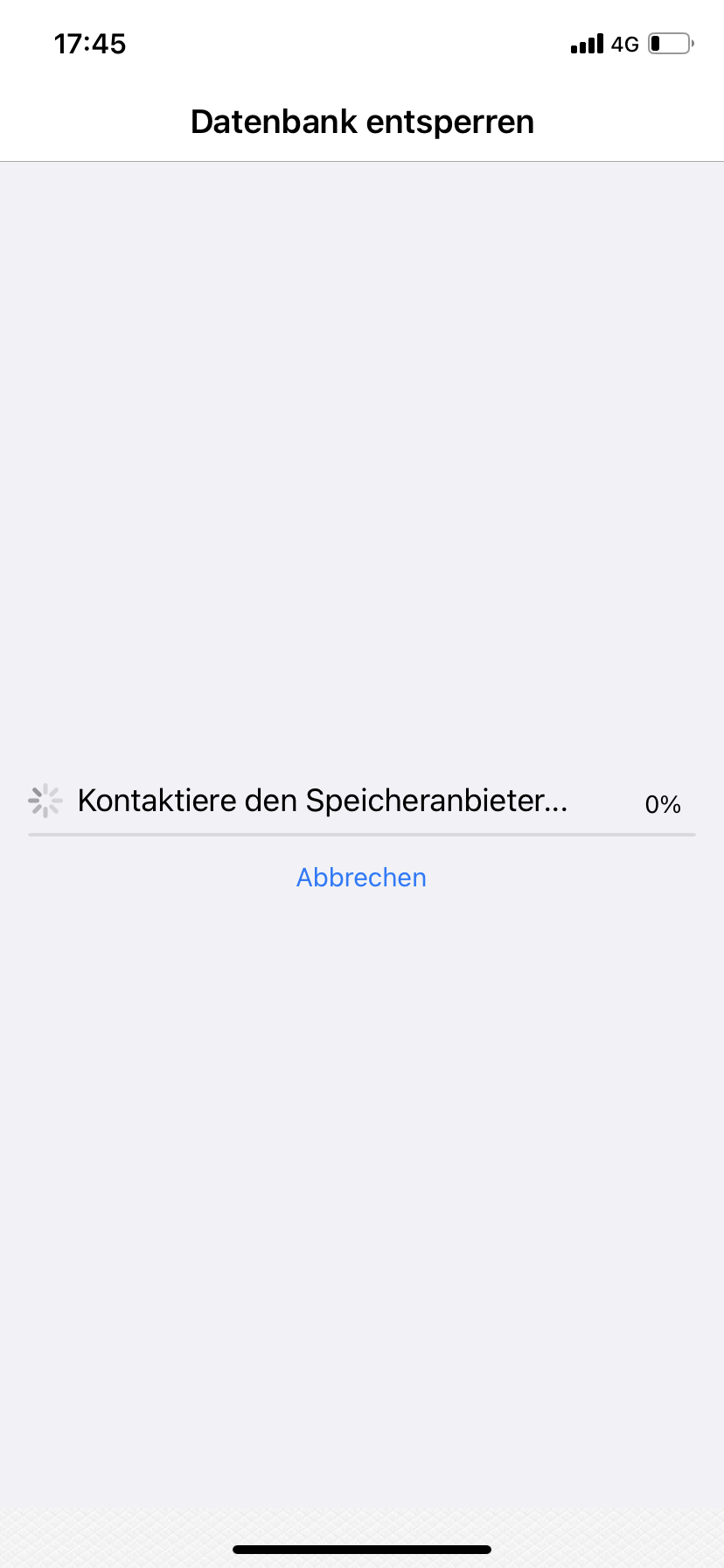
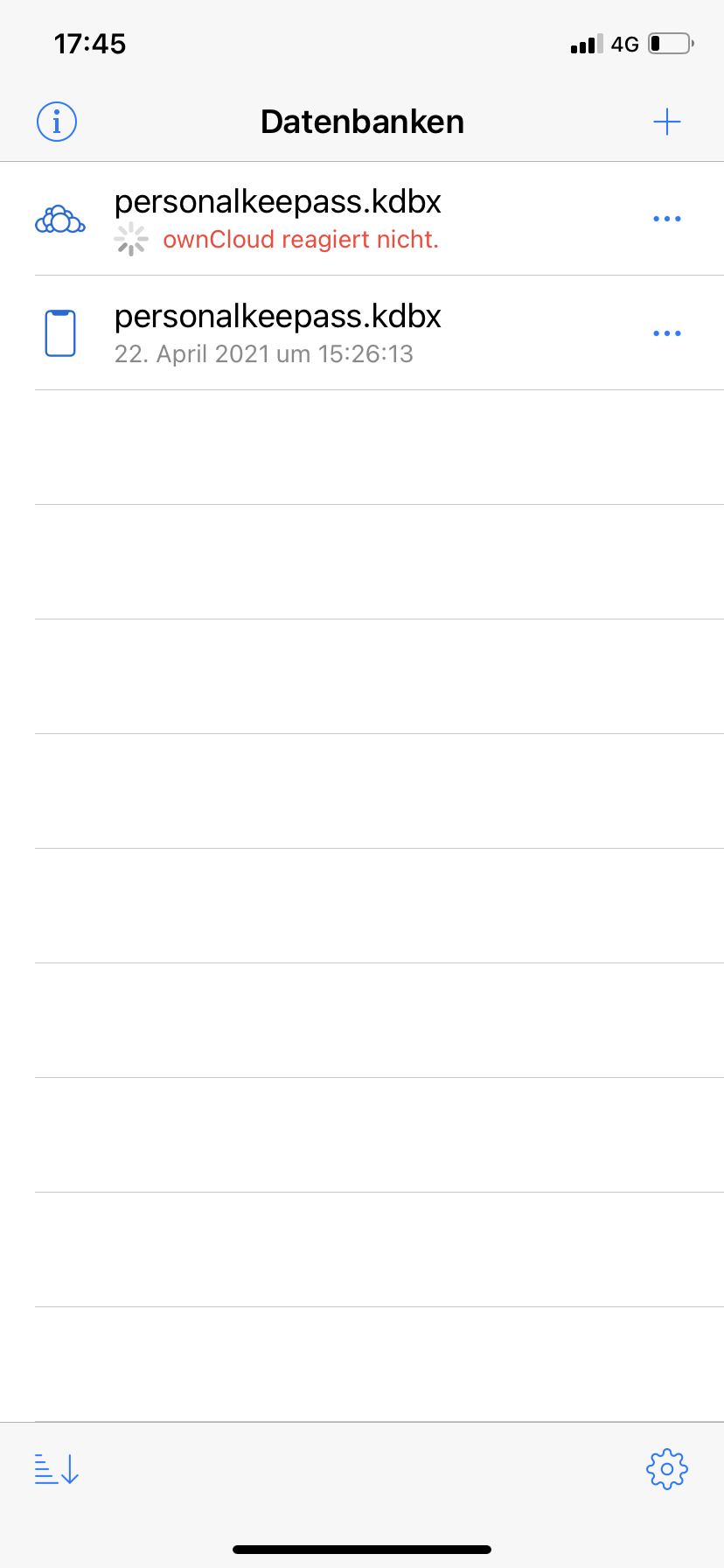
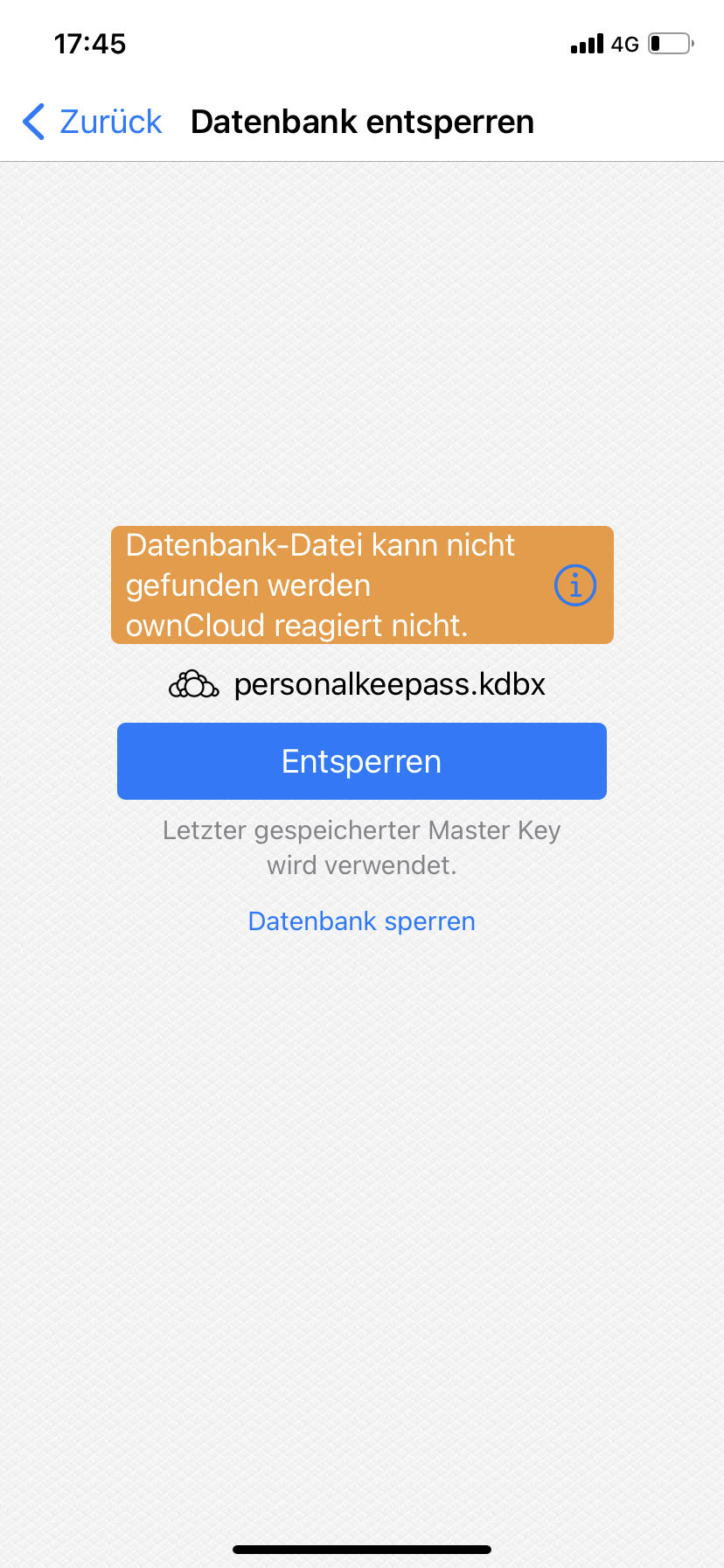
Some screenshots from Keepassium when I tried to open the database file "personalkeepass" (which is marked as offline in the owncloud app):
-
Keepassium Loading: try to get the file from the file provider (here: owncloud)
-
Keepassium - Owncloud not responding:
-
Keepassium - after some timeout, Keepassium failed to load file because of file provider (Owncloud) was not responding:
Also I tried to open my owncloud account in the Owncloud iOS app, but it did not respond:
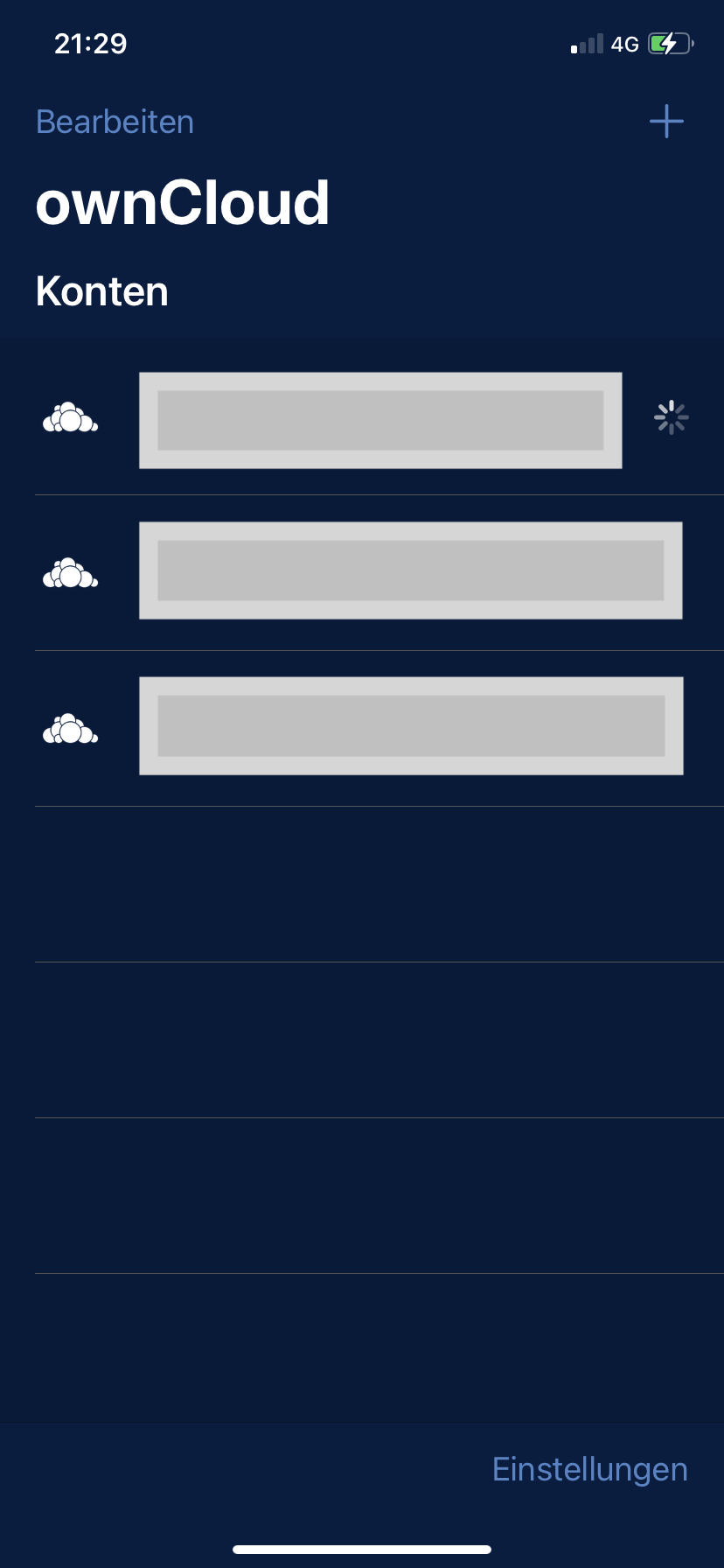
I can reproduce it by first disabling WIFI on my iPhone and then stopping the owncloud task (via iOS task manager), while leaving the mobile network (3G or 4G) enabled (WIFI is needed in my setup to be connected to my private owncloud installation). If I then try to open my owncloud account in the owncloud iOS app, or open the file in Keepassium, it's the same issue: the account is not opened in the owncloud app but the loading indicator is displayed, and if I try to open the file in Keepassium at the same time it fails. After some timeout (I think it's ~30-60 seconds) the view opens, and the file is again also available in Keepassium.
I think the problem is the owncloud app initially (i.e. after restarting the app) always first tries to access the owncloud backend before giving access to files that are already marked as offline. This is not what I would expect: for offline files I would expect that I can access the current state of the file always and without any delay, especially if my device is not connected to the owncloud backend.
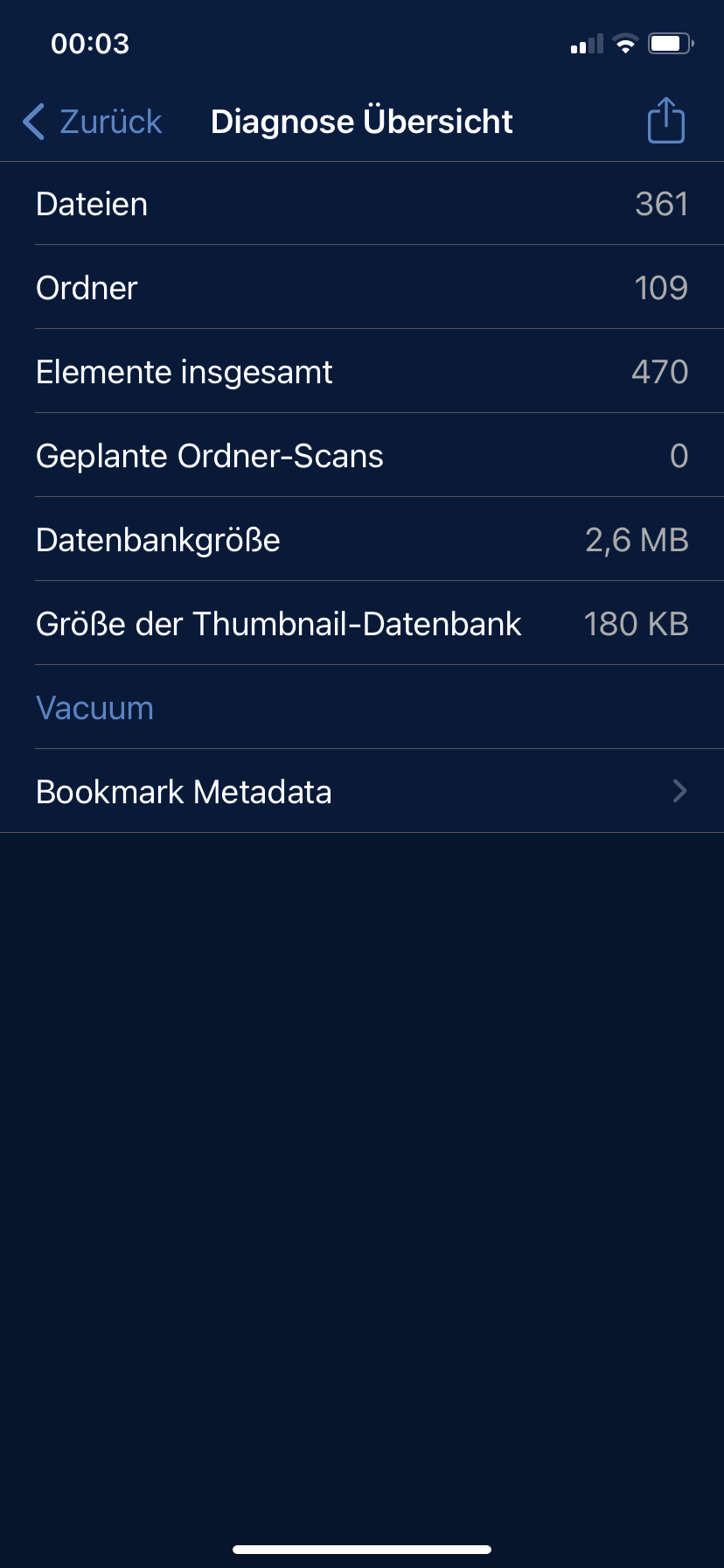
Please go to Settings page and enable Diagnostic. Then go to the Accounts page and swipe-left the account with the Problem. Tap Manage, and on the next screen, tap Diagnostic Overview. Please post a screenshot of the Diagnostic Overview page.