

 owncloud
Nautilus integration on Rocky Linux is missing in AppImage
Pre-submission Checks
- [X] I checked for similar issues, but could not find any. I also checked the closed issues. I could not contribute additional information to any existing issue.
- [X] I will take the time to fill in all the required fields. I know that the bug report may be dismissed otherwise due to lack of information.
Describe the bug
Using the AppImage via Rocky Linux 9 on VirtualBox VM: damkencloud-2.11.1.8547.AppImage
- no overlays are displayed
- ownCloud submenu isn't present
Expected behavior
Overlays are displayed ownCloud submenu is available
Steps to reproduce the issue
Using the AppImage via Rocky Linux 9 on VirtualBox VM: damkencloud-2.11.1.8547.AppImage
Client version number
damkencloud Version: 2.11.1 (build 8547)
Additional context
Workaround:
- Install the damkencloud-client-overlays-icons-2.11.1-8547.x86_64.rpm from Fedora 36 or CentOS7
- Close all instances and reboot the machine
Use the following command to run the application:
env QT_QPA_PLATFORM=wayland ./damkencloud-2.11.1.8547.AppImage -s
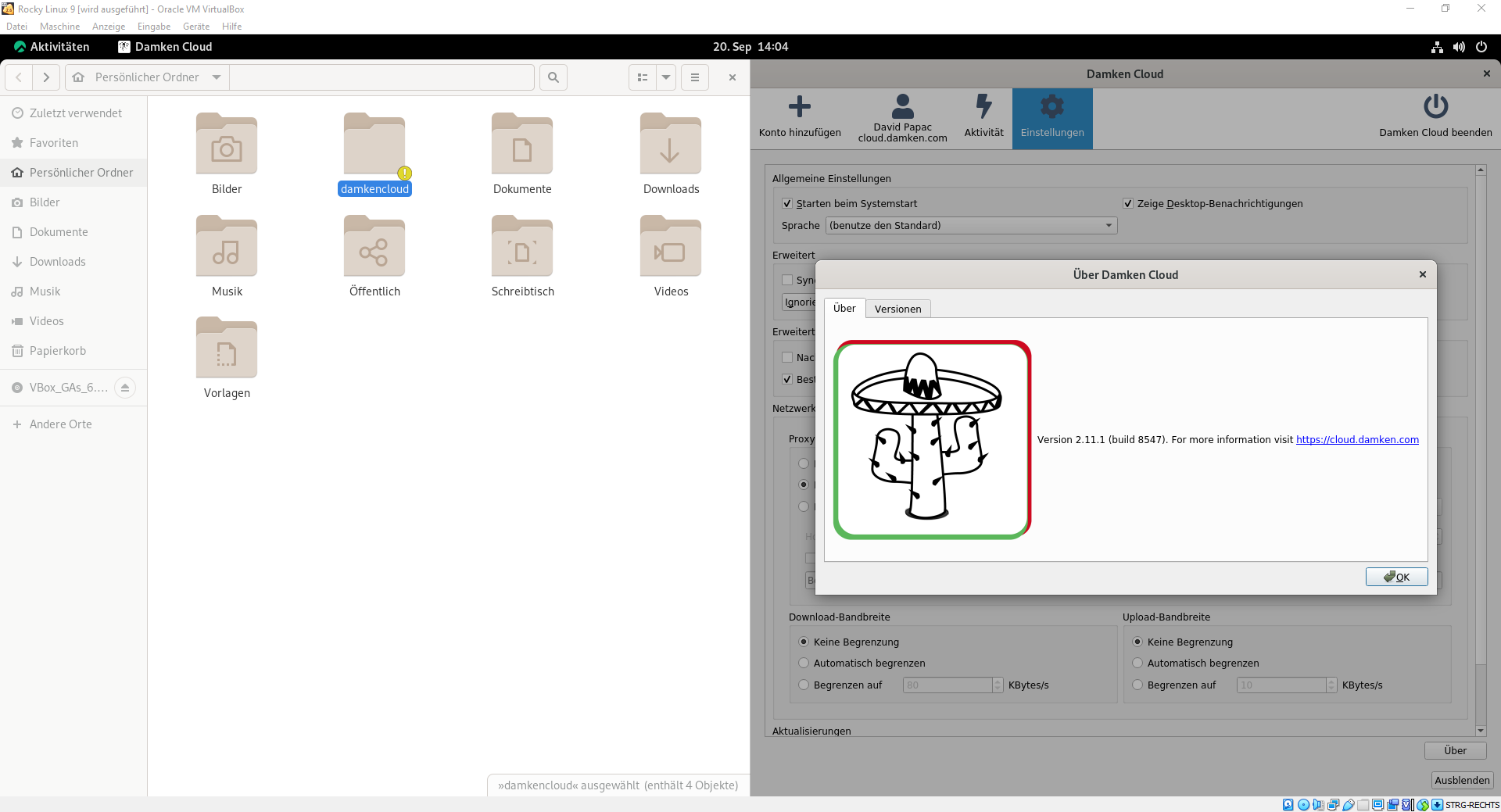
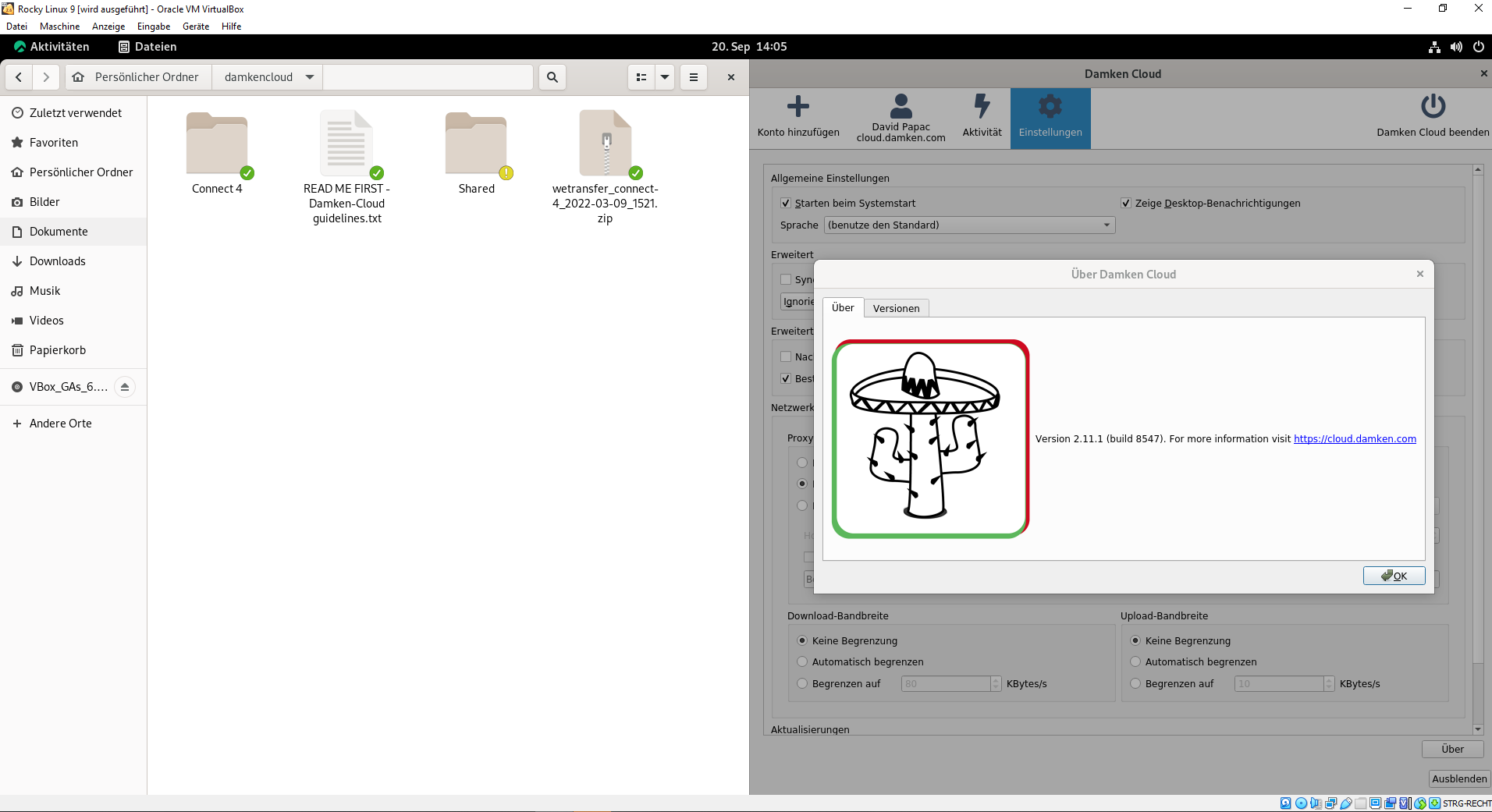
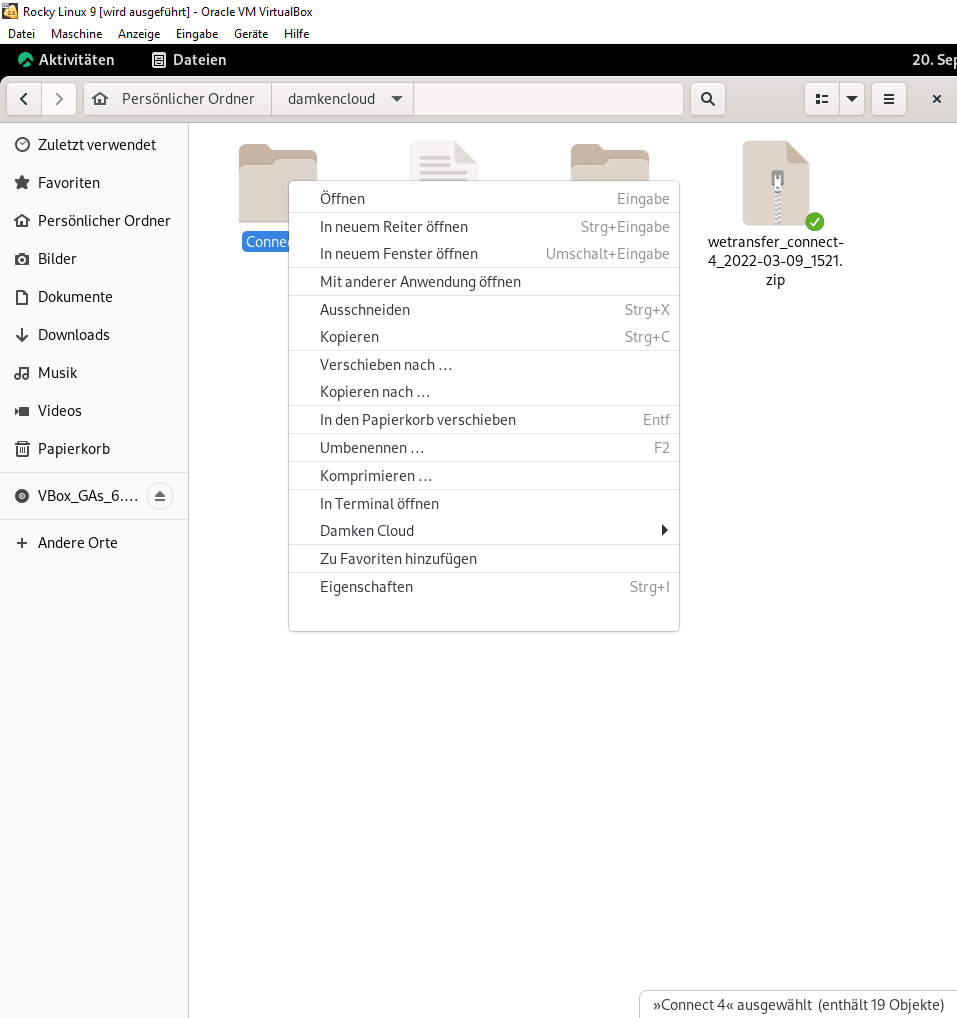
It works.

The filebrowser extension is not part of the appImage and needs to be installed from either our repos or from your distribution.

You can find the AppImage docs here: https://doc.owncloud.com/desktop/2.11/installing.html#appimage

This issue was marked stale because it has been open for 30 days with no activity. Remove the stale label or comment or this will be closed in 7 days.
![github-actions[bot] avatar](https://avatars.githubusercontent.com/in/15368?v=4 "Published by a pub.dev verified publisher")
The issue was marked as stale for 7 days and closed automatically.