
manager

manager copied to clipboard
 ovh
ovh
Progressbar alert on domain operations screen
Describe the bug The screen "Track domain transfer" doesn't work and displays an alert "An error has occurred retrieving information (The requested object (progressbar) does not exist)"
To Reproduce Steps to reproduce the behavior:
- Go to https://www.ovh.com/manager/web/#/configuration/domains_operations
- Click on the action menu of an incoming transfer and then "Track transfer"
- See error
Expected behavior See the transfer status of the incoming domain.
Screenshots
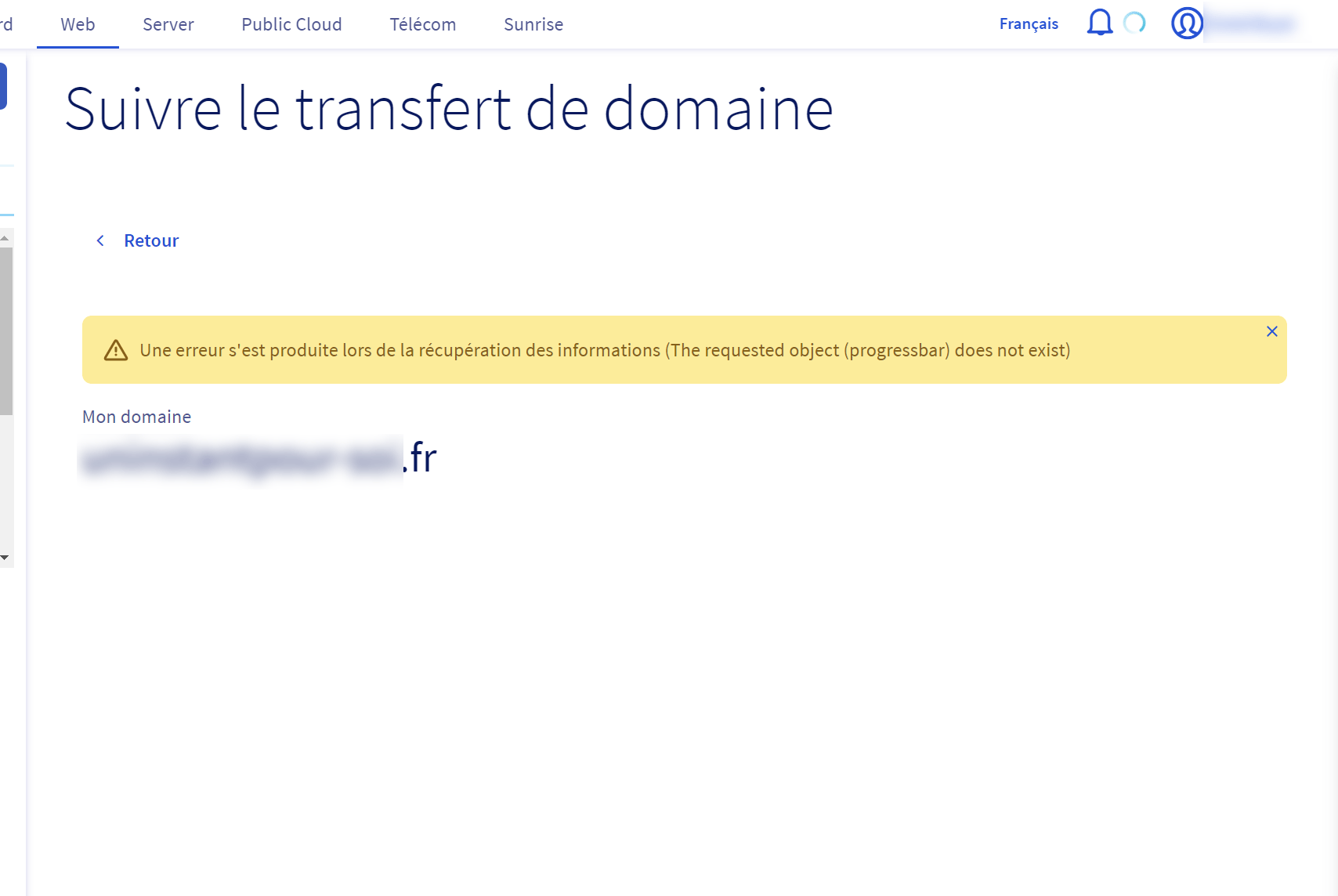 URL: https://www.ovh.com/manager/web/#/configuration/domain_operation/progress/325101434
Desktop (please complete the following information):
OS: Windows 10 Browser: Chrome Version: 84

Same problem here : https://www.ovh.com/manager/web/#/configuration/domain_operation/progress/325711365

