

 ottomated
[BUG REPORT] Can't hear some of my friends and they can't hear me, but everyone else can hear eachother
You MUST use this template or your issue will be deleted.
Pre-Flight Checklist
Please use this checklist to avoid spamming:
- [x] I am not asking a question => use the Discord if you are
- [x] I am using the Steam version of Among Us
- [x] I have tried to use an alternative voice server
- [x] I have checked everyone in my lobby is on the same CrewLink server
- [x] I have used
Ctrl+Ron the CrewLink app when I can't hear some people (this is a known issue) - [x] I have checked that the CrewLink server I'm using is up to date
- [x] I have a screenshot of any errors
- [x] I have checked that someone else has not reported this using the search bar
Describe the bug
I tried to play with my friends, but I can't hear two of them. They can't hear me either, but they can hear each other and everyone else can hear them just fine. It's always me and the same two people, even on different days. We have tried pretty much everything we can think of, we have been refreshing, we have tried different servers, tried to see if there was something wrong with our settings... Nothing helps. It seems like I'm the problem here since, but I have no idea how or why. We did notice that me and one of the friends I couldn't hear found the same error message when we opened the DevTools of CrewLink, I have a picture of it attached here. I honestly have no idea what it means though, I have zero experience with these things, but me and my group of friends have been trying to figure this out for a while now and thought that maybe someone here could give us a better explanation.
To Reproduce Steps to reproduce the behaviour:
- Open Among Us through CrewLink
- Join the lobby
- Talk
Expected behaviour Everyone to hear me properly
Screenshots
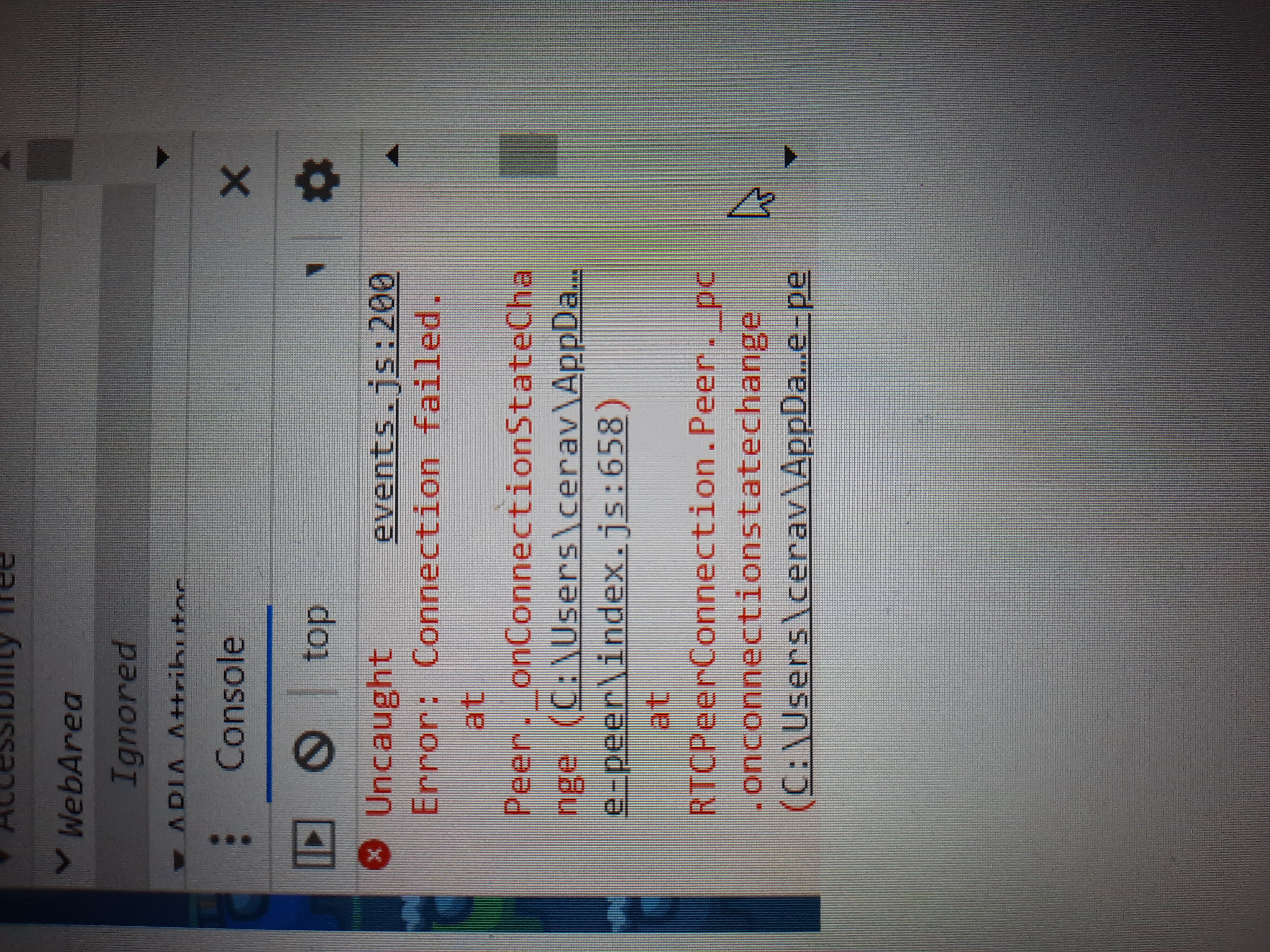
Desktop (please complete the following information):
- OS: Windows 10
Additional context


I think I had the same issue. I could only hear 2 of my friends and they could hear me back, while everyone else could hear each other, except for me. It was the same 2 people every time.
One of my friends tried hosting a server and when I was not connected to it, there were 5 people connected to the server. When I connected to the server, it kept changing between 5 and 6 people. That was odd.
The solution for me was to use another internet which was better and more stable. Then I could hear all of my friends and they could hear me. I don't know if this will work for you, but it could be worth a shoot to try it out.

Would issue #450 be related to this? It might be an issue with how ISPs let data through their firewalls...
Is the crewl.ink server a full relay and transmits data between clients (much like Discord or Zoom) or is it more like a P2P relay that tells the client where to send the data?

So idk where to post this in here specifically but i think theres a solution to this to be found in an individual volume mixer. One of our players had this issue and after a bit we realized that they couldnt be heard by two members not because they weren’t there but because they were incredibly quiet to ONLY those two people. Im of course no expert but its what we noticed in our games

have this exact issue, ending up getting connection failed messages in the console. What's weird is that this happens even if I connect a VPN, ruling out NAT issues and ISP interference. Seems to be a bunch of issues around this topic, #54 is the only one that's been closed and has the tag wontfix. I believe this goes past NAT as VPNs don't seem to fix this outright.
Just tried to troubleshoot this and ended up getting banned. Neat. Thankfully I just bought gamepass but if anyone wants to try working this out then feel free.
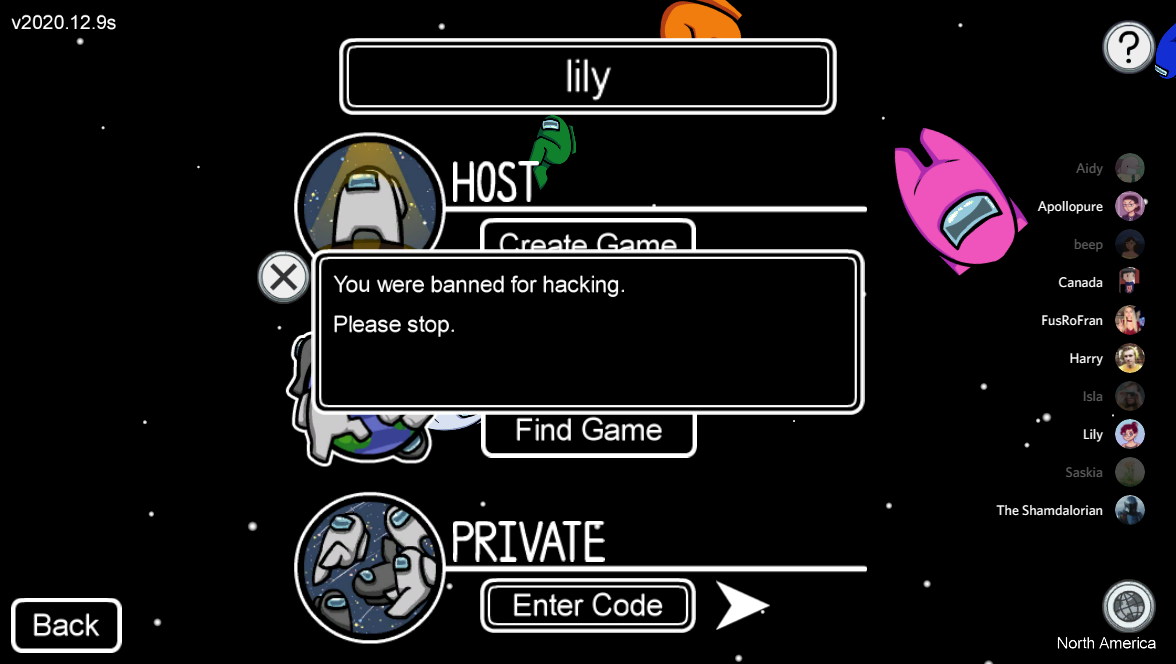
The console errors in particular are worrying as everything seems to connect ok outside of WebRTC; connections are made using the voice server, however it doesn't seem to allow for voice connections. Someone smarter than me should check this out.

