

 otfried
Document control point snapping in manual
System: Windows 11 Pro Ipe version: 7.2.29
Not sure if this falls under bugs or feature requests, in any case I'd expect that images would behave simply as rectangles as long as we're concerned about snapping. Currently they seem to be ignored completely.

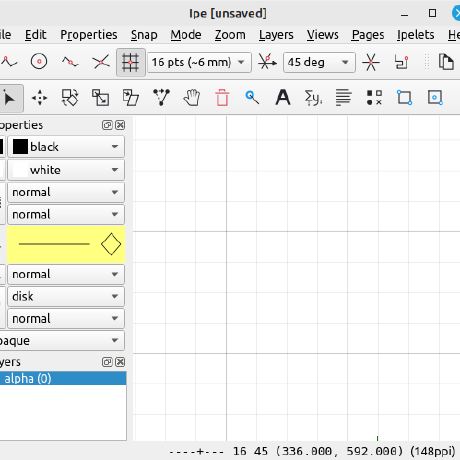
Vertex snapping is only for visible vertices of features. The corners of images count as control points, same as circle centers or segment midpoints. It's the second snap button, with default shortcut Shift+F4.
I need to update the manual.
I see, thanks! However, it would still be great to have also the boundary and intersection snapping available for images.
Ipelets -> Goodies -> Insert bounding box will create a rectangle that you can use for this purpose. Images are not geometric objects, typically their background is transparent and the boundary is meaningless.
Ok, I see, thanks. Just for your information, the use case here was demonstrating linear transformations for students, where things like this would be useful, but I understand that this is a rather rare case.
If you want an "image with boundary", you can just create the bounding box as I said above, and then group it together with the image - the resulting object will behave exactly as you ask.