

 otfried
feature request: split or mask a curve
It occurs quite often that one needs to draw different parts of a complicated shape with different styles (e.g. if two curves intersect at a point and one wants the two parts before and after the intersection to have different width/color etc.). as far as i know there is no way to do this properly in Ipe. Possibility to split/break a curve at any given point such that the two sub-curves look exactly as before would be a best solution. but also hiding (masking) parts of a curve would be a possible workaround, where one creates multiple copies of the same curve with different styles and hide the appropriate parts of the two curves.

Both are already possible:
You can clip any object by making it a group (Ctrl+G), then using "Add clipping path"
The "Edit path" tool has options to cut a curve at any point.
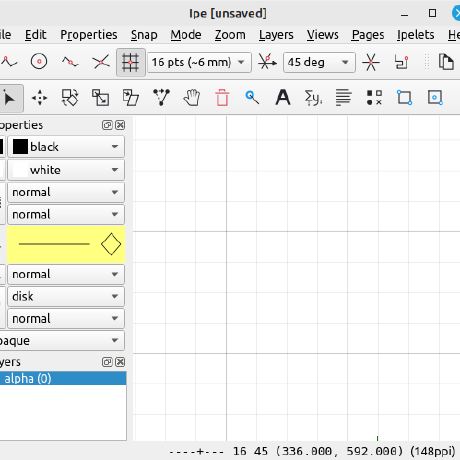
Thanks, I missed those. And even with your pointers it was not easy to find them:
-
actually "Edit path" tool is not mentioned in the manual, although i've found it in the context menu. still i did not find a way to cut at any point until i've by luck converted the spline to a bezier curve and then i've noticed that one can add a new vertex anywhere and cut there. it's really a revelation, but i guess should be detailed more in the manual.
-
the 'add clipping path' works but it seems that when editing a group and then ending editing, the clipping path is removed. also i do not see any way to edit the clipping path after making it a clipping path. perhaps it should be visible on a special layer when editing the group.
It's no secret that the manual needs a lot of work...
-
Converting your spline to Beziers is a drastic step, it makes it much harder to modify it in the future. Unfortunately it's simply not possible to cut the splines at arbitrary points. For B-splines (the default spline format), the trick is to insert knots around the point where you want to cut, leaving you with a single Bezier curve that can be cut at any position.
-
Putting the clipping path in a separate layer during group edit is a good idea.
- This is another nice trick that one can essentially convert only a part of a spline into a bezier curve. Thanks
Come to think of it, a function to cut a B-spline at any point would also be good. It would insert the knots around the cut point and then cut the Bezier curve.